
用 GPT Image 2.5 製作定格動畫

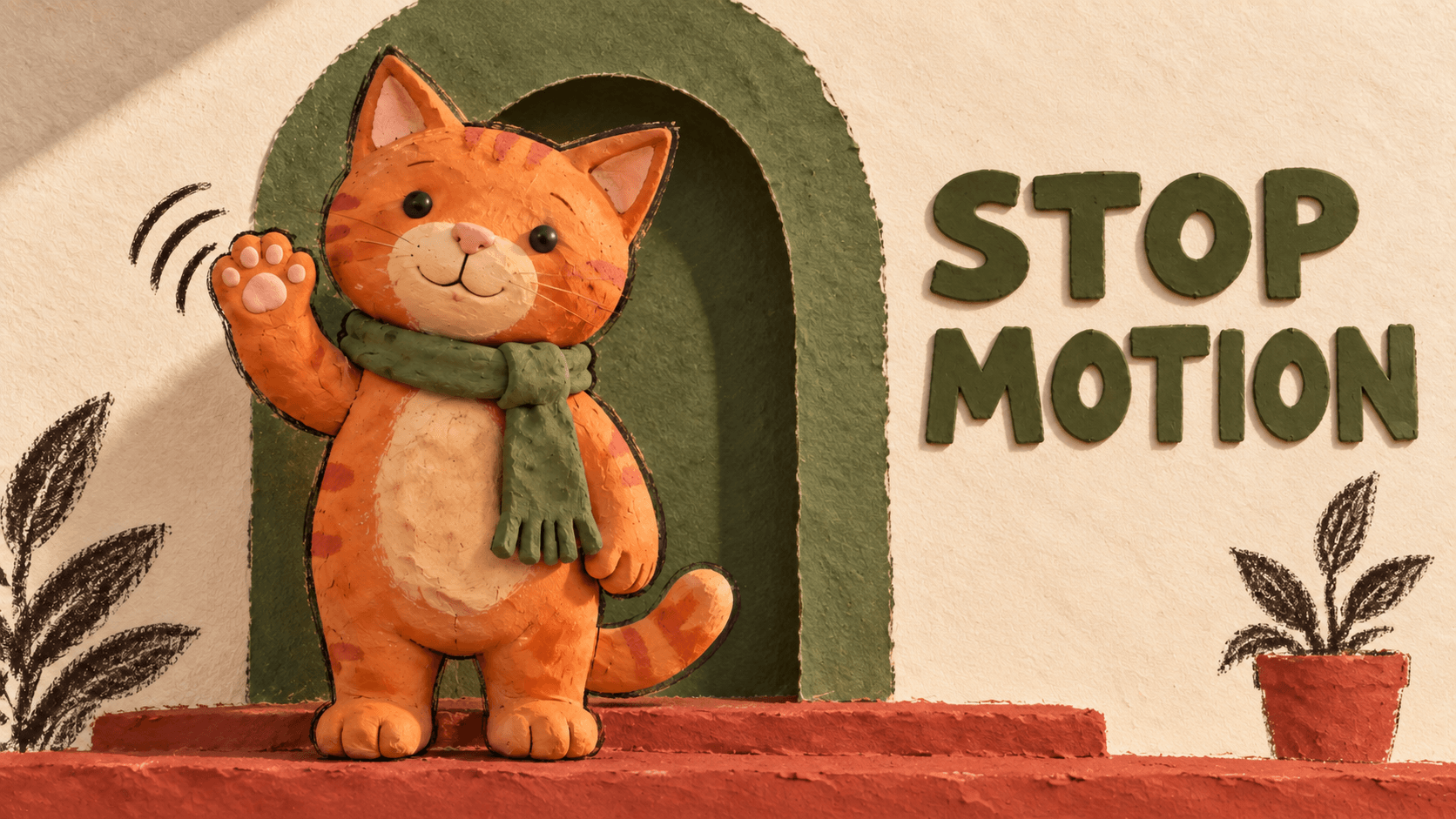
用 GPT Image 2.5 製作定格動畫時,先生成角色參考圖與一張包含連續姿勢的 4×4 分鏡圖,再拆成 16 幀,以一致的構圖和時間設定組成循環 GIF。
這個範例中的橘色黏土貓會抬起一隻前爪、揮手,再放下。黏土質感與迷你場景營造出手作感;雙腳和身體保持不動,動作集中在前爪。
使用下方的完整提示詞規劃動作順序,再依照匯出步驟,將圖片組成可以儲存、分享的 GIF。

將生成的影格組成 512×512 GIF:共 16 幀,每幀 100 毫秒,總長 1.6 秒,無限循環。
設定圖片與 GIF 製作流程
開啟 DomoAI 的**多模型圖片生成與圖片編輯工具**,選擇 GPT Image 2.5,將解析度設為 2K,長寬比設為 1:1。
調整姿勢與分鏡圖時,可透過 **符合資格的 DomoAI 方案**使用 Relax Mode。GPT Image 2.5 在 2K、輸入 0 至 9 張圖片時支援此模式,符合條件的重試不消耗 credits,但排隊時間可能比 Fast Mode 更長。若要使用 4K 或輸入 10 張以上圖片,請使用會消耗 credits 的 Fast Mode。
輸入上限計算的是上傳圖片的張數。包含 16 格的分鏡圖仍是一張輸出圖片。
圖片模型負責產生靜態圖片。本教學使用 Ezgif 拆分圖片並組成動畫,整個流程可在瀏覽器中完成。
本範例的目標是16 幀、每幀 100 毫秒,在 512×512 畫布上形成 1.6 秒的循環。這些設定適用於此範例,也可以依其他動作調整。
短循環很適合作為第一個 AI 動畫專案(英文):只處理一個主體、固定鏡頭和一個需要檢查的動作。
讓角色只做一個明確動作
生成 Image 1 前,先決定材質、場景與動作。橘貓範例使用霧面黏土、溫暖光線,以及位於赤陶色台階上方的橄欖綠拱門。
將範例內容填入模板的六個欄位,也可以換成自己的設定。主參考圖和分鏡圖都會重複使用這六個欄位:
以下為可複製的英文生成提示詞,保留原文以便直接使用。
Idea: An original orange clay cat gives one friendly wave.
Style: Handcrafted clay stop-motion look, matte clay, subtle sculpted texture,
warm soft lighting, and a handmade miniature doorway set.
References: [Upload your character reference, or use none.]
Preserve the orange tabby stripes, round head, triangular pink inner ears,
black bead eyes, pink nose, cream muzzle and belly, and curled striped tail.
Keep the olive-green clay scarf, its knot, and its long fringed end.
Action: Keep both feet planted. Raise the right paw on the viewer's left,
make one small side-to-side wave, then gradually lower it.
Keep the torso, left paw, tail, and scarf still.
Text: none
Background: Olive-green arched doorway, cream textured wall, terracotta step,
and the same drawn plants and right-side plant pot. Keep the set and shadows fixed.
Use a locked front-facing camera, full-body square framing, and space around the paw.
For Image 1, lower both forepaws beside the body and remove drawn motion marks.若想嘗試不同外觀,請在**圖片提示詞中描述材質與光線**。即使動作相同,毛氈、剪紙和黏土也需要不同的表面細節。
若已有角色參考圖,請在生成開場姿勢時上傳。確認新圖符合角色參考後,再進行下一步。
第一個動作先從小範圍開始。揮手主要只改變一隻肢體;走路還涉及雙腳交替接觸地面及重心轉移,因此更容易出現身體滑動。
複製完整的 16 幀提示詞
替換這份完整流程模板中的六個欄位。在 DomoAI 中,請依照下文分別提交各個圖片生成段落;GIF 組合步驟則在 Ezgif 中完成。
單一角色的 16 幀循環
以下為可複製的英文生成提示詞,保留原文以便直接使用。
Use GPT Image 2.5 to turn this idea into a smooth, seamlessly looping GIF.

Idea: [your idea]
Style: [visual style]
References: [uploaded references and details to preserve, or none]
Action: [the main looping action]
Text: [exact text, or none]
Background: [background]

1. CREATE IMAGE 1
Generate one square master reference showing the subject in its opening pose. Preserve the specified identity, proportions, materials, colors, and distinctive details. Leave enough space for the complete action. Create one still image, not a collage.

2. PLAN ONE CONTINUOUS MOTION
Based on Image 1, describe 16 consecutive poses forming one complete loop.

Keep the action simple enough for 16 frames. Allocate frames according to how much movement occurs, reserving enough frames for a gradual recovery. Simplify secondary actions if necessary.

Each pose must develop naturally from the previous one. Explicitly describe moving parts, direction, contact points, and weight transfer. Use small, connected changes in position and angle. Avoid sudden pose changes, unexplained movement, or an abrupt reset.

Use smooth acceleration and deceleration for character actions, or constant angular speed for a continuous rotation.

Frame 16 must lead naturally into frame 1 as the next motion step, without an extra duplicate endpoint.

3. GENERATE THE FRAMES
Use Image 1 as the authoritative reference. Generate one square 4×4 sprite sheet containing exactly 16 equal square cells, ordered left to right, top to bottom.

Treat the frames as consecutive samples of ONE motion, not separate illustrations. Continue smoothly across row boundaries: 04→05, 08→09, and 12→13. Do not restart the action at each row.

Keep identity, proportions, appearance, style, subject scale, camera, lighting, and background consistent. Preserve stationary anchors while allowing the intended movement. Accessories and surface details must move with the subject.

Leave safe whitespace inside every cell. Keep all content within its own cell. No grid lines, borders, or frame numbers.

If text is specified, include the exact same text in every frame with consistent typography, size, color, and position.

4. CREATE THE GIF
Split the sheet into 16 square frames. Trim excess whitespace using ONE shared crop that contains the entire motion. Do not independently recenter or resize frames.

Combine them into a 512×512 animated GIF: 100 milliseconds per frame, 1.6 seconds total, infinite looping, and consistent colors.

5. CHECK AND DELIVER
Check every adjacent-frame transition, especially row boundaries, recovery poses, and frame 16→01. Repair sudden jumps, unstable geometry, sliding contact points, flicker, or cropping.

Deliver Image 1, the sprite sheet, and the completed animated GIF. Do not stop at the sprite sheet or present a still image as a finished GIF.
生成主參考圖
將填好的六個欄位與完整的 **1. CREATE IMAGE 1(建立 Image 1)**段落貼入圖片提示詞。生成方形主參考圖後,檢查臉部、材質、圍巾和開場姿勢,並為前爪的完整動作預留足夠空間。
將確認好的結果儲存為 Image 1,作為分鏡圖與後續修正的角色參考。

Image 1:將提供的貓咪調整為方形開場構圖。保留條紋、奶油色腹部、流蘇圍巾與門口場景。
先規劃揮手動作,再生成分鏡圖
為前爪放下的過程分配足夠時間。最後一個姿勢應接近開場姿勢,讓下一輪動作銜接自然。
貓咪揮手可使用下列姿勢規劃。若選擇其他動作,請先重新寫好 16 個姿勢再生成:
| 影格 | 右前爪動作 |
|---|---|
| 01 | 自然垂在身體旁 |
| 02 | 稍微抬起,離開身體 |
| 03 | 抬到軀幹下半部前方 |
| 04 | 到達胸部下方 |
| 05 | 向肩膀方向抬起 |
| 06 | 到達臉旁的揮手位置 |
| 07 | 沿小幅弧線向外移動 |
| 08 | 到達最外側並減速 |
| 09 | 沿相同弧線向內移動 |
| 10 | 回到臉旁,開始放下 |
| 11 | 降到揮手位置下方 |
| 12 | 向下經過肩膀 |
| 13 | 經過胸前 |
| 14 | 到達軀幹下半部並減速 |
| 15 | 接近自然垂下的位置 |
| 16 | 停留在略高於第 01 幀的位置 |
保持雙腳、身體、鏡頭與地面陰影穩定。為回復動作分配足夠姿勢,讓前爪逐漸回到休息位置。
生成 4×4 分鏡圖
上傳 Image 1,作為下一次生成的參考。保留填好的六個欄位,但將 **References(參考)**改為 Image 1。把這些欄位、**3. GENERATE THE FRAMES(生成影格)**段落與 16 個姿勢規劃合併成一份圖片提示詞。
在提示詞開頭加入以下指令:
以下為可複製的英文生成提示詞,保留原文以便直接使用。
Generate one 4x4 sprite sheet using the attached Image 1 and the following
16-frame pose plan. Create the sheet as one square image.
保持 1:1 與 2K 設定,然後生成分鏡圖。依每一列由左至右查看姿勢,特別檢查 04→05、08→09 與 12→13,確認動作沒有意外重新開始。
若揮手看起來太倉促,先縮小動作幅度或移除次要動作,再生成另一個版本。

依每列由左至右、再由上至下查看 16 個姿勢。前爪會抬起、揮動,再回到原位。
拆分圖片並匯出 GIF
下載原始分鏡圖,裁切前確認有四列、四欄,且每格大小相同。
若無邊框圖片的尺寸為 W×H,每幀便是 W/4×H/4。2048×2048 圖片在裁切前可拆成 512×512 的格子。請檢查下載檔案的實際尺寸;裁切會減少可用像素,再放大至 512×512 也無法恢復失去的細節。
拆分並排列影格
將分鏡圖上傳至 Ezgif 分鏡圖裁切工具,輸入四欄、四列,或對應的單格尺寸。
如果等距排列的格子帶有外邊距或間隔,請調整裁切工具的偏移量和間距。若格子本身大小不一或互相重疊,應先修正生成的版面。逐格分別縮放,可能讓角色在影格之間忽大忽小。
檢查並下載拆出的 16 張圖片。第一次組合時先保留完整方形格子,依序命名為 frame-01.png 至 frame-16.png。
設定每幀停留時間
將影格上傳至 GIF 製作工具。工具預設依檔名字母順序排列,數字前方補零可確保順序正確。
將延遲設為 10。Ezgif 的延遲單位是百分之一秒,因此 10 等於 100 毫秒。選擇無限循環,並關閉交叉淡化,因為此功能會增加中間影格。
生成 GIF 並觀看完整揮手動作,預期長度為 16 × 0.1 秒 = 1.6 秒。
一次裁切整段動畫
選擇方形裁切範圍,涵蓋貓咪及前爪抬到最高、伸到最外側的位置,並在動作周圍保留一些空間。
使用動畫圖片裁切工具,將相同矩形套用到整個 GIF。輸入上方與左側偏移、寬度和高度,或直接畫出方形選取範圍。
這個瀏覽器流程先組合影格,再進行裁切。每一幀都套用同一個矩形,因此符合提示詞中統一裁切範圍的要求。
不要依每一幀當下的角色輪廓重新置中。抬起的前爪會改變輪廓,可能導致整隻貓在影格之間位移。
使用動畫圖片尺寸調整工具,將方形動畫調整為 512×512。若原始格子已能完整呈現動作,就保留完整畫面。

這組圖片的主體已填滿方形,因此範例保留每個完整格子。整個循環都使用相同畫面範圍。
下載 GIF,檢查最終尺寸、時間設定與循環。保留 PNG 影格,方便比對來源圖片與匯出的動畫。
修正破壞循環的銜接
至少觀看三次循環,再逐幀檢查任何跳動。先從三個換列位置,以及 16→01 的銜接開始。

比較第 15、16、01、02 幀,檢查放下前爪及下一次抬起的過程。
| 問題 | 檢查重點 | 下一步 |
|---|---|---|
| 揮手在循環中途重新開始 | 換列位置 | 修正打斷動作的姿勢 |
| 結尾突然跳回開場 | 回復姿勢與 16→01 | 縮小動作幅度或改善回復動作 |
| 整隻貓滑動 | 腳的位置與裁切座標 | 修正來源圖的固定位置,或使用統一裁切範圍 |
| 影格之間顏色閃爍 | 原始 PNG 與 GIF | 判斷變化始於生成還是匯出 |
例如,第 09 幀應從第 08 幀的最外側位置繼續向內移動。若前爪突然回到開場位置,可附上 Image 1 和目前的分鏡圖,嘗試以下修改指令:
以下為可複製的英文生成提示詞,保留原文以便直接使用。
Repair frame 09, the first cell in the third row.
Continue the cat's right paw inward from frame 08's outermost position.
Keep it near face height, with the same arm length and paw shape.
Use Image 1 for identity, clay texture, colors, and the green scarf.
Keep the feet, torso, camera, lighting, and background fixed.
Preserve the other frames and the exact 4x4 layout.
修改後也要檢查其餘格子。如果原本正確的格子也被改動,請單獨修正拆出的影格,再替換回序列。
若反覆生成網格仍會造成角色變形,可嘗試逐張生成有問題的姿勢。附上 Image 1 以維持角色外觀,並用相鄰影格提供動作參考。保持相同畫布、角色大小與雙腳位置,再次檢查銜接。
遇到顏色閃爍時,先比較 PNG 和第一次組合的 GIF。若 PNG 之間已有差異,請以 Image 1 為參考修正受影響的影格。若問題出現在後續裁切或縮放,則從最後一個正常匯出檔重新執行該步驟。排查匯出問題時,保持來源影格不變。
定格動畫 GIF 常見問題
GPT Image 2.5 本身會生成 GIF 嗎?
GPT Image 2.5 負責生成與編輯靜態圖片,詳見 OpenAI 模型文件。本教學在 DomoAI 製作參考圖與分鏡圖,再使用 Ezgif 組成動畫檔案。
可以使用自己的角色嗎?
可以。上傳參考圖,替換範例的外觀、風格與動作欄位;先確認 Image 1,再生成序列,並用它檢查後續姿勢。
第 16 幀一定要與第 1 幀完全相同嗎?
不需要。第 16 幀應自然銜接到第 1 幀的下一步動作;多加一張重複影格可能造成停頓,卻無法解決原本的跳動問題。
可以更改影格數或速度嗎?
可以,請同步調整姿勢規劃、網格和時間設定。每幀 100 毫秒時,16 幀共 1.6 秒;縮短延遲只會改變播放速度,無法修正缺少或不正確的姿勢。
將主參考圖、分鏡圖、影格、GIF 和填好的提示詞,儲存為一組**可重複使用的角色素材**。先從一個小動作開始,確認回復動作,再沿用已確認的參考圖製作下一個循環。