Add the Right Context
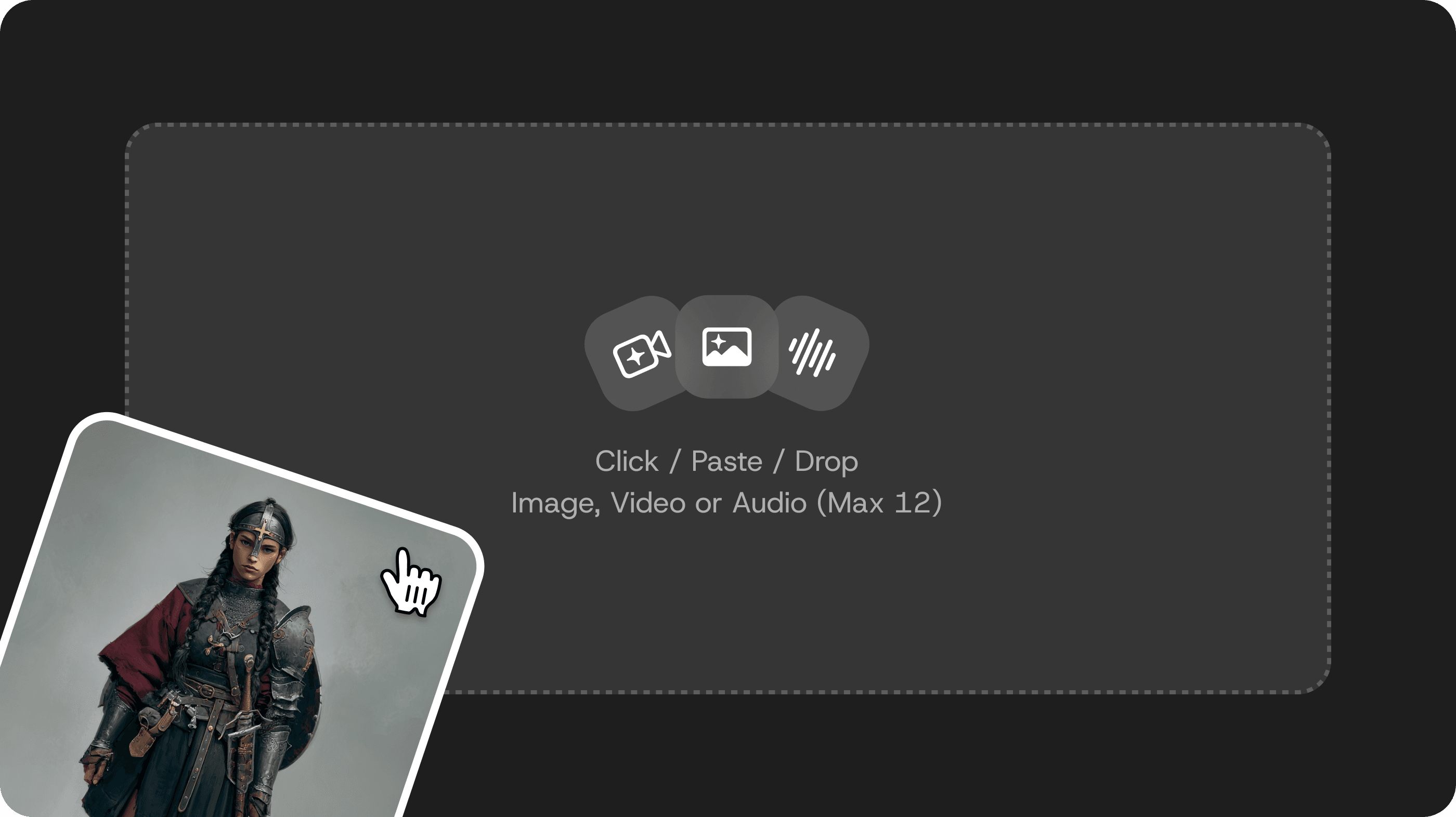
Start with a prompt. Add supported image, video, or audio references only when they help define the clip. Explain what you want each reference to guide.
Create up to 15-second 2K videos with native stereo audio using MiniMax H3. Guide each shot with text plus image, video, and audio context. Direct motion, sound, scene changes, and edits in natural language.
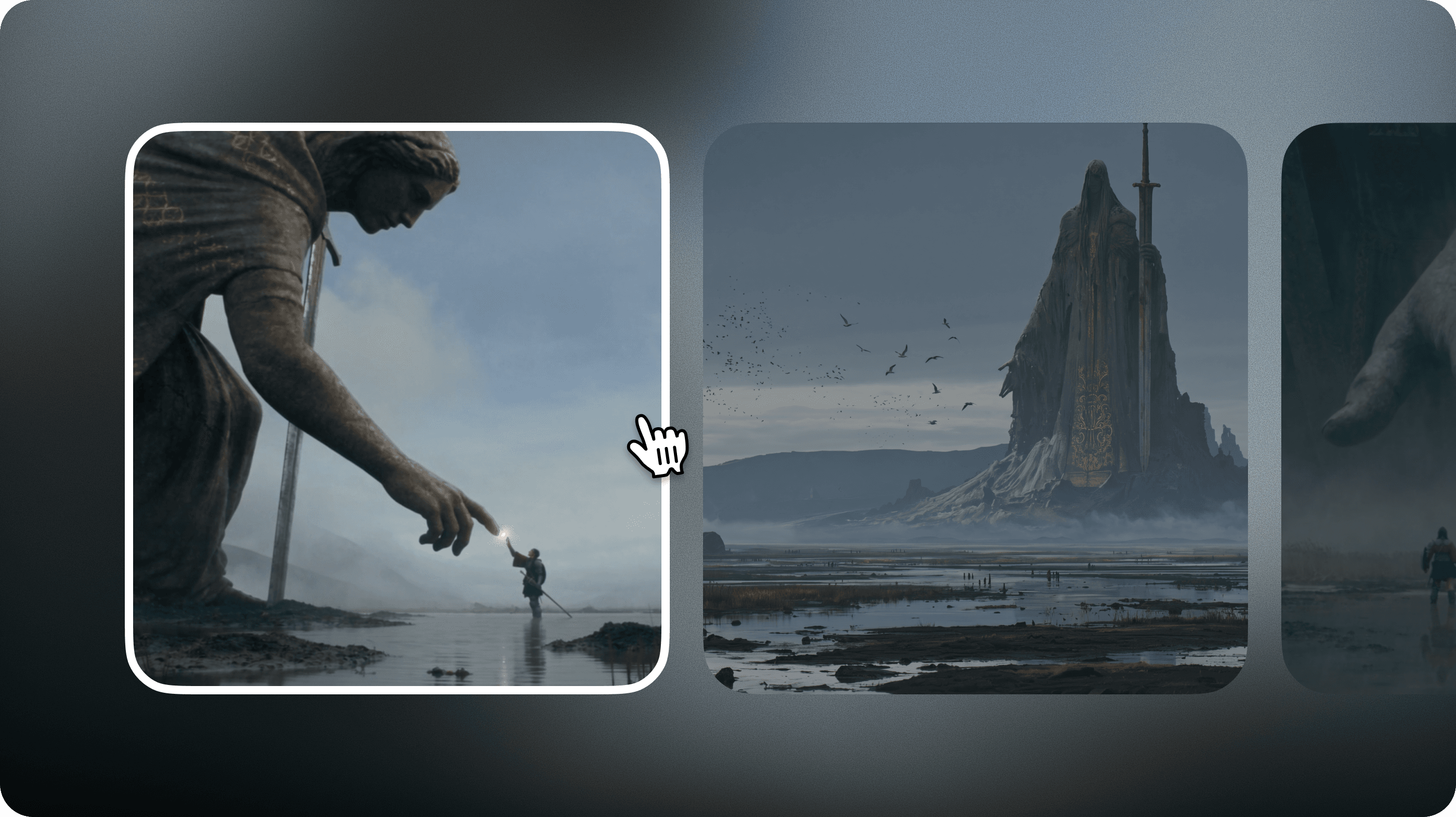
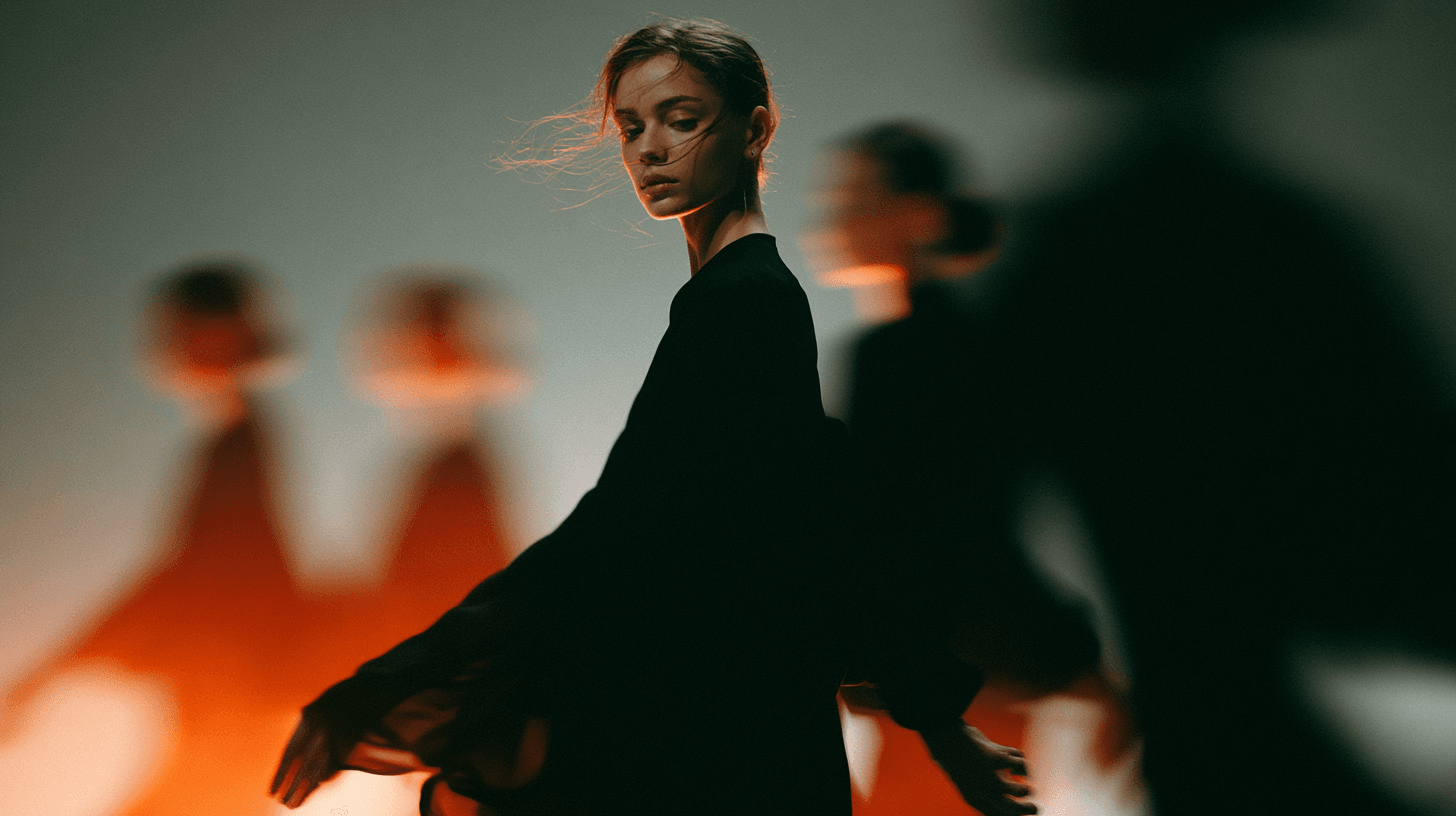
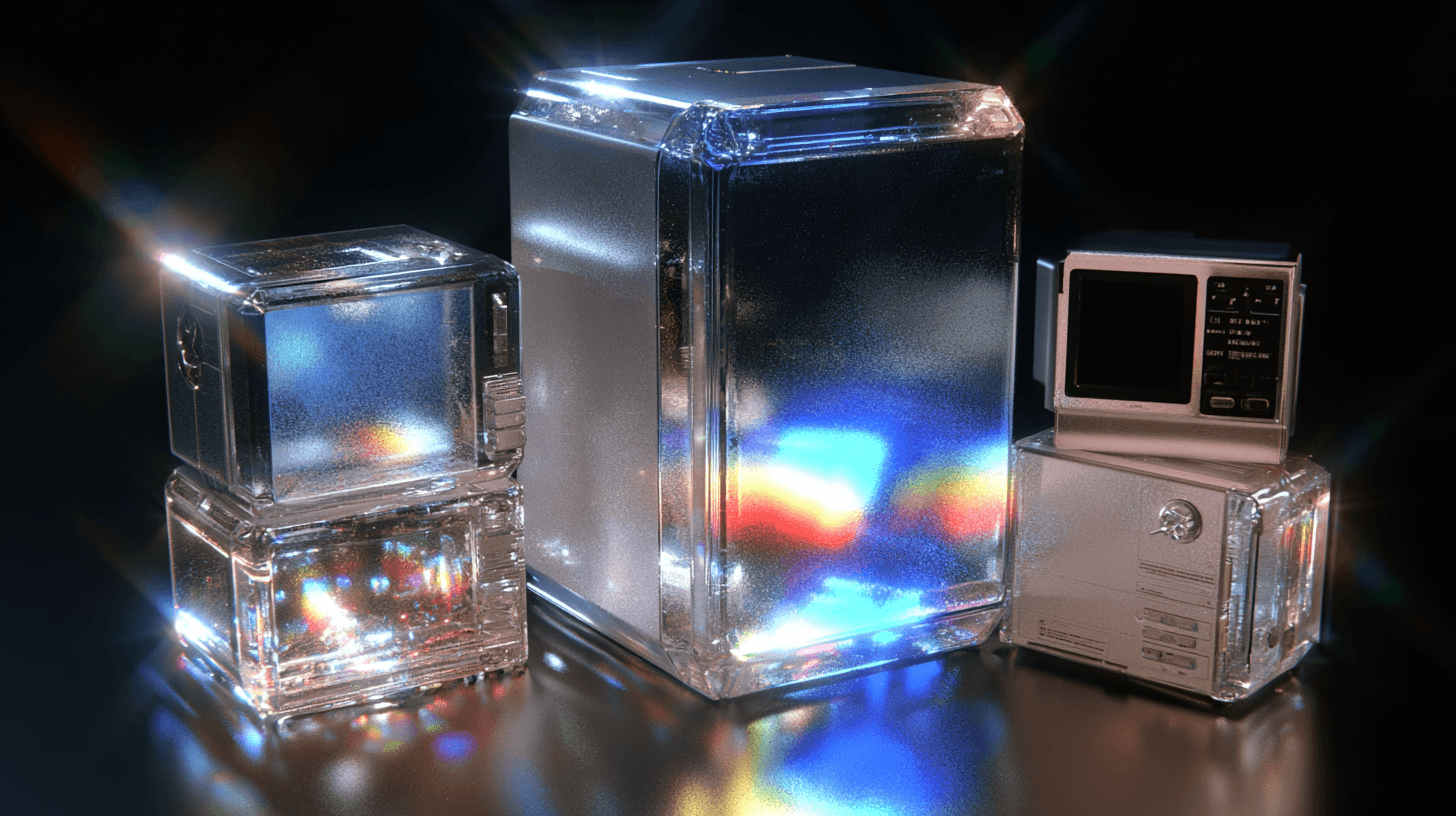
Use the gallery to plan reference inputs, camera direction, and shot structure before generation.
Start with one short clip, add only the references it needs, then generate and compare results in Omni Reference.

Start with a prompt. Add supported image, video, or audio references only when they help define the clip. Explain what you want each reference to guide.

Describe the visual style, subject, setting, main action, camera movement, and desired ending. Keep one main action per short clip.

Generate a few versions. Change one prompt detail or reference at a time, then compare the motion, framing, and overall fit.

Choose one MiniMax H3 workflow. Omni Reference supports up to 9 images plus 3 video/audio files total . Frames to Video uses dedicated Start Frame and End Frame slots. A prompt is required, and the workflows cannot be combined.
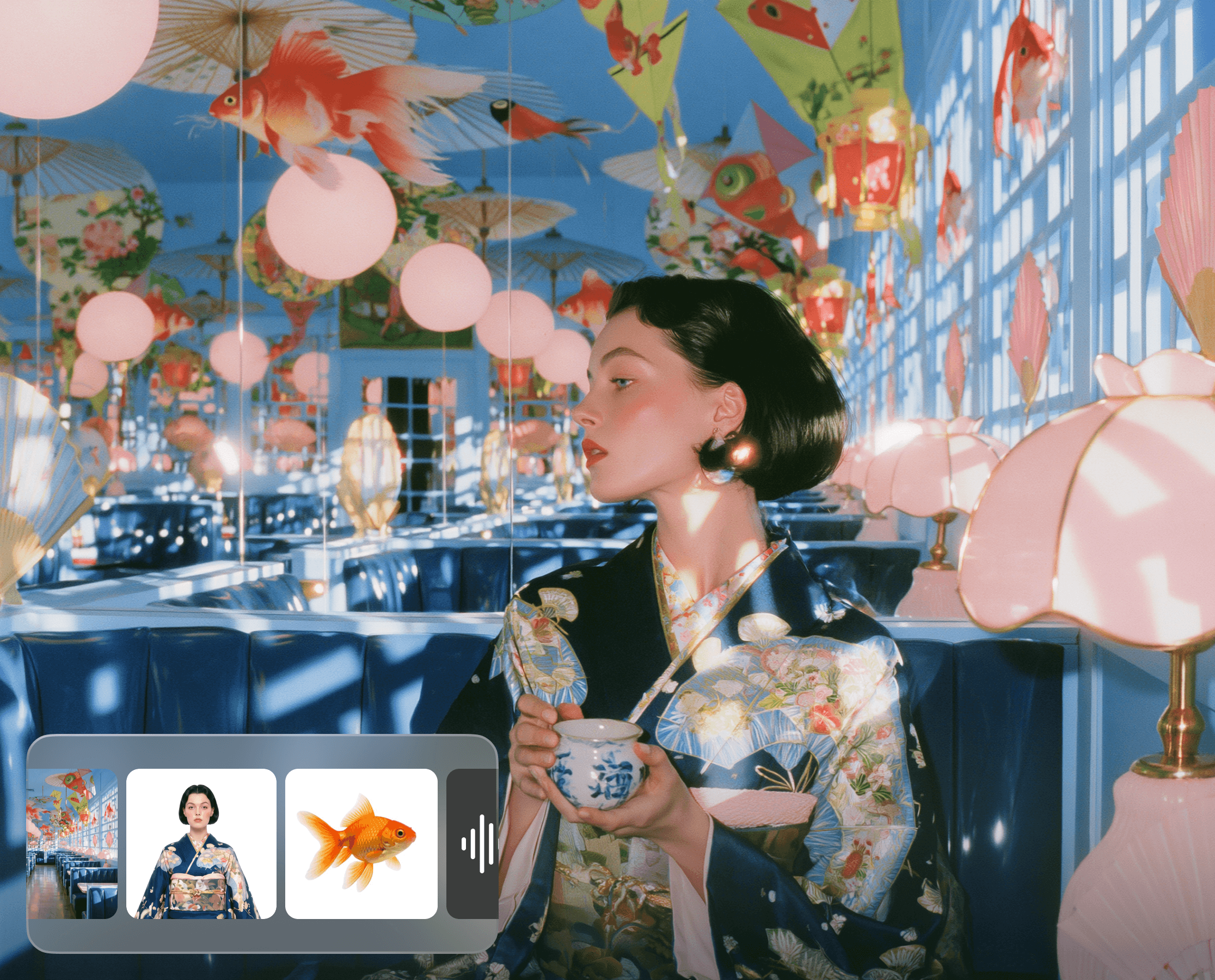
Use Image 1 for the singer, Image 2 for the stage, Video 1 for movement, and Audio 1 for lip-sync. Slowly arc clockwise from medium shot to close-up, ending with direct eye contact. No cuts, text, extra people, or identity drift.
Start exactly from the Start Frame, keeping the can unchanged. In one continuous macro shot, water curls around its base as the camera slowly arcs clockwise. Match and end exactly on the End Frame. No cuts, extra objects, label changes, or deformation.
MiniMax H3 can help creators and teams explore short videos from text or supported image, video, or audio references.

Explore short cinematic scenes and character moments with visual or motion references. Generate each 4–15-second shot separately, then select clips for a longer sequence.

Explore product visuals, campaign clips, and social concepts. Review product shape, labels, text, and movement before publishing.

Plan individual 4–15-second shots around a song, character, or visual concept. Use supported references to guide each clip, then arrange them into a longer sequence.
A clear H3 prompt describes the visual style, subject, setting, main action, camera movement, and desired ending in order.

Choose one primary action and a clear ending. A focused prompt gives a short clip enough room to show motion and consequence.
Tell H3 what you want each reference to guide. For example, an image may guide appearance, while a video may guide action or camera direction.
Name what starts the motion and how the environment responds. Describe water splashing, fabric trailing, dust rising, or objects reacting to impact.
Name one camera movement and its pace, then describe the ending composition you want. When using a first or last frame, explain how the shot should develop from or toward it.
MiniMax H3 is an optional AI video generation model in DomoAI Omni Reference. You can use it for text to video, image to video, or supported video and audio reference workflows.
Select MiniMax H3 in Omni Reference, add references, enter a prompt, and generate. For start/end frames, use Frames to Video.
MiniMax H3 generates videos from 4 to 15 seconds long in DomoAI Omni Reference.
Up to 9 images, 3 videos, and 3 audio files. Video and audio clips can be 2–15 seconds each, with a 15-second total limit per type. A prompt is required for every generation.
MiniMax H3 supports 768P and up to 2K output in DomoAI Omni Reference.
Yes. New users receive 30 free credits after signing up, which they can use to try MiniMax H3.

Copy MiniMax H3 prompts for text, image, first/last-frame, dialogue, sound effects, and music with official syntax explained.

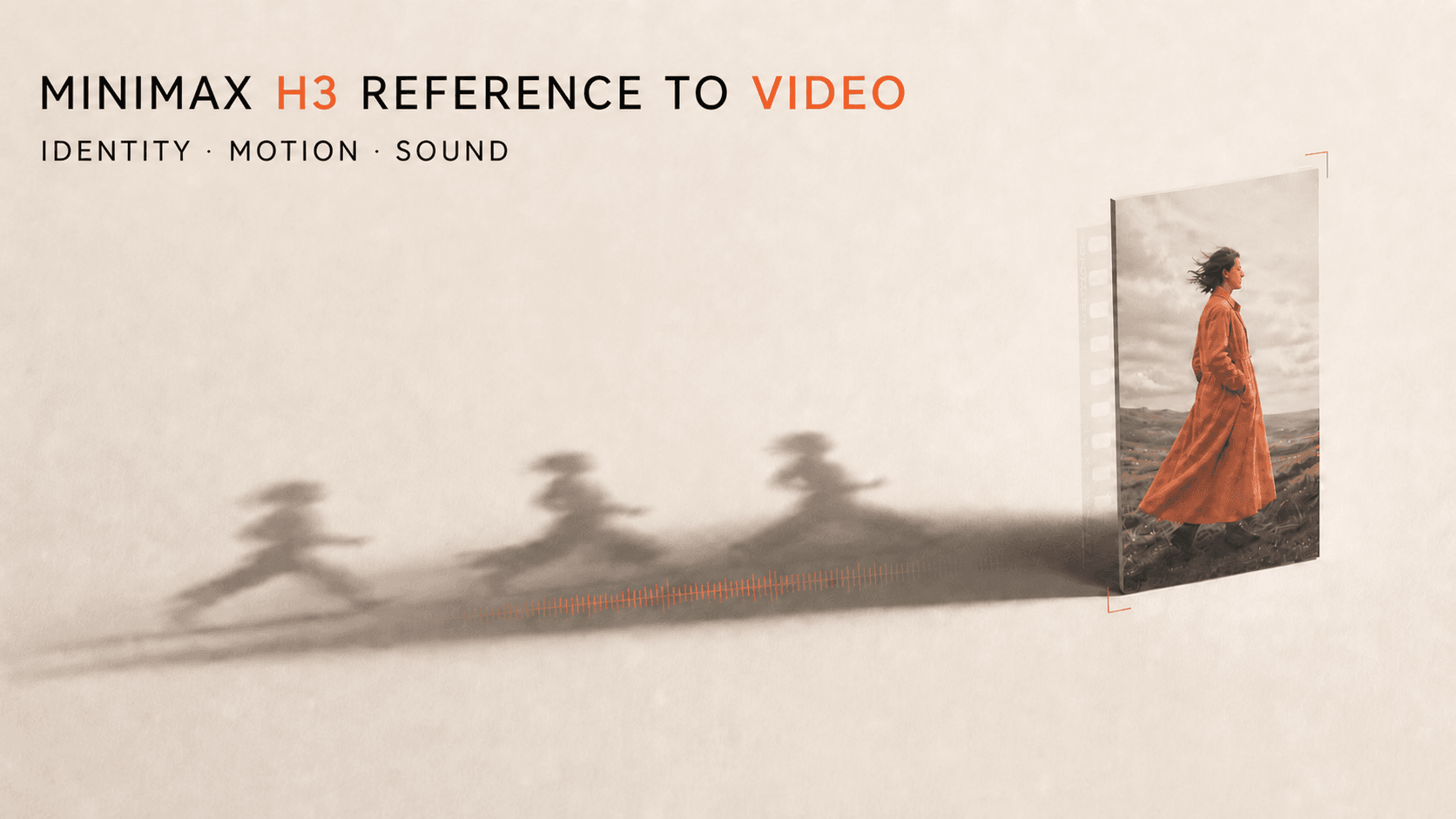
Learn how MiniMax H3 assigns identity, style, motion, camera, and sound across reference images, videos, and audio with a practical worksheet.
Keep characters consistent in MiniMax H3 with reference packs, locked prompts, controlled shot changes, and drift checks.