
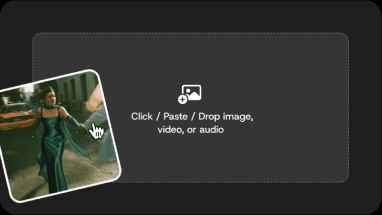
Step 1: Add Your References
Upload up to 30 images, 10 videos, and 10 audio files - 50 references in total. Video and audio references run 2 to 30 seconds each, up to 30 seconds combined. You can also start from audio alone.
Seedance 2.5 is ByteDance's video model, available in DomoAI Omni Reference. Give it images, video, and audio as references to generate 4 to 30 seconds of video in one pass, with the same character across every shot. Every new user receives 30 credits.
#7
Discord Server Globally
70+
AI Video Styles
5,000,000+
Active Users
Clips generated with Seedance 2.5 in DomoAI - image, video, and audio references driving one continuous take.
Upload your references, give each one a job, and generate. One prompt, one continuous take.
Upload up to 30 images, 10 videos, and 10 audio files - 50 references in total. Video and audio references run 2 to 30 seconds each, up to 30 seconds combined. You can also start from audio alone.
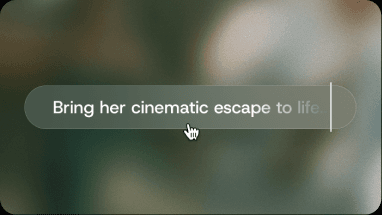
Name them in the prompt: Image 1 for the character, Image 2 for the scene, Video 1 for the motion, Audio 1 for the dialogue. Set a first and last frame when the shot needs to land on a specific composition.
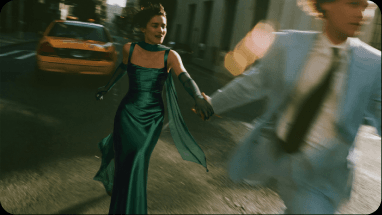
Choose 4 to 30 seconds at 480P or 720P, with audio on or off. Check the credit cost on the Generate button before you submit - it changes with references, duration, and resolution.
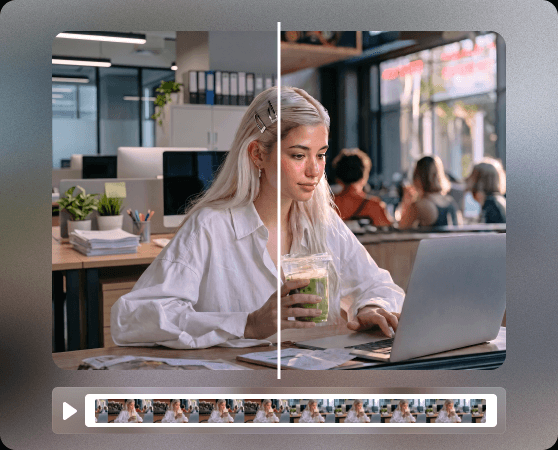
Character consistency is the expensive part of serial work. Seedance 2.5 takes up to 30 reference images and constrains a character's face, hair, wardrobe, and proportions at once, so the person stays the same when the camera angle changes, the framing changes, or the episode changes. That is what makes a series possible rather than a single good clip - and it is why the model takes image, video, and audio references together instead of making you describe the character again in every prompt.
"Image 1 controls the character's face, hair, and outfit. Image 2 controls the room and lighting. Video 1 controls movement timing only. 20-second shot: 0-7s she opens the door and steps in; 7-14s she crosses to the window and speaks one line; 14-20s she turns back to camera. Keep face, hair, outfit, and room geography unchanged."
"Audio 1 is the dialogue track and controls timing and lip sync. Image 1 is the speaker. Image 2 is the second character, off-camera until 6s. 12-second shot, 9:16. Assign every line to a named speaker. No extra people, no subtitles, no face drift."
"Image 1 to Image 4 are the character sheet: face, hair, uniform, and proportions. Image 5 is the classroom background. 15-second shot, 16:9. 0-5s she walks in from frame left; 5-10s she sets her bag down and looks up; 10-15s a slow push-in on her face. Hold the character sheet exactly. No style drift between shots, no extra characters."
"Image 1 controls the product's silhouette, packaging, and colour and must not change. Image 2 controls the set and lighting. Audio 1 is the voiceover and controls pacing. 12-second shot, 9:16. 0-4s the product sits on the surface as the light shifts; 4-9s a slow orbit; 9-12s it lands centre-frame. Keep label text legible and unaltered."
Anime series, short drama, character PV, brand spots - one prompt and one reference pack per scene, with the cast holding steady across all of them.
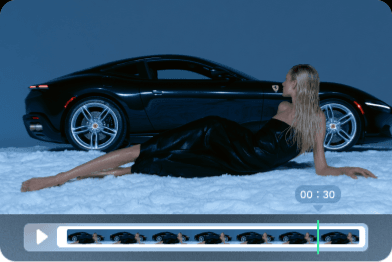
Upload character sheets, storyboard frames, and a dialogue track, then generate scenes that keep the same cast across shots and across episodes. The reference pack carries over; you do not rebuild the character every time.
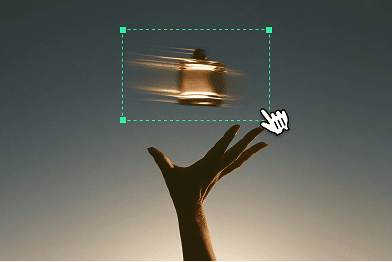
Feed product shots, brand style frames, and a script as references, and generate on-brand cuts with audio. Lock silhouette, packaging, and colour with image references rather than describing them in the prompt.
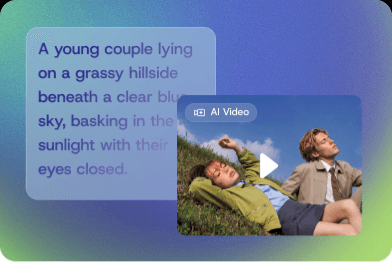
Give the model your character design and a motion clip, and get performance video that stays on-model. Audio references drive voice, lip sync, and rhythm in the same generation.
Use Seedance 2.5 in DomoAI Omni Reference for image, audio, and video-guided generation. Generate, review, and iterate in the same workspace.
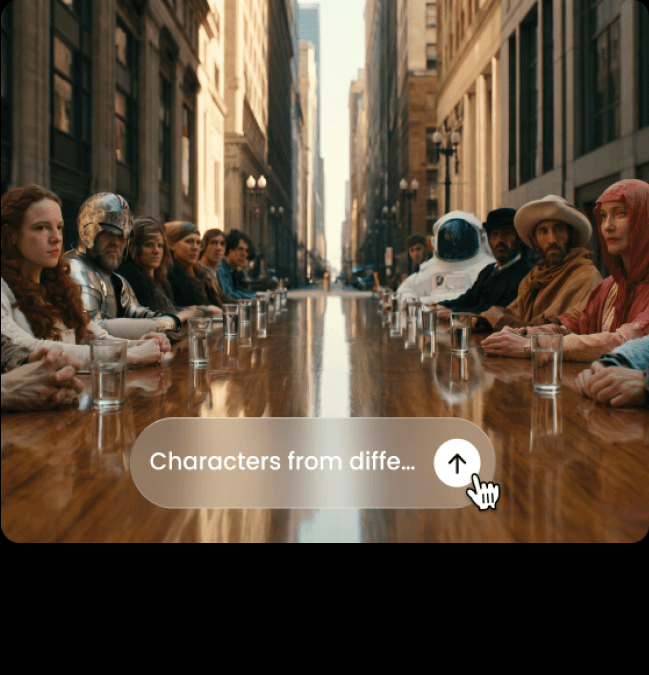
Seedance 2.5 runs in Omni Reference, DomoAI's reference-driven video feature. Open it, upload your references, describe the shot, and generate. It is a separate feature rather than an entry in another tool's model list, and it is not selected by default - so if you are looking for Seedance 2.5 in a model dropdown, that is why you cannot find it.
Image, video, and audio references combine in one generation. Instead of writing "this character, that outfit, that location, this movement" and re-tuning it every attempt, you hand the model the references and tell it what each one controls.
Three things. Duration: a Seedance 2.0 generation stops at 15 seconds; Seedance 2.5 runs 4 to 30 seconds in one continuous take. References: the Seedance 2.0 tools each take their own single input type, and Frames to Video accepts only an opening and a closing frame - Seedance 2.5 combines up to 30 images, 10 videos, and 10 audio files in one pass, with first and last frame control. Inputs: image-to-video, audio-to-video, and video-to-video all run in Omni Reference, and a generation can start from audio references alone.
Use the fewest references that do the job - every extra input adds ambiguity unless it has a named role. Write one action and one camera intent per beat. State what must not change: identity, wardrobe, product geometry, scene geography, speaker roles.
Seedance 2.5 is ByteDance's video model, available in DomoAI Omni Reference. It generates a single continuous take of 4 to 30 seconds, guided by image, video, and audio references, and supports image-to-video, audio-to-video, and video-to-video inputs.
4 to 30 seconds in one generation. That is the full range - 4 seconds at the floor, 30 seconds at the ceiling - and it is one continuous take rather than several clips stitched together.
480P or 720P. Those are the two options for this model. Omni Reference also offers MiniMax H3, from MiniMax, which runs 4 to 15 seconds at 768P up to 2K - consider that model when resolution is the binding constraint and the shot is short. To finish a Seedance 2.5 clip above 720P instead, run it through DomoAI's Video Upscaler after generating.
Up to 30 images, 10 videos, and 10 audio files - 50 references in total. Each video or audio reference runs 2 to 30 seconds, and video references total no more than 30 seconds, as do audio references. You can also generate from audio alone.
Omni Reference only. Text to Video, Image to Video, Frames to Video, and Character to Video run Seedance 2.0 and DomoAI's own models.
Yes. Image-to-video is one of three input modes in Omni Reference, alongside audio-to-video and video-to-video. Upload up to 30 images, say in the prompt which one carries the character and which carries the scene, and generate 4 to 30 seconds from them. First and last frame are both available.
Give every reference one job and name it: Image 1 for the character, Image 2 for the scene, Video 1 for the motion, Audio 1 for the dialogue. Then write one action and one camera intent per beat, and state what must not change - identity, wardrobe, product geometry, scene geography, speaker roles. Fewer references with clear roles beat more references without them.
Yes. Audio generation is supported, and audio also works as an input - a generation can run from audio references alone, with no image or video attached. Each audio reference runs 2 to 30 seconds, up to 30 seconds combined.
Not free without limit - DomoAI runs on credits. Every newly registered user receives 30 credits. That grant is account-level: it is not tied to Omni Reference, to a particular resolution or duration, or to a set number of generations. What a Seedance 2.5 generation costs depends on your references, clip length, and resolution, so check the credit cost shown on the Generate button before you submit.
There is no flat per-video price. The credit cost changes with the number of references, the duration, and the resolution you choose. The Generate button shows the exact cost for your current setup before you submit. See the pricing page for plan and credit details.
ByteDance announced Seedance 2.5 on July 31, 2026. It became available in DomoAI on August 10, 2026, inside Omni Reference. There is no waitlist - open Omni Reference and it is there.
Yes - anime, short drama, and AI drama are the use cases the reference system is built for. Upload a character sheet as image references, a storyboard frame for the opening composition, and a dialogue track as an audio reference. The same character then holds across shots and across episodes, which is the part that normally costs the most to redo.
No. DomoAI is a product surface, not an API reseller - Seedance 2.5 is available here through Omni Reference in the browser. Seedance 2.5 is ByteDance's model; API access is a question for ByteDance, not DomoAI.
Seedance 2.5 is ByteDance's model, and several products integrate it, including ByteDance's own surfaces. DomoAI exposes it in Omni Reference with up to 50 references, 4-30 second output, and 480P or 720P. Omni Reference also offers MiniMax H3, from MiniMax, at 4-15 seconds and 768P up to 2K, with up to 9 image, 3 video, and 3 audio references - consider H3 for a shorter storyboarded shot and Seedance 2.5 for a longer, reference-heavy one. Feature limits differ by integration, so check each product's stated caps rather than assuming the model's ceiling is available everywhere.
No. Seedance 2.0 still runs Text to Video, Image to Video, Frames to Video, and Character to Video. Seedance 2.5 runs in Omni Reference only. Pick 2.5 when you need one continuous take past 15 seconds or multi-reference control; pick 2.0 when you need a higher-resolution master or wider tool coverage.
DomoAI's new reference-driven video feature runs on Seedance 2.5 - combine up to 50 image, video, and audio references in a single generation.
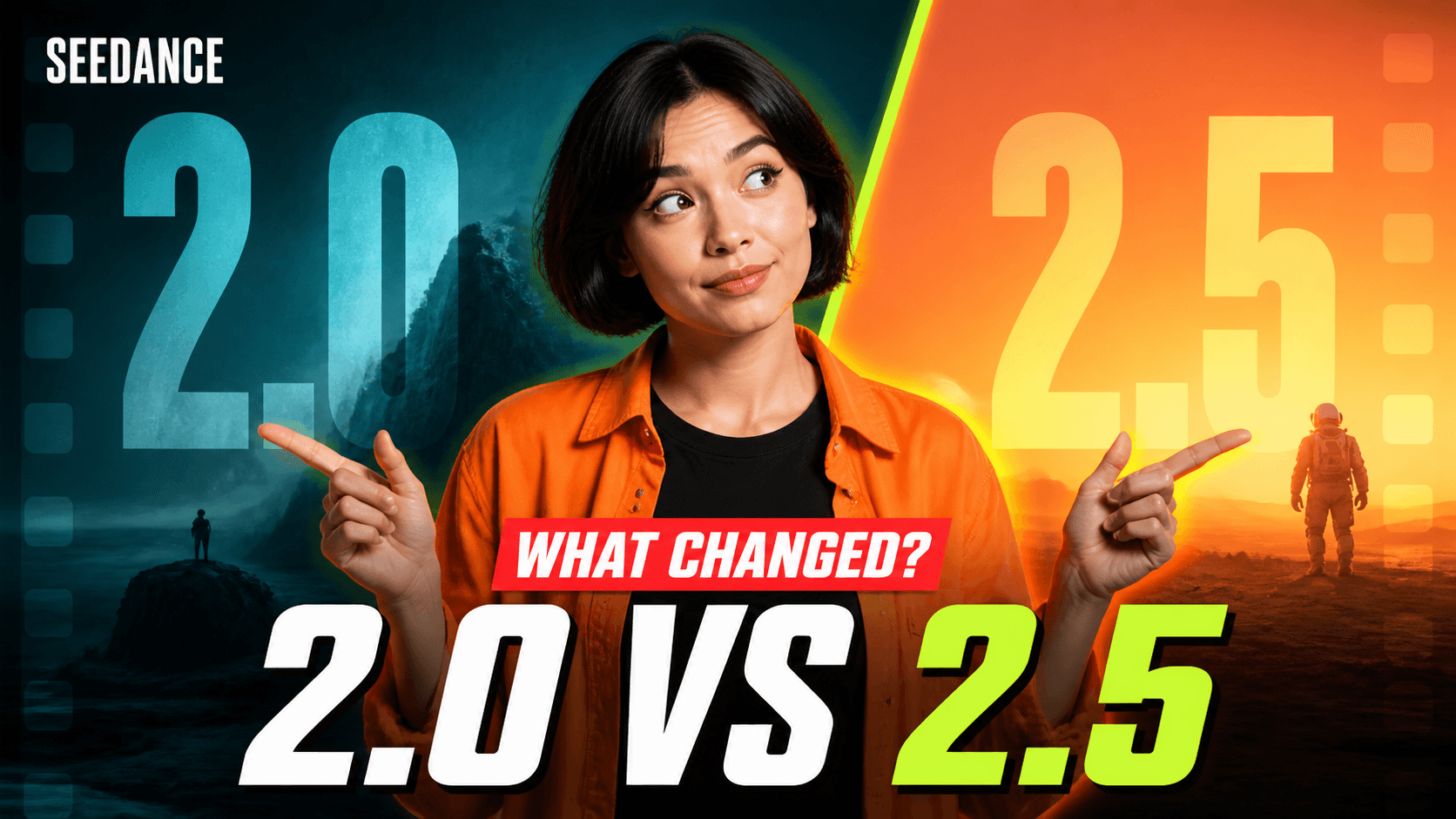
An independent comparison of what Seedance 2.5 gets right, where 2.0 still wins, and when to use each model.
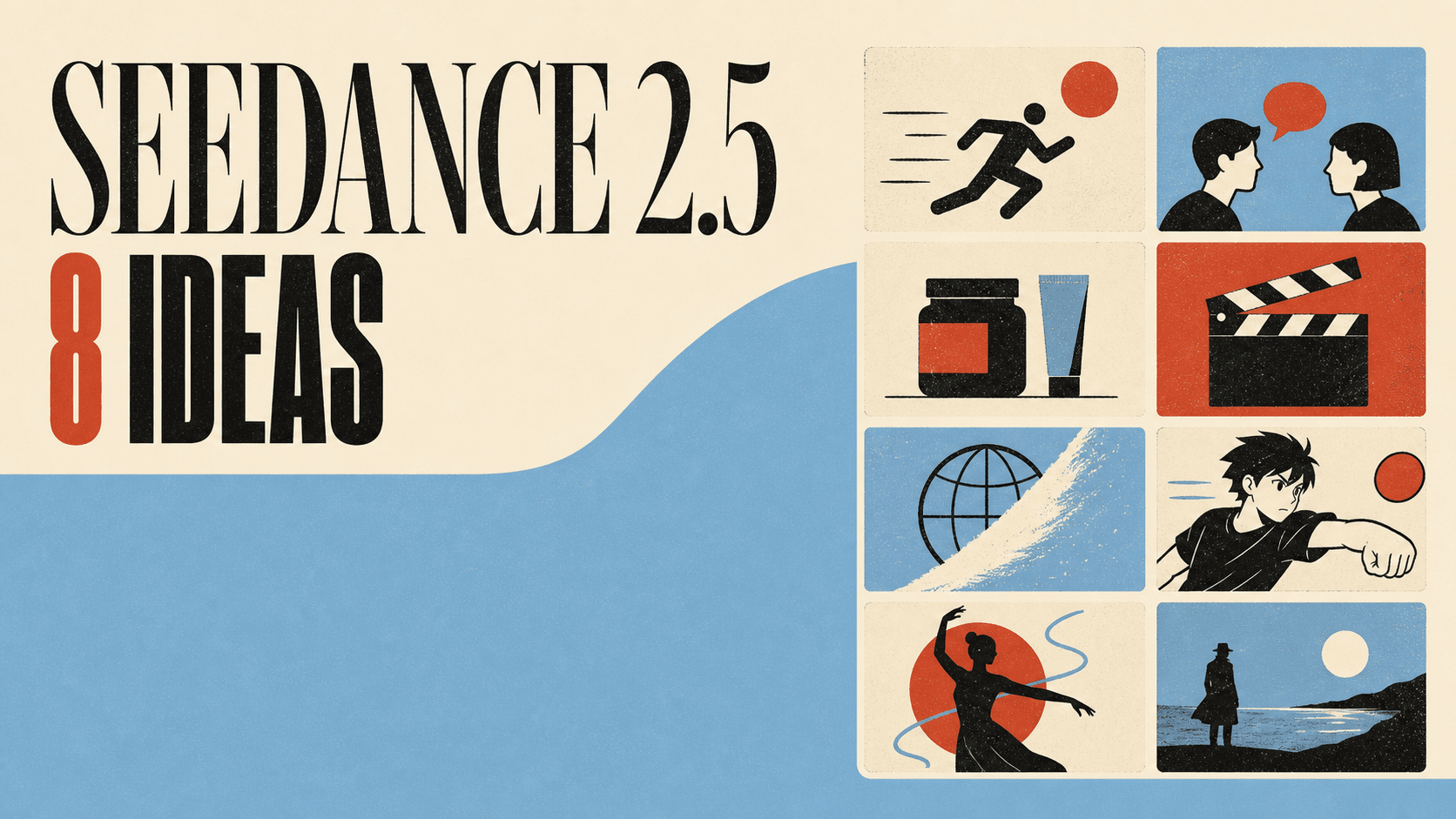
Eight creative projects built with Seedance 2.5, each paired with a DomoAI workflow and a ready-to-use prompt starter.