
How to Make a 2000s Street Racing Video With AI

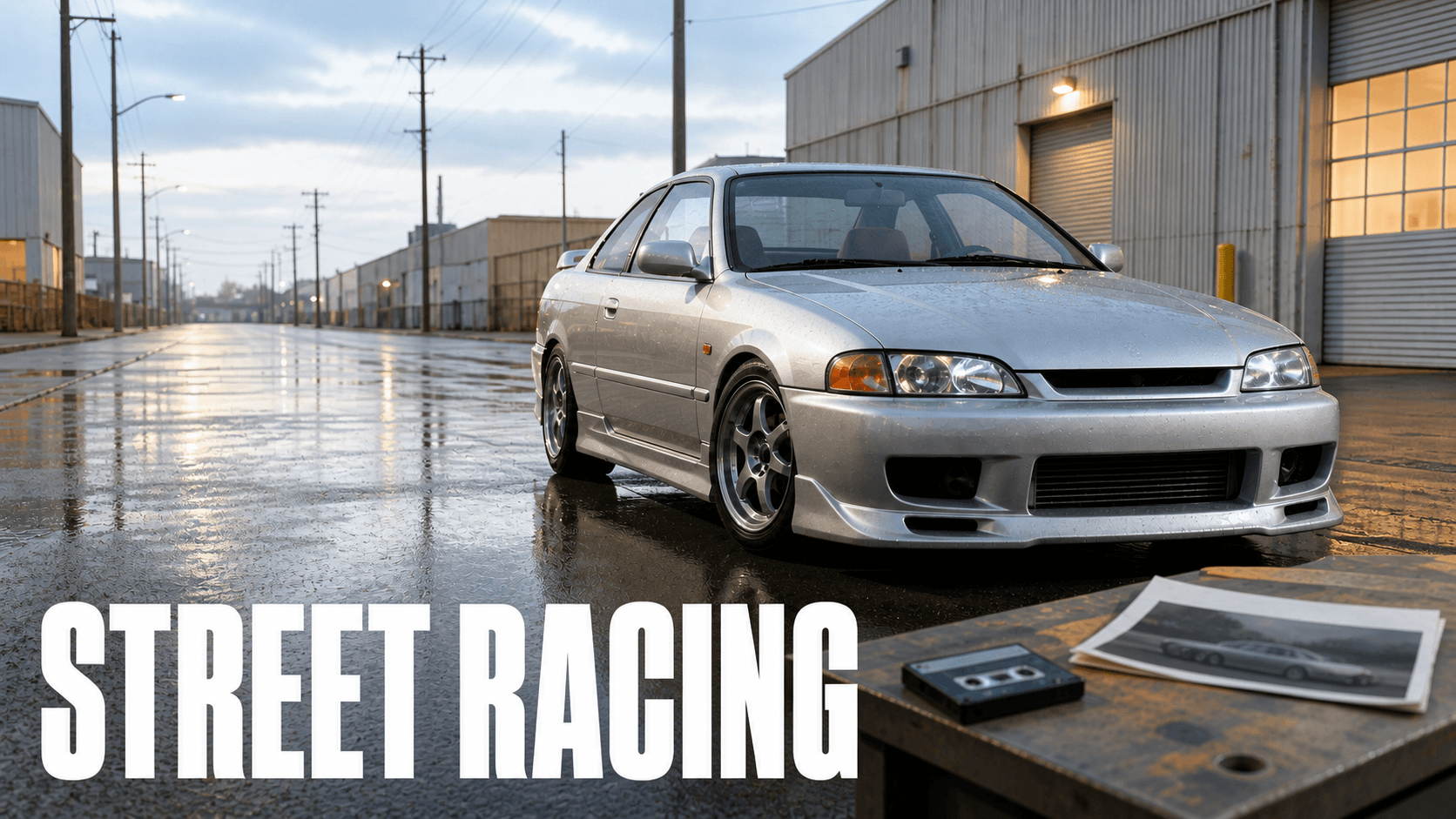
Generate it shot by shot in camcorder format, and lock the car the way you would lock a product rather than a character. Wheels, body line, lights and decals are the invariants. Car people notice when they move, and they notice fast.
This page sits in the 2003–08 camcorder lane. The year bands and the shared style blocks live on the 2000s look recipe.
What You Need
- One vehicle anchor — an original fictional car, generated clean.
- Two or three location variants made from that anchor.
- A 4:3 decision, made before you generate anything.
- An editor, for the grade and any tape treatment.
The car is fictional. No real marque, no badge, no readable plate.
Why AI Car Shots Get Caught
Car people are the most unforgiving audience in this cluster, and their complaints are specific.
On a manufacturer's own AI advert, the verdict was simply that the front wheels don't even turn when the car is steering. Elsewhere the tells are wheel-spoke geometry, wrong centre caps, incoherent badging, impossible lug patterns and interiors that could not exist.
A twenty-question spot-the-AI-car quiz surfaced more: logos rendered larger than they should be, lights and vents that fall apart under attention, a luxury SUV wearing another brand's grille. And the cheat code — "AI is terrible doing background cars, they all look extremely out of shape."
The most useful evidence points the other way. A video suspected of being AI was judged real precisely because the cars held up: "Ai is incapable of generating more than one real car at once, a badge, lamp or wheel always gets messed up. This isn't ai."
Two things follow for your shot plan. Keep background traffic few, distant, or absent.
And accept that the audience arrives suspicious. People are openly fed up with AI car content filling their search results. A sloppy wheel costs you more than it used to.
Everything below is inferred from those complaints. It is a working checklist, not a validated standard, and nobody has published one.
Lock the Car Like a Product, Not a Character
This is the reframe the page turns on.
A character lock names five things: face, hair, body scale, outfit, speaker identity. A product lock names six different ones: silhouette, closure, material boundaries, label area, proportions, colour.
A car is a product. Wheels and body line are silhouette. Badges and decals are label area. Paint is colour.
Once you see it that way, the whole vocabulary changes. Two sibling pages solve the same mechanical problem on smaller objects: stop AI warping your product and product consistency across shots.
Build the Vehicle Anchor
One three-quarter view, clean geometry, even light. No badge, no plate, no readable text anywhere. Those are exactly where the tells concentrate, so the safest car is one that has none of them.
Get the period right in the build, not the grade. The remembered era is not the glossy movie one. As one commenter who was there put it, it was "more shitty Civics with huge exhaust tips and every cheap AutoZone body part you could buy." Aim there. A hero car has already lost this audience.
There is also a split inside the scene worth knowing before you design anything. Enthusiasts still draw a hard line between tuning and what they call ricing. One side was boosting engines. The other was fitting underbody light kits. The period's own magazines covered both, and readers picked a camp.
Decide which camp your car is from. A build that tries to be both reads as a costume.
Useful period markers, all from enthusiast recollection rather than any standard: big wings, body kits, graphics, chrome wheels, custom paint, mesh grilles, decals, windscreen sun strips and neon underglow.
Midjourney — vehicle anchor

an original fictional early-2000s Japanese compact coupe, three-quarter front
view, unbranded with no badges and no licence plate, deep purple metallic paint
with a silver graphic sweeping along the lower door, oversized rear wing, mesh
front bumper grille, five-spoke chrome wheels with visible lug pattern, oversized
polished exhaust tip, slightly mismatched aftermarket body kit, parked on level
tarmac, even overcast daylight, clean readable geometry, full vehicle in frame
--ar 4:3 --raw --s 45 --no brand logo, badge, licence plate, readable text,
modern luxury car, glossy commercial photography, HDR, teal and orange grading,
watermark
Move the Car, Not the Design
Take the anchor into GPT Image 2 for each location. Change the road, the time of day and the light. Change nothing about the vehicle.
GPT Image 2 — night street variant, generated from the anchor

Use the supplied vehicle photograph as the exact reference for the car. Create a
4:3 frame of the same car on a wet suburban night street under sodium
streetlights. Preserve the exact silhouette, proportions, roofline, wheel design
and lug pattern, exhaust position, wing shape, grille mesh, paint colour and the
exact position and shape of the side graphic. The car remains unbranded with no
badge and no licence plate. Change only the road surface, the surroundings and
the light. Consumer camcorder capture: soft highlights, imperfect exposure,
subtle chroma bleed, low-resolution tape-transfer texture. No text, logos, brand
names or watermarks.
Write the Continuity Lock
The road-trip style kit already solved most of this, and the page is not going to re-derive it. Its continuity lock names the invariants: vehicle model, colour, road structure, ridgeline, weather, light direction and aspect ratio. Only the car, the camera and the environment may move — the frame is not redesigned.
Translated and pointed at your first reference, that becomes the paragraph you paste into every shot:
Preserve from Image 1: the exact vehicle silhouette, roofline, wheel design and
lug pattern, wing shape, grille mesh, exhaust position, paint colour, and the
exact placement and shape of the side graphic. Preserve the road structure, the
light direction and the aspect ratio. Only the car, the camera and the
surrounding environment may move. Do not redesign the vehicle.
Restate it identically in every shot. Not paraphrased — identically. A reworded lock is a second description, and a second description is a second control source.
One Camera Move Per Shot
Five shots, reused from the kit's vocabulary: windshield follow, hood-mounted low, side window, oncoming pass, rear follow.
A vehicle action never compresses into one clip. Entering frame, braking, steering and stopping are four events. Give them at least two shots.
State the tyre-to-road relationship in each one. A car that changes direction without its contact patch changing is the exact failure this audience is trained to spot.
| Shot | Move | Duration | The invariant it must hold |
|---|---|---|---|
| 1 | windshield follow | 6s | steer angle and contact patch |
| 2 | hood-mounted low | 5s | body line and wheel design |
| 3 | side window, occlusion transition | 5s | the side graphic's exact placement |
| 4 | oncoming pass | 6s | grille mesh and light shape |
| 5 | rear follow | 7s | wing shape and exhaust position |
Each shot gets its own generation and the same continuity lock, word for word.
Seedance 2.5 — Omni Reference — shot 1, windshield follow

Image 1 controls the night street location, camera position, light direction and
composition, and is the literal first frame.

Create a 6-second 4:3 shot from inside a following car at dashboard height. The
purple coupe ahead drifts right into a gentle bend; its front wheels visibly turn
into the corner before the body follows, and the tyre contact patch flexes
against the wet tarmac. The camera keeps a mild vehicle vibration and small
handheld drift, no gimbal stabilisation. Sodium streetlight passes over the roof
and rear wing in sequence. Consumer camcorder capture: soft highlights, imperfect
exposure, subtle chroma bleed, natural motion blur.

Preserve from Image 1: the exact vehicle silhouette, roofline, wheel design and
lug pattern, wing shape, grille mesh, exhaust position, paint colour, and the
exact placement and shape of the side graphic. Preserve the road structure, the
light direction and the aspect ratio. Only the car, the camera and the
surrounding environment may move. Do not redesign the vehicle. No other vehicles
appear in this shot. No readable text, badge, licence plate or signage.
And the negative block, adapted from the kit's global negative:
modern luxury car, changing car model, warped vehicles, melting road,
glossy commercial photography, perfect gimbal stabilization, HDR,
teal and orange grading, hyper-sharp 8K, CGI road, dramatic neon,
heavy VHS glitch, date stamp, readable licence plate, brand logo, badge,
random text, watermark
What to Check in a Good Output
The steer test. Do the front wheels turn when the car changes direction? This is the single most cited tell, and it fails silently — the shot looks fine until someone who drives watches it.
The same car test. Silhouette, wheels, lights and decals identical across every shot. Compare shot one against shot five directly, not each shot against the last.
The text test. No readable plate, badge or signage generated anywhere. Garbled tyre-sidewall text is how a real automotive publisher got caught.
Then run the ten-point pass:
- Four wheels present.
- Wheel rotation and steer angle.
- Tyre contact patch.
- Body-line stability.
- Grille and badge continuity.
- Reflection direction.
- Plate text absent rather than garbled.
- Brake and caliper placement.
- Exhaust location.
- Background traffic continuity.
Again — inferred from complaints, not a standard. It is a useful list because it matches what people actually catch.
Tips
- Describe the car in one place only. If
Image 1controls the wing, do not describe the wing in the prompt as well. - Keep background traffic out. It is where this breaks first, and an empty street is period-correct anyway.
- Restrain the speed. The camcorder look and chase-scene drama fight each other — the kit's own negatives exclude the polished automotive campaign. If you want speed to read on screen, AI car chase scenes covers that separately.
- Shoot 4:3. It does more period work than any grade.
- Grade once, at the end. Tape texture is a post layer over the finished cut, never a prompt term.
- Skip the underglow if you are unsure. It is common shorthand, not a requirement. It also dates a build to one specific corner of the scene.
Frequently Asked Questions
How do I keep the same car across multiple AI shots?
Lock it like a product: silhouette, proportions, wheel design, decal placement and colour, restated identically in every shot. Generate each location variant from the original anchor, never from the previous variant.
Why do AI-generated cars look fake to car people?
Because the failures are geometric and specific — front wheels that do not steer, wrong centre caps, impossible lug patterns, incoherent badging. Casual viewers miss them; the audience for car content does not.
Should I generate a real car model?
No. Use an original fictional vehicle with no badge and no plate. Badges and plates are exactly where the tells concentrate, and a car with none of them is both safer and more convincing.
What aspect ratio makes a video look like 2000s camcorder footage?
4:3. Combine it with soft highlights, imperfect exposure, subtle chroma bleed and mild vehicle vibration. Omni Reference offers 4:3 alongside Auto, 3:4, 9:16, 16:9 and 1:1.
Why do the wheels look wrong when the car turns?
Because steering is a physical relationship the prompt has to state. Ask explicitly for the front wheels to turn into the corner before the body follows, and for the tyre contact patch to flex.
How This Compares to One-Prompt Car Video Generators
A one-prompt car generator gives you one good-looking clip. Ask for a second angle and you usually get a different car, because nothing carried the design between generations.
That is fine for a single hero shot. It is not fine for a sequence, where the audience's whole test is whether it is the same car twice.
Locking the vehicle as a product costs an anchor and a paragraph you paste repeatedly. In exchange, shot five still passes the steer test. Open DomoAI Omni Reference and build the anchor first.