
How to Make a Y2K Pop Star Video With AI

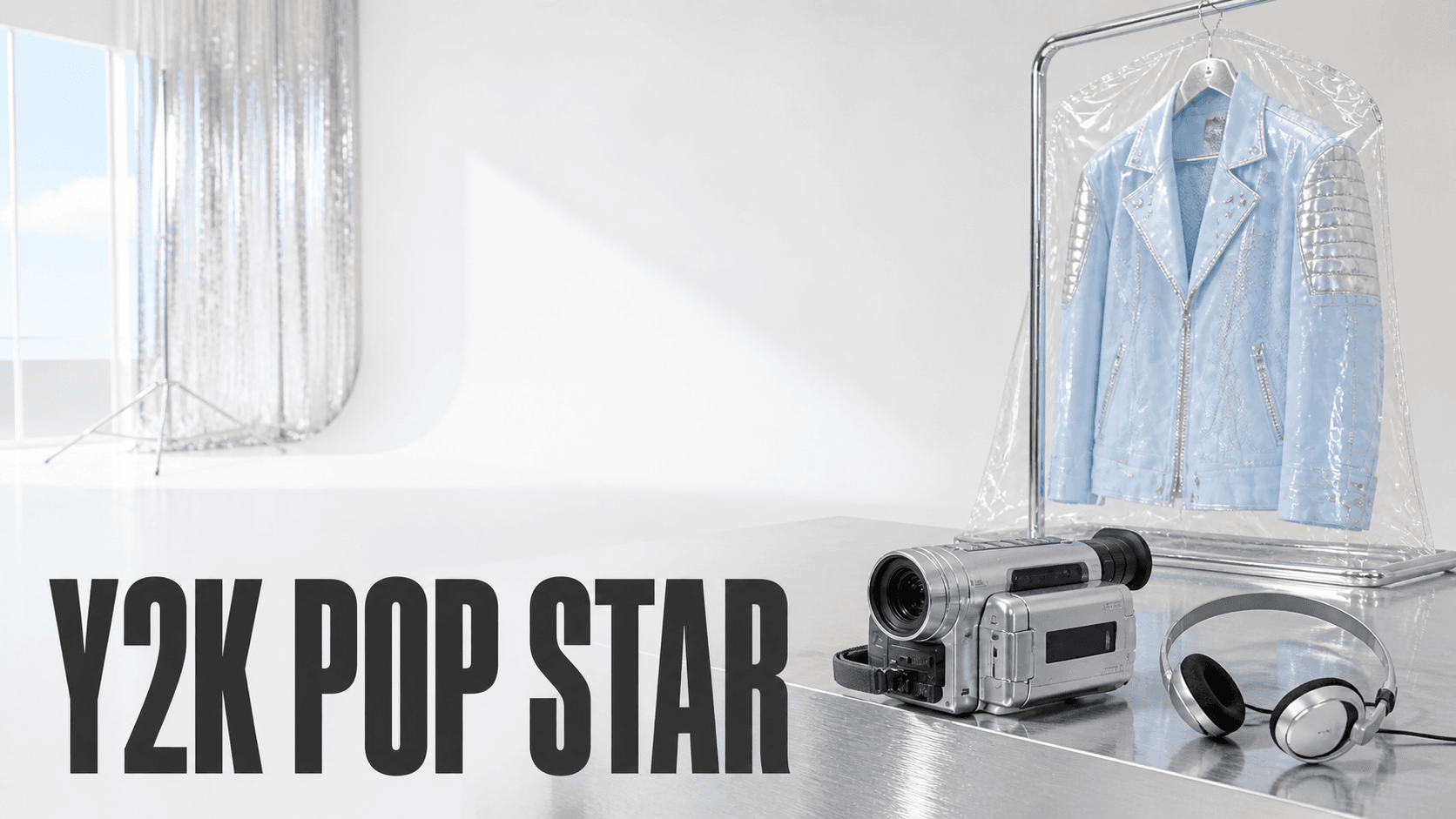
One identity anchor, one reference image per look, generated as separate clips and cut together. That is the whole method. The hard part is not the styling — it is holding one face steady while the wardrobe, the set and the light all change around it, three times, across three separate generations.
This guide sits in the 1999–2003 Y2K futurism band: chrome, hard key light, high-gloss constructed sets. If you want the maximalist 2003–08 McBling variant instead, the year bands and the shared style blocks live on the 2000s look recipe.
What You Need
- One identity anchor — a single clean image of your performer, generated in Midjourney.
- One variant image per look — generated in GPT Image 2 from that anchor.
- A location plan — decide your three looks before you generate anything.
- An editor — every title, logo and lyric goes on afterwards.
Your performer is an original fictional character. Not a real singer, not a lookalike, not "in the style of" a named artist.
What The 1999–2003 Pop Video Actually Consisted Of
Worth knowing before you write a prompt, because most of it is not what people assume.
It was shot on film. From a 1,490-point r/2000sNostalgia thread on why these videos still look good: "The early / mid 2000s videos were the last ones to be shot on film, before it went all digital in the 2010s. That's why it looks so good … just the perfected film tech on its last legs." The era's look is a capture format, not a colour grade. Prompt film stock, not "2000s style".
The sets were cheap, not lavish. A self-identified industry commenter in the same thread: "this was done specifically because it was a cheap look to build sets like that." White cycs, industrial hallways and mirrored surfaces were budget decisions that became a signature.
The gloss was a post capability. The same thread credits the rise of digital editing and After Effects with making it "really easy to edit the camera out of the reflections" — which is why mirrored, chrome-heavy sets suddenly became shootable. "Everything was chrome and oily."
One useful era-tell: real choreography of the period shows visible effort. From the same thread, on a 2001 video: "you can literally see on her face that she counts her steps and thinking about the next move." AI-generated dance is uniformly confident, and that confidence is itself a giveaway.
For a primary reference to study rather than copy, NSYNC's "Pop" (2001, directed by Wayne Isham) is the densest single example: constructed apartment opening, multi-level club performance, green-screen choreography and designed wardrobe resets. Watch it for structure, then build something of your own.
A working shot structure, derived from watching videos of the period rather than from any documented rule: hero close-up → wide choreography → wardrobe and set reset → graphic or effects insert → performance close-up.
Build The Identity Anchor
Generate one clean, front-facing, full-body image in Midjourney. Neutral studio background, even light, no readable text or logos, generous space around the subject.
Do this in Midjourney, not GPT Image 2. Every later variant derives from this image. It has to be the strongest version of the face you are going to get.
an original adult pop performer in their early twenties with a distinctive
short layered haircut and direct confident expression, full-body front-facing
identity portrait, simple fitted metallic-silver top and neutral trousers,
plain light-grey studio backdrop, even softbox lighting, realistic skin and
fabric texture, clean editorial character reference, generous negative space
--ar 9:16 --style raw --s 70 --no text, logo, celebrity, copyrighted character,
extra person, watermark
Generate One Image Per Look
Upload the anchor to GPT Image 2 and run this once per look, swapping the bracketed values. Change only wardrobe, environment and matching light. Everything about the person stays frozen.
Use the supplied portrait as the exact identity reference. Create a vertical
full-body keyframe of the same person wearing [WARDROBE] in [SET]. Preserve the
exact face, age, hairstyle, skin tone, body proportions and recognizable identity
from the reference image. Use [LIGHTING], high-gloss surfaces, realistic skin and
fabric texture, and enough space around the subject for animation. Change only the
wardrobe, environment and matching light. Shot on film. No text, logos, brand
names, extra people or watermarks. Portrait orientation, 9:16.| Look | WARDROBE | SET | LIGHTING |
|---|---|---|---|
| A | metallic silver two-piece with translucent panels | a white cyclorama with chrome floor reflections | hard key from camera left, defined shadow edge |
| B | black leather with frosted-plastic accents | an industrial hallway with bare fluorescent strips | cool overhead practicals, hard falloff |
| C | white tailored suit | a mirrored club interior with low-poly digital graphics on screens | warm key with a cyan rim from behind |
Generate every variant from the anchor, never from the previous variant. Deriving C from B stacks two rounds of drift onto the same face.
Assign The Reference Roles
This is the step the whole page turns on. In DomoAI Omni Reference, references are addressed by upload order — Image 1 is the first image you uploaded — and each one needs exactly one job.
Image 1is the identity, and it is also the literal first frame, and it also fixes the location and light direction for the opening shot.Image 2,Image 3carry wardrobe and location only. They must be told not to donate composition, or they will fight the first frame for the framing.
Image 1 controls the exact identity, face, hairstyle, skin tone and body
proportions, and is the literal first frame. It also fixes the opening location,
camera position and light direction.
Image 2 controls wardrobe and location for the second look ONLY. Do not recreate
its framing, composition, or lighting.
Image 3 controls wardrobe and location for the third look ONLY. Do not recreate
its framing, composition, or lighting.
Use the minimum sufficient references. The surface accepts far more than three, and every extra one adds ambiguity unless it has a named role. The full mechanism, including how the reference method compares with the keyframe method, is covered in role-assigned reference images.
Generate The Looks As Separate Clips
One action and one camera move per generation, five to seven seconds each. Seedance 2.5 — ByteDance's model, available in DomoAI Omni Reference — generates from 4 to 30 seconds at 480P or 720P, so ask for a second more than you need and trim on the waveform.
[REFERENCE ROLE PARAGRAPH FROM ABOVE]

Create a 6-second vertical 9:16 performance beat. The performer stands centre
frame on the chrome floor from Image 1 and takes one relaxed step toward the
camera while the camera performs a slow push in. Hard key light from camera left
holds a defined shadow edge on the face throughout. Shot on film, restrained
grain, in-camera reflections on the floor and set surfaces.

Preserve the exact face, age, hairstyle, skin tone and body proportions
throughout. Exactly one person appears in this video. Bare wrists and bare
forearms. No readable text, logos, signage or subtitles.
For the wardrobe change, generate it as a separate clip and let the change happen across the cut:
[REFERENCE ROLE PARAGRAPH FROM ABOVE]

Create a 6-second vertical 9:16 performance beat. The same performer, now in the
wardrobe and location from Image 2, walks along the industrial hallway toward the
camera as the camera tracks backward at a steady pace. Cool overhead practicals
with hard falloff. Shot on film, restrained grain.

Preserve the exact face, age, hairstyle, skin tone and body proportions from
Image 1. Exactly one person appears in this video. Bare wrists and bare forearms.
No readable text, logos, signage or subtitles.
The wardrobe never changes inside a shot. It changes across a cut, or behind a full occlusion — a hand covering the lens, a foreground column wiping the frame.
Asking one generation to change an outfit mid-motion is asking it to redesign the person.
Note the phrase bare wrists and bare forearms. Positive descriptions of absence work where bans do not, and a period video is exactly where a stray modern watch costs you the shot.
What To Check In A Good Output
Three tests. Run them before you cut anything together.
The same-person test. Put the first frame of look A next to the first frame of look C. Same jawline, same eye spacing, same apparent age? Faces drift most across the third generation, not the second. Check the ends against each other, not each clip against the last.
The wardrobe boundary test. Did anything from look B leak into look C? Leather cuffs under the white suit, a stray frosted-plastic accent, the hallway's cool cast surviving into the warm club light.
Leakage means a reference is donating more than its one job. Usually the "do not recreate its framing, composition, or lighting" clause was dropped.
The text test. Freeze on every frame that contains clothing print, signage or a screen. Any generated writing at all is a fail.
Garbled on-screen text is the tell fact-checkers use to identify synthetic video. A logo-heavy era hands the model constant chances to produce it.
Tips
- Generate every variant from the anchor, never from the last variant. Drift compounds.
- Test three clips before you write nine. If the face holds across three looks, it will hold across six. If it does not, fix the anchor rather than the prompts.
- Describe the wardrobe in one place only. If
Image 2controls the jacket, do not also describe the jacket in the prompt. A second description is a second control source, and that is where prop drift comes from. - Describe every visible person, extras included. Undescribed people arrive in contemporary clothing.
- Titles, logos, lyrics and the CTA go on in post. Never ask the model to render them.
- Consider which model fits the shot. Seedance 2.5 is suited to live-action reference work where a real photographic identity has to survive. MiniMax H3 — MiniMax's model, also selectable in Omni Reference at 4 to 15 seconds — is worth considering for motion-led, animated or anime-styled treatments.
Frequently Asked Questions
How do I keep the same face across outfit changes in AI video?
Give one reference image the identity job and the first frame, and give each wardrobe reference the clause "do not recreate its framing, composition, or lighting". Generate each look as a separate clip and let the change happen across the cut.
How many reference images do I need for a costume change?
One identity anchor plus one image per look. Three looks means three images. Adding more references than you have roles for makes the result less controlled, not more.
Can I make an AI pop star that looks like a real singer?
No. Build an original fictional performer. Study period videos for lighting, staging and wardrobe language, but do not generate anything designed to resemble a specific real artist, video or brand.
What did early-2000s pop videos actually look like?
Shot on film, with hard key light, high-gloss and chrome surfaces, cheaply built sets, group formations and designed wardrobe resets. The polish comes from the capture format and the post work, not from a colour grade.
How long should each Y2K pop star clip be?
Five to seven seconds, one action and one camera move each. Omni Reference generates from 4 to 30 seconds, so request a second longer than you need and trim to the beat in your editor.
How This Compares To One-Prompt Pop Star Generators
A one-prompt generator gives you one clip of one look. The moment you want a second outfit, it regenerates the person too, and you are back to picking the take where the face happens to match.
The reference-role method costs more setup — an anchor, a variant per look, a role paragraph — and in exchange the face stops being something you gamble on. That tradeoff is worth it at three looks and unavoidable at six.
If you want the performer themselves as the subject — designing an idol, generating a voice, adding lip sync — that is a different job, covered in virtual K-pop idol. This page is about the video. For the wider period toolkit, see the 2000s look recipe or the AI Music Video Generator hub.