

I first encountered lip-sync technology while helping a friend produce YouTube videos. He wanted to make approachable videos without showing his face, so I tried creating videos with an AI avatar. That was when I used lip-sync technology.
At first, I thought, “How hard can moving a mouth be?” But once I tried it, I was surprised by the depth and possibilities of the technology. I now frequently use lip-sync tools in my own work.
Drawing on my hands-on experience, this article explains the basics of lip-sync technology and five of the latest AI tools in a way beginners can understand.
What Is Lip Sync? The Basics
“Lip sync” combines the words “lip” and “sync,” and refers to technology that synchronizes speech with the movement of a mouth.
Simply put, it creates a video in which AI moves the mouth to match the audio. I initially thought it was just mouth movement, but there is much more to it.
Traditional manual production required enormous amounts of time and skill: animators drew mouth shapes frame by frame or made detailed adjustments in editing software. My friend once complained that adding lip sync to a three-minute video took two full days.
By 2025, however, AI video-generation companies had dramatically improved their lip-sync technology to its current level. Now, simply uploading an image and audio generates natural mouth movements in minutes.
What surprised me most was that it could reproduce not just opening and closing the mouth, but plosive sounds such as Japanese “pa, pi, pu, pe, po” and facial expressions matching the emotion. Seeing it look so natural, as if the person were really speaking, makes the technological progress tangible.
Things to Watch When Making Lip-Sync Videos

I made many mistakes when I first started producing lip-sync videos. Let me share the lessons I learned from that experience.
The importance of audio quality
My first mistake was underestimating audio quality. When I used a recording with background noise, AI could not recognize the speech correctly and the mouth movements became disjointed. I now always record in a quiet environment or use a noise-removal tool.
The effect of face angle and lighting
Choosing the image matters too. If the face is turned sideways or heavily shadowed, AI cannot correctly recognize its features. I once used a backlit photo and the mouth appeared in a strange position. A well-lit, forward-facing photo works best.
Check the language settings
I also made the mistake of leaving the settings in English when generating a Japanese-speaking video, and the mouth movements did not match at all. Japanese and English involve very different mouth movements, so always check the language settings.
Video-length limits
Many tools limit video length. I initially tried making a ten-minute video in one go and ran into the limit. I now create long videos in separate sections and join them in editing software afterward.
Respect copyright and privacy
Never use someone else’s photo or voice without permission. I always get permission or use freely available materials. When publishing a generated video, I also clearly label it as AI-generated.
By keeping these points in mind, even beginners can create high-quality lip-sync videos. Don’t fear mistakes—the important thing is to give it a try!
Five Recommended Lip-Sync AI Tools
4-1. HeyGen
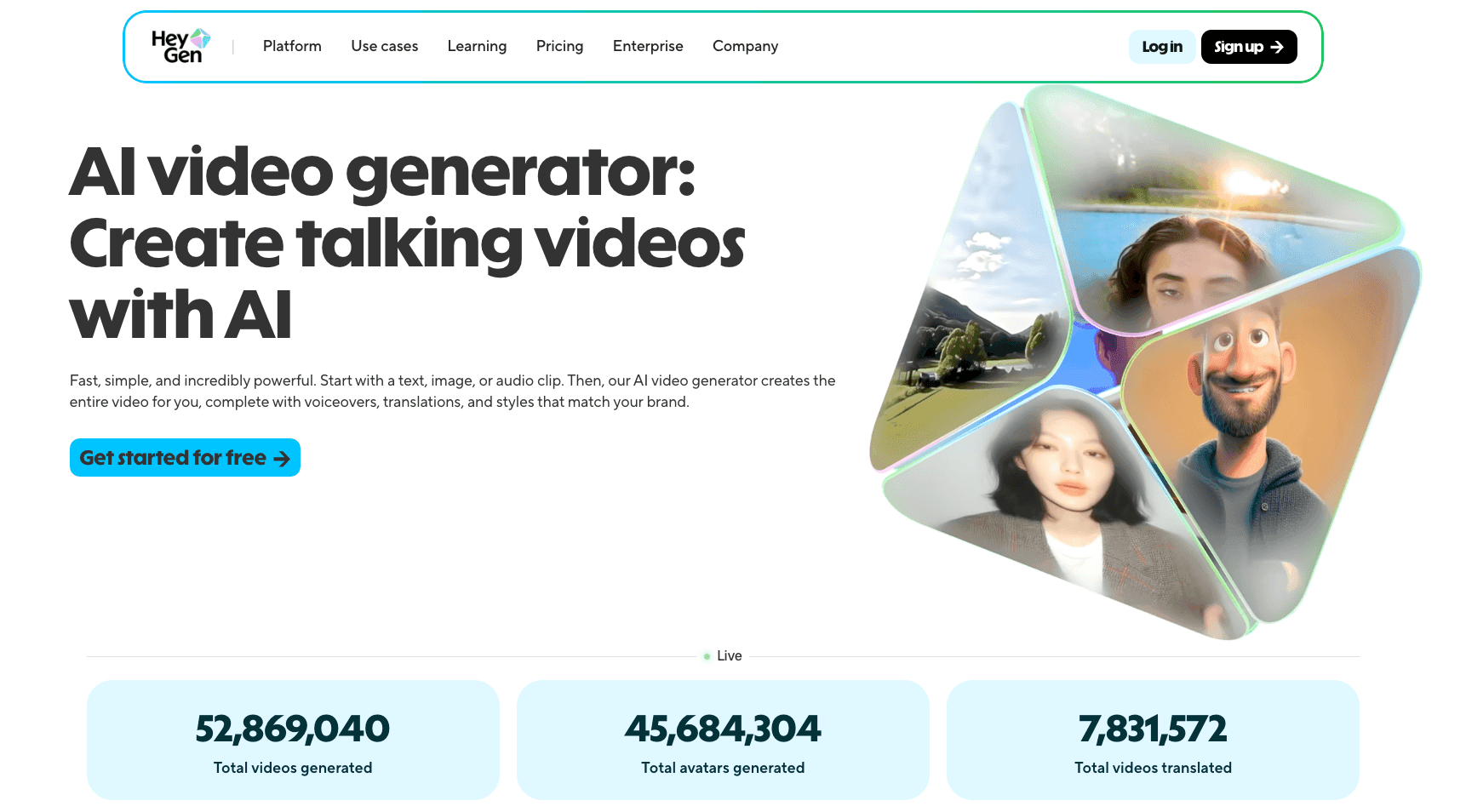
Why I choose HeyGen
HeyGen took first place in the live-action lip-sync performance ranking. When I tried it, I was amazed by its accuracy. What impressed me most was its perfect reproduction of subtle mouth movements for Japanese sounds such as “tsu” and “n.”
Strengths compared with other AI tools
HeyGen amazed the world by dramatically improving lip-sync accuracy with Avatar IV, released in June. Compared with other tools, I found its audio synchronization particularly impressive. Whether the speech is fast or slow, it generates natural mouth movements without drifting out of sync.
My hands-on experience
You can also use prompts to direct the AI avatar’s facial expressions and body movements while speaking. I entered “Wave and speak in a bright, friendly way,” and was impressed when it added truly natural hand movements. Turning on “Motion expressive” makes the performance even more expressive.
Pricing plans and features
Even the free plan lets you generate videos up to ten seconds long three times a month, so I recommend trying it first. I started with the free plan and moved to a paid plan once I was satisfied with the quality. Paid plans allow longer videos and higher-resolution output.
Step-by-step instructions
Once the settings are ready, click “Generate video.” The video will be finished in around three minutes. Here is my workflow:
- Upload a high-quality face photo
- Prepare or record an audio file
- Specify expressions and movement in a prompt
- Turn on Motion expressive
- Click Generate
The first time I used it, I had a professional-quality video in under five minutes. This ease of use and quality are why HeyGen is my first choice.
4-2. Dreamina
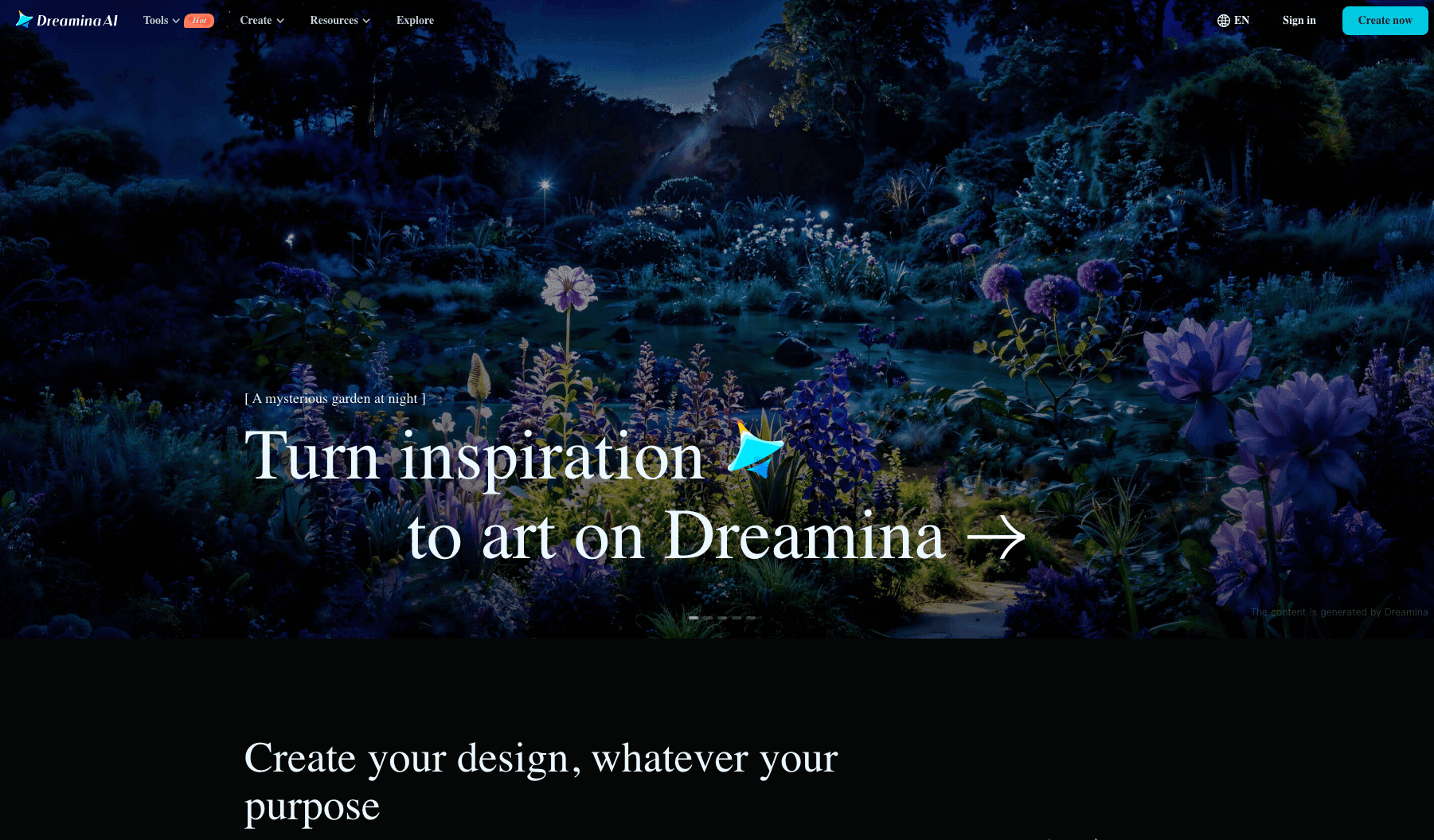
Dreamina’s distinctive features
Dreamina is attracting attention as a versatile platform combining image generation, video generation, and lip sync. What I particularly like is being able to complete all the work in one place.
For example, you can generate a face image with AI and go straight on to a lip-sync video. Not having to switch between tools has greatly improved my efficiency.
How easy I found it to use
The interface is intuitive, and even as a beginner I quickly learned to use it. The template feature is especially useful: saving frequently used settings makes the second and subsequent projects much easier.
Another attraction is the choice between a speed-focused mode and a quality-focused mode. I use the speed-focused mode when I’m in a hurry and the quality-focused mode for important presentations.
The quality of generated videos
It has received strong ratings: second place for anime and fourth for live action. In my experience, its anime-character lip sync is particularly natural, making it ideal for VTuber-style videos.
The only drawback is that the mouth movements in live-action videos sometimes drift slightly, but the quality is more than sufficient for everyday use.
What sets it apart
Dreamina’s biggest strength is its value for money. You can try it free at first, and afterward it costs around 30 credits per second, which is reasonable compared with other tools.
I make around 20 videos a month, and Dreamina has helped me cut production costs to one-third. Its integrated platform also saves money because I don’t need to pay for several tools.
4-3. Kling
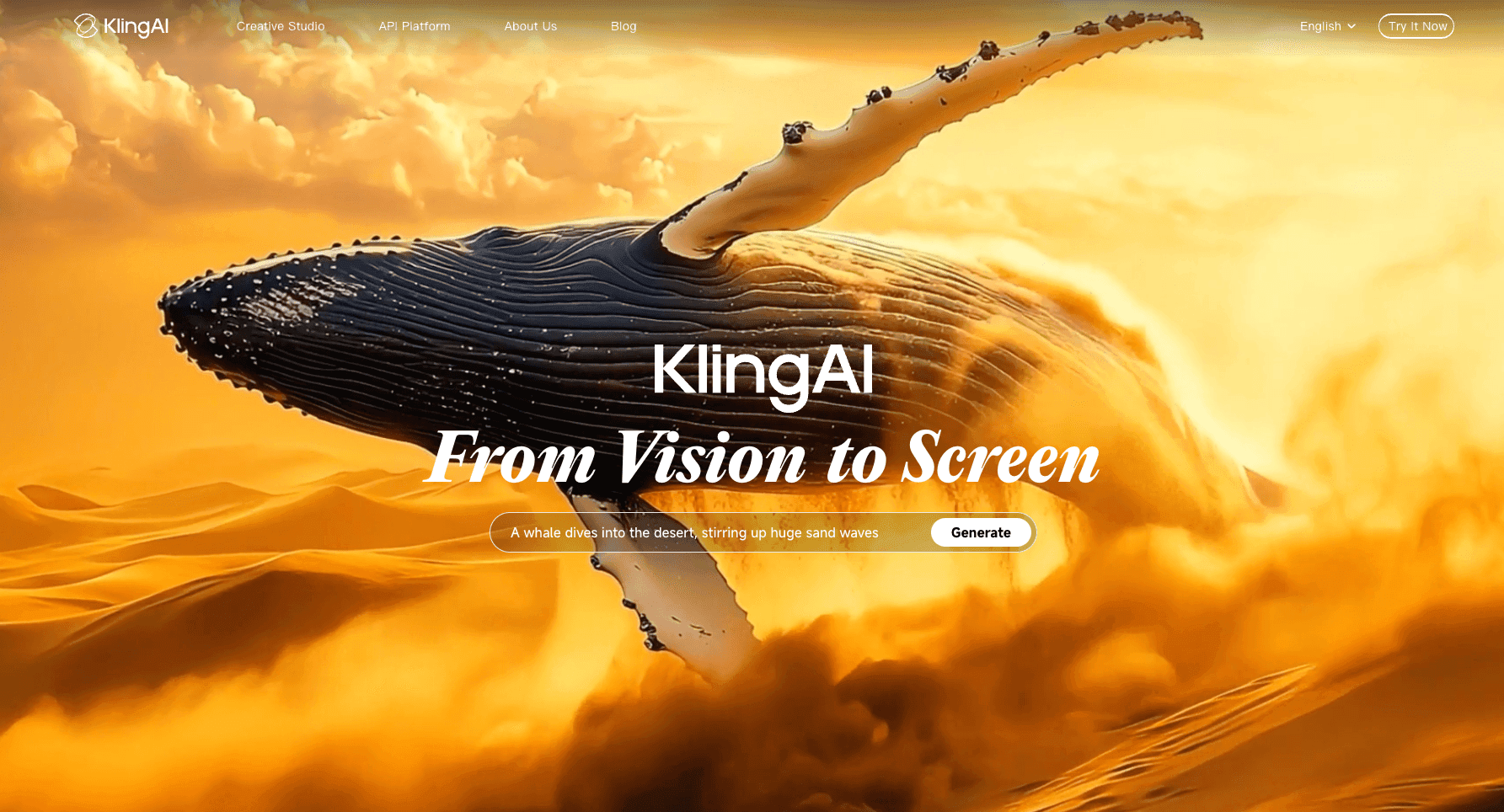
How Kling generates lip sync
Kling AI uses a distinctive two-stage generation process. First, animate a still image with Image to Video, then synchronize the audio with the lip-sync feature.
This initially felt inconvenient, but it has a major advantage: you can check the video’s movement first and regenerate it before adding audio if you do not like the result.
The steps I tried
Here is my workflow in detail:
- Upload an image: choose your favorite character image
- Generate video: create a five- to ten-second video with Image to Video
- Check the movement: review how natural the generated video looks
- Prepare the audio: provide an audio file up to 60 seconds long
- Apply lip sync: synchronize the audio and video
I have tried many tools, including D-ID, Heygen, and Hedra AI, but currently I feel Kling 1.6 produces the smoothest and most natural movement.
Tips for the settings
The key to high-quality videos in Kling is getting the initial video generation right. I usually generate three or four versions and choose the most natural one before applying lip sync.
I also recommend dividing the audio into shorter sections. Although it supports up to 60 seconds, splitting the audio into sections of around 30 seconds enables more accurate synchronization.
Balancing generation time and quality
Kling 2.1 Master mode produces the highest quality but takes 10–15 minutes to generate. Standard mode finishes in three to five minutes. I choose based on the purpose:
- Social media posts: Standard mode is sufficient
- Client work: Always use Master mode
- Test versions: Check with Standard first
Choosing this way helps me balance efficiency and quality.
4-4. DomoAI
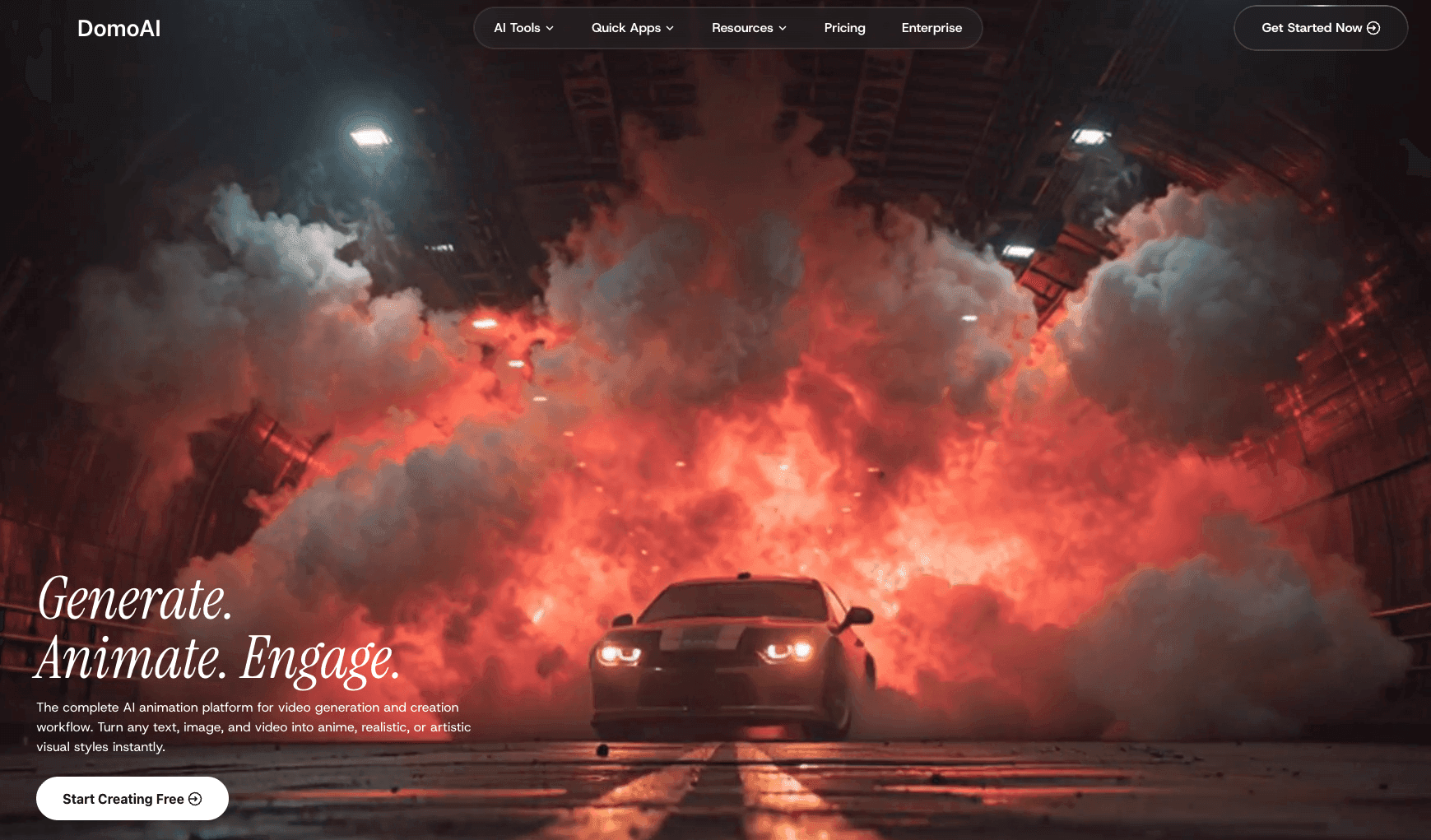
DomoAI’s distinctive features and lip sync
Let me introduce DomoAI, which has recently caught my attention. It has distinctive strengths that other tools do not offer.
DomoAI’s biggest feature is combining Video to Video with lip sync. You can convert an existing video into an anime style while applying lip sync at the same time. I enjoy turning live-action videos of myself into anime and exploring a completely new form of expression.
The results I got
I tried using DomoAI’s “Talking Avatar” feature to create a talking character from a still image. The process is very simple:
- Upload a character image
- Add an audio file; recording is also possible
- Generate a five- to 60-second video
I was particularly impressed by its support for Japanese anime styles. Other tools excel at realism, but DomoAI’s anime-style lip sync looks truly natural.
My honest view of the advantages and disadvantages
Advantages:
- A wide range of anime styles, including 1990s-inspired looks and flat colors
- Simultaneous style conversion and lip-sync processing
- Support for longer clips up to 60 seconds
- The Screen Keying feature also allows transparent backgrounds
Disadvantages:
- Processing takes slightly longer than other tools, at five to ten minutes
- The free plan has fairly strict limits
Value for money
DomoAI offers particularly good value for people making anime content. I use a monthly plan, and when I include the style-conversion features, it is more economical than using several tools.
I recommend that beginners try the free trial first. DomoAI is one of the best options, especially for people who want to make anime-style videos.
4-5. Hedra
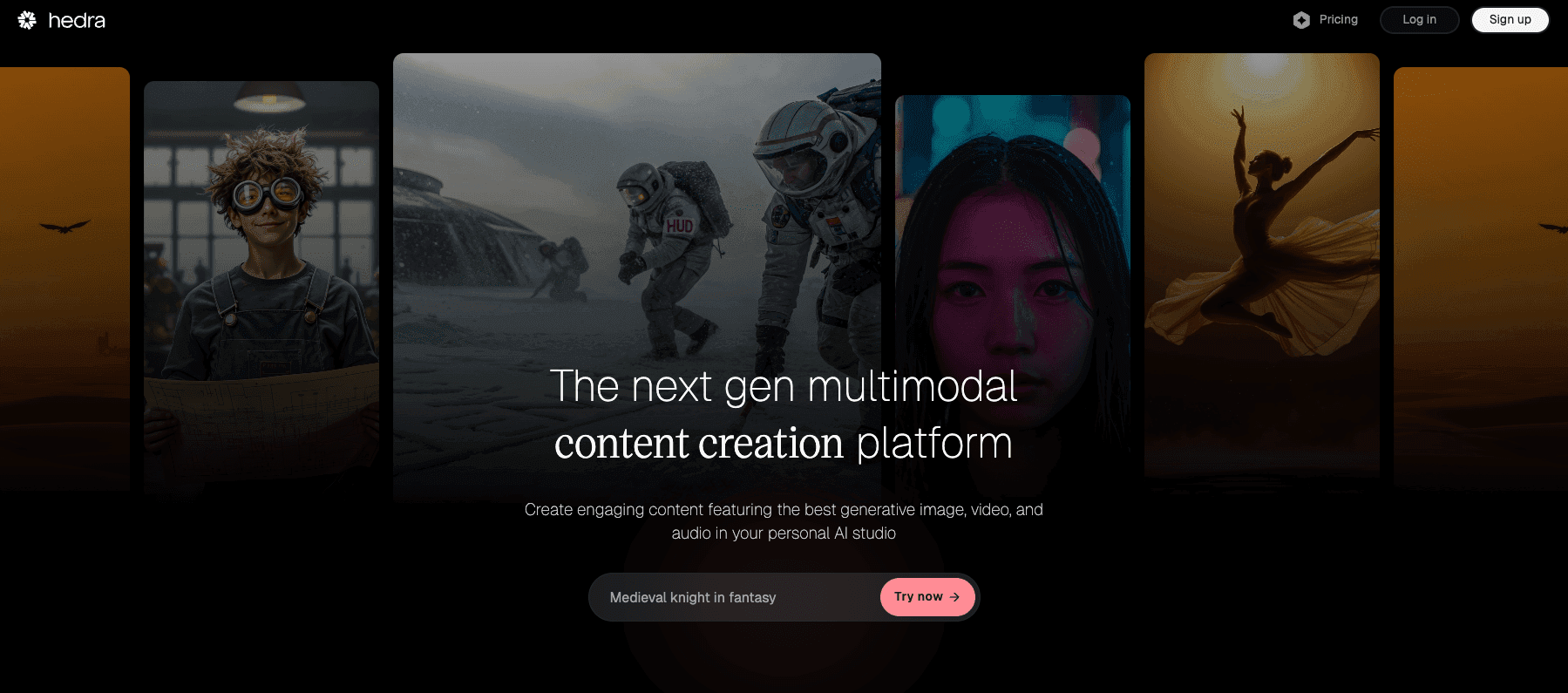
Introducing emerging tools
Here are a few newer tools I have tried recently and found interesting.
Hedra Character-3 took first place for anime lip sync. It is especially strong at lip-syncing illustrations and character images, making it ideal for VTuber creation. I tried it with a character I designed, and the mouth movements looked very natural.
Synthesia specializes in business use. With more than 100 AI avatars, it is useful for making presentation videos. I often use it for explanatory videos for clients.
D-ID can generate surprisingly realistic videos from a single photo. I was particularly struck by its use to animate photos of people who have passed away, bringing memories back to life.
Technology I’m watching next
I’m particularly interested in advances in real-time generation. Generation currently takes a few minutes, but in the future lip sync will likely become usable in livestreams as well.
I also look forward to integration with emotion-recognition technology. If technology that analyzes emotion in speech and automatically changes facial expressions becomes practical, it will enable even more natural videos.
I am always trying new tools, so I’ll share more when I find good ones!
Tool Comparison Table
I have put the five tools I tried into a straightforward comparison table.
| Tool | Monthly price | Supported languages | Maximum video length | Specialty | My recommendation |
|---|---|---|---|---|---|
| HeyGen | Free to $29 | 40+ languages | 10 seconds to unlimited | Live-action people | ★★★★★ |
| Dreamina | Free to $15 | 20+ languages | 30–60 seconds | Integrated production | ★★★★☆ |
| Kling | Free to $20 | 15+ languages | 60 seconds | High-quality video | ★★★★☆ |
| DomoAI | Free to $25 | 10+ languages | 60 seconds | Anime styles | ★★★★★ |
| Hedra | Free to $10 | 10+ languages | 30 seconds | Characters | ★★★☆☆ |
My personal recommendations are:
- For live action, definitely HeyGen: outstanding accuracy
- For anime, DomoAI: an appealing variety of styles
- For value, Dreamina: versatile and economical
- For quality, Kling: take the time to get the best quality
For beginners, I recommend trying each tool’s free plan and choosing the one that suits your purpose. I also tried all of them for free before moving to paid plans.
Summary
Lip-sync technology is no longer a specialized technology; it has become an accessible tool anyone can use. I hope you experience the same excitement I felt when I first tried it.
Technology is advancing incredibly fast. An even more capable “Avatar V” is reportedly in preparation, so it remains something to watch. Further advances are expected, including real-time generation and improved emotional expression.
My strong advice to beginners is to experiment with free plans first. I made one mistake after another at the start, but with use you will get the hang of it.
What I recommend most is choosing different tools for different purposes:
- HeyGen for live-action video
- DomoAI for anime production
- Dreamina for an easy start
With lip-sync technology, you can create engaging videos even without showing your face. You can also cross language barriers. The possibilities for expression are endless.
Why not start a free trial with DomoAI now and enter the world of AI video creation? It is sure to open a new door to creativity!


