

Over the 12 months from 2024, domestic search volume grew roughly 2.4 times. As constant updates to TikTok and YouTube Shorts have become the norm, the production cycle of “shoot → edit → post” keeps getting shorter. This has brought attention to AI that generates video from text or still images in just a few clicks.
This article objectively compares five services known for their accessibility and balanced features: DomoAI, Runway Gen-4, OpenAI Sora, Kling AI, Pika Labs, and Luma AI.
Who this article is for:
- Small creators who want to produce short social media videos in volume
- Beginners and curious people who want to try making their first video
- Marketers creating advertising and promotional videos with small teams
Three Benefits of AI Video Generators for Small Creators and Beginners
- Cut production time to one-tenth — Enter text or a still image and produce a video in a few clicks, greatly reducing the work and cost of filming and editing.
- Reflect your brand with ease — Templates, styles, and reference images make it easier to keep colors and the visual world consistent.
- Experiment with no cost of failure — Free allowances and inexpensive credits let you try again repeatedly, keeping the cost of learning low.
These qualities are the strength of AI tools: even small teams and individual creators with limited time and manpower can approach professional quality.
Three Criteria for Choosing the Right Tool
First, let’s review the points to check when choosing an AI video generator.
1. Output quality
- Resolution: HD and 4K support
- Temporal consistency: coherence of motion and scenes
- Range of styles: realistic, anime, CG, and more
2. Ease of use and learning curve
- Intuitive interface and Japanese support
- Whether simple prompts can generate results
- Generation speed: whether videos can be produced quickly
3. Pricing and commercial licensing
- Availability of free allowances and monthly plans
- Whether commercial use is allowed and under what conditions
- Credit-based or subscription-based pricing
What to Check for Each Use Case
| Goal | Features to focus on | Recommended model examples |
|---|---|---|
| High-volume short videos for social media | Generation speed, templates, automatic resizing | DomoAI/Pika Labs |
| Film-quality output | 4K output, advanced camera controls, VFX | Runway Gen-4 |
| Realistic physics simulation | High-fidelity motion in short clips | OpenAI Sora |
| Music and lip sync | Lip-sync accuracy and community sharing | Kling AI |
| Combining live action and CG | Object consistency and upscaling | Luma Dream Machine |
Six AI Video Generators to Watch in 2025
DomoAI — An all-rounder that ordinary people can use
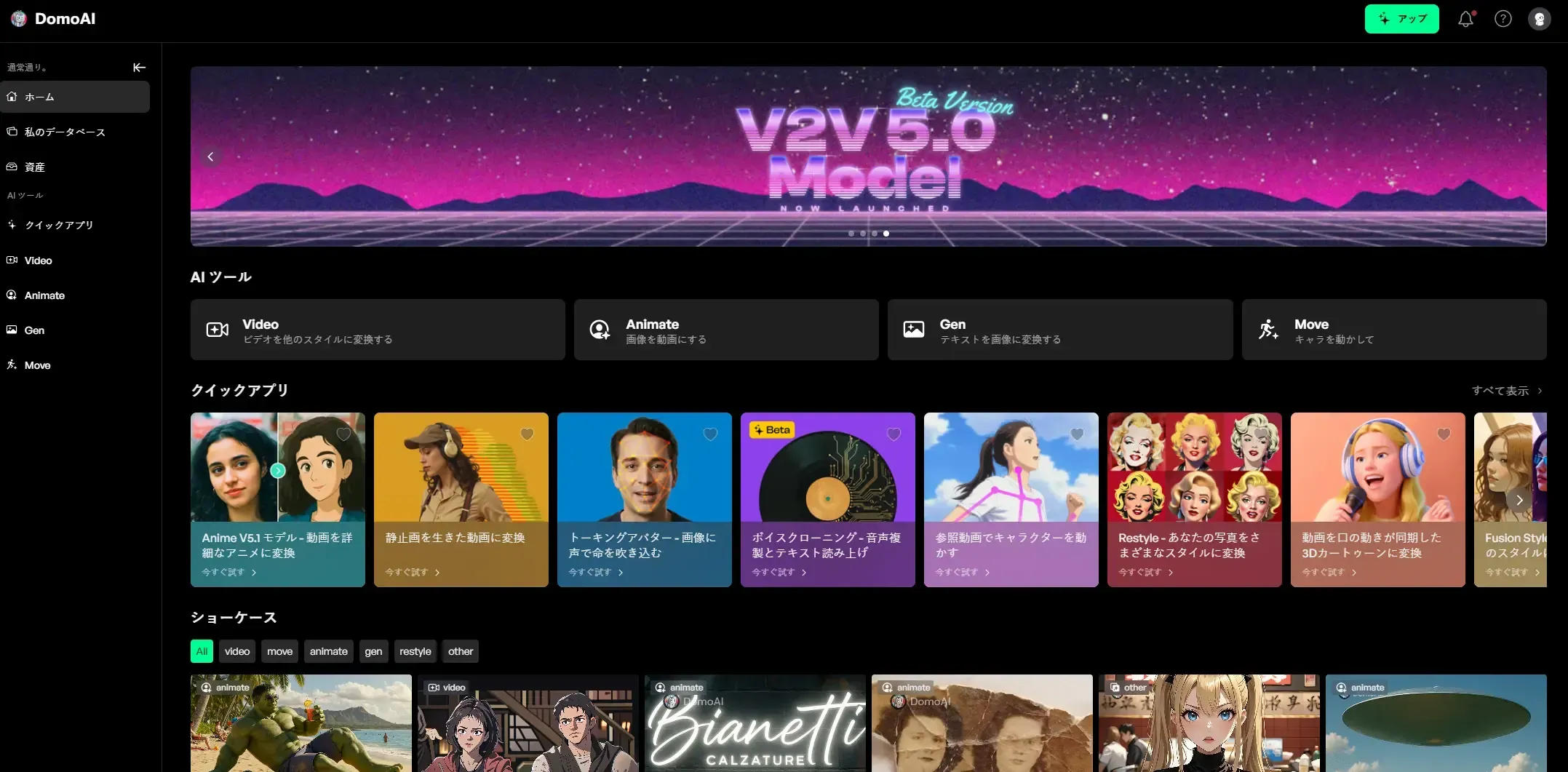
- Features: Video-to-Video, Image-to-Video, Image-to-Image, character animation, Talking Avatar, and more than 30 styles
- Pricing: 15 free credits, then from $6.99 per month, with flexible scaling through credits
- Strengths: Full Japanese interface and prompt support, with a community of more than two million sharing examples on Discord and the web
- Weaknesses: Maximum length of 30 seconds
- Recommended for: Running TikTok or YouTube Shorts accounts, producing startup advertising assets at scale, and beginners creating short social videos or animation-style content
Runway Gen — Character consistency and 4K workflows
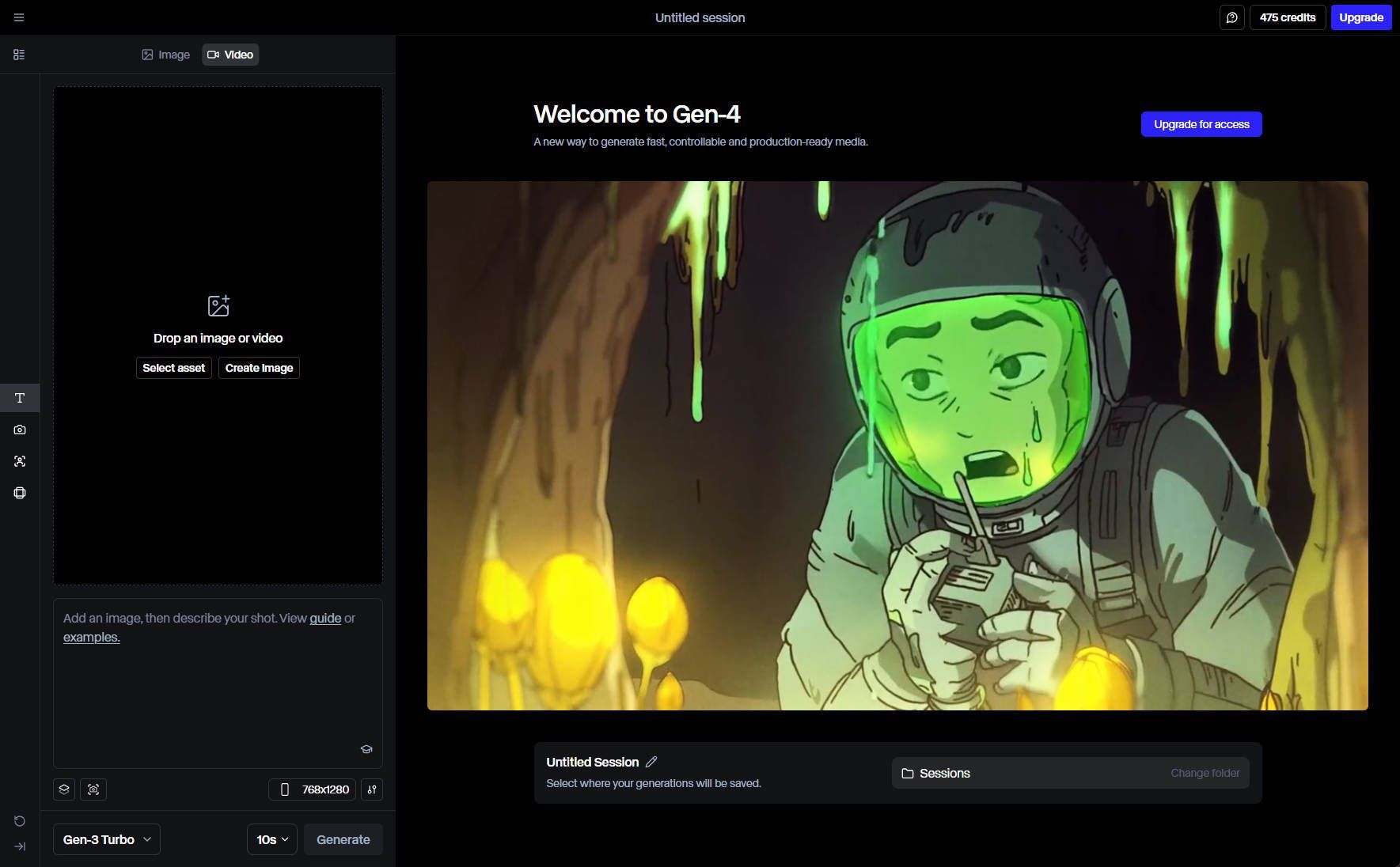
- Main improvements: Keeps a subject consistent across multiple shots using one reference image; Gen-4 Turbo is the fastest, generating a 10-second video in 30 seconds
- Pricing: From $12 per month with annual billing, 125 credits, and a Free plan. The high-precision Turbo model uses fewer credits
- Strengths: High-quality 4K video and fast generation; can maintain character consistency and offers a wide range of editing tools
- Weaknesses: The need for an input image makes it somewhat harder to start casually; the interface is primarily in English
- Recommended for: Music-video teasers, advertising-agency previs, and film creators
OpenAI Sora — A short-film specialist with strong physics
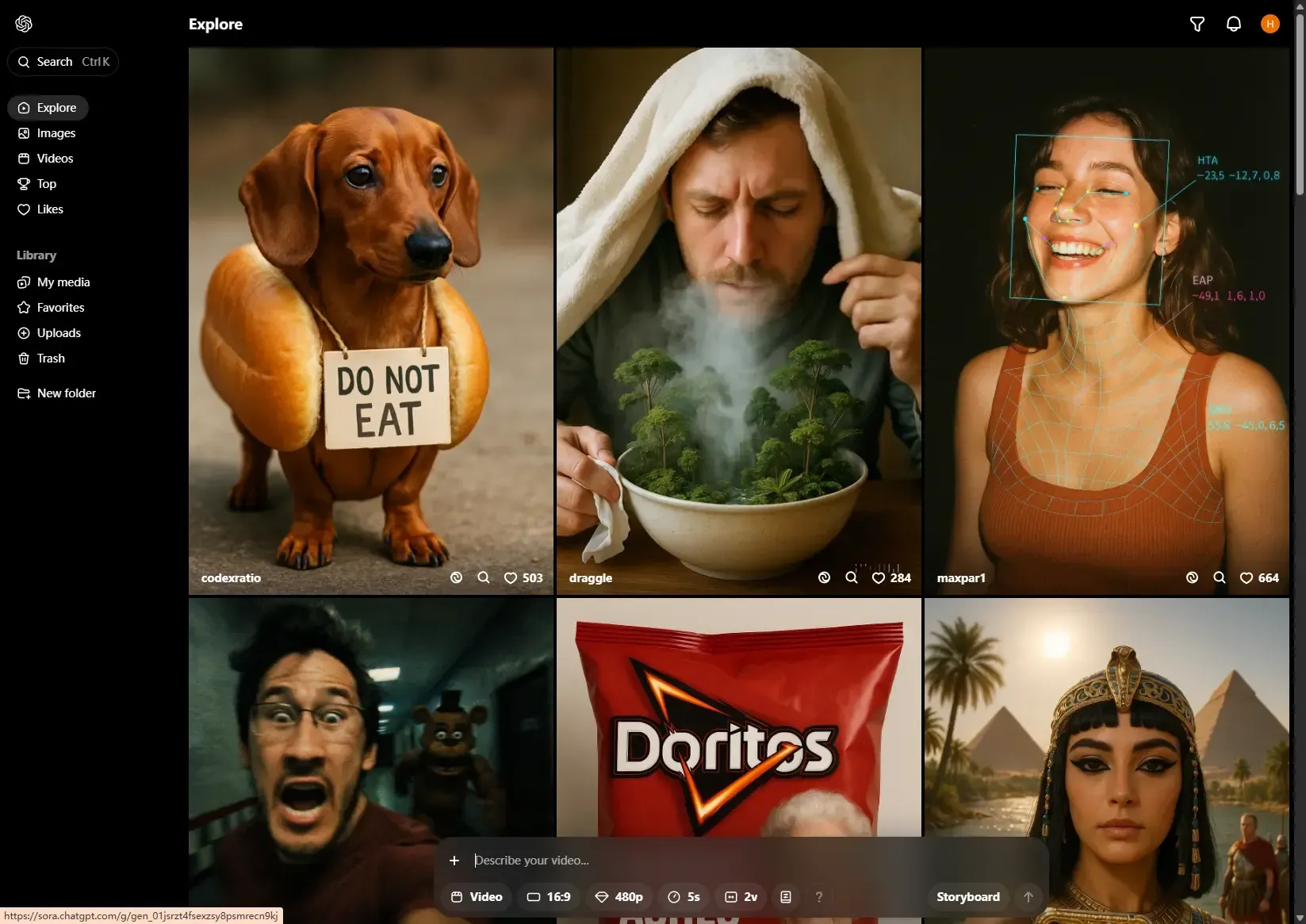
- Features: Faithfully reproduces subtle physical behavior, such as water surfaces and fabric, generating up to 20 seconds at 1080p
- Pricing: Available with ChatGPT Plus at $20 per month. The Pro plan at $200 per month offers high-resolution video generation
- Strengths: Realistic scene generation and fast processing, with a rich set of editing features such as Remix, Re-cut, and Blend
- Weaknesses: The entry plan limits clip length and resolution; commercial use requires the Pro plan
- Recommended for: Creators who want to quickly make short, high-quality videos
Kling AI — A community-based tool focused on lip sync
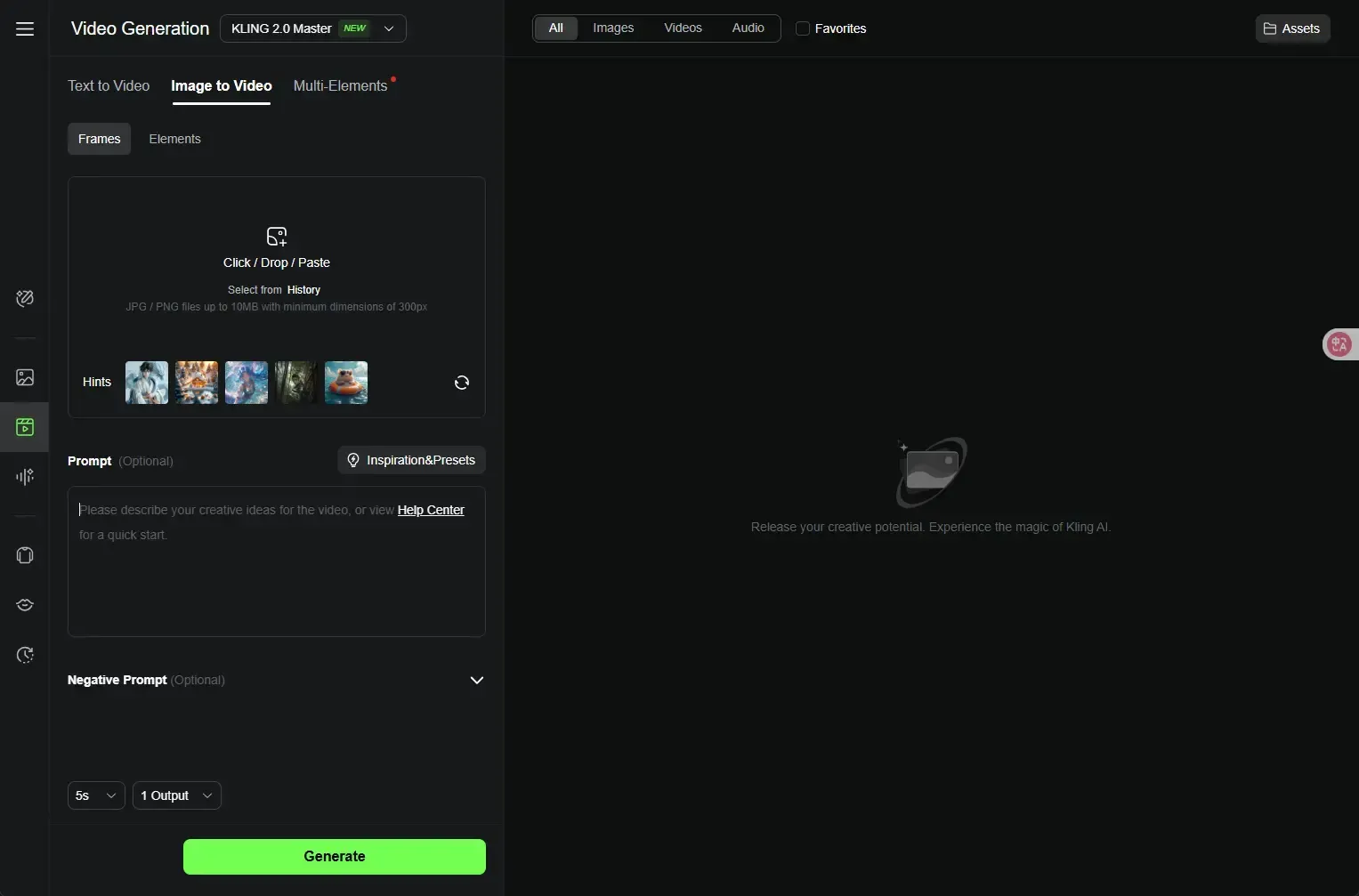
- Features: High-precision lip sync, image-to-video extension, and up to three minutes at 1080p
- Pricing: Daily free credits plus plans from $6.99 per month; removing the watermark requires payment
- Strengths: Extensive TikTok templates and a gallery shared by users
- Weaknesses: Uneven prompt stability; the Japanese interface relies on machine translation
- Recommended for: Song covers, VTuber shorts, and meme videos
Pika Labs — Template-focused and exceptionally fast
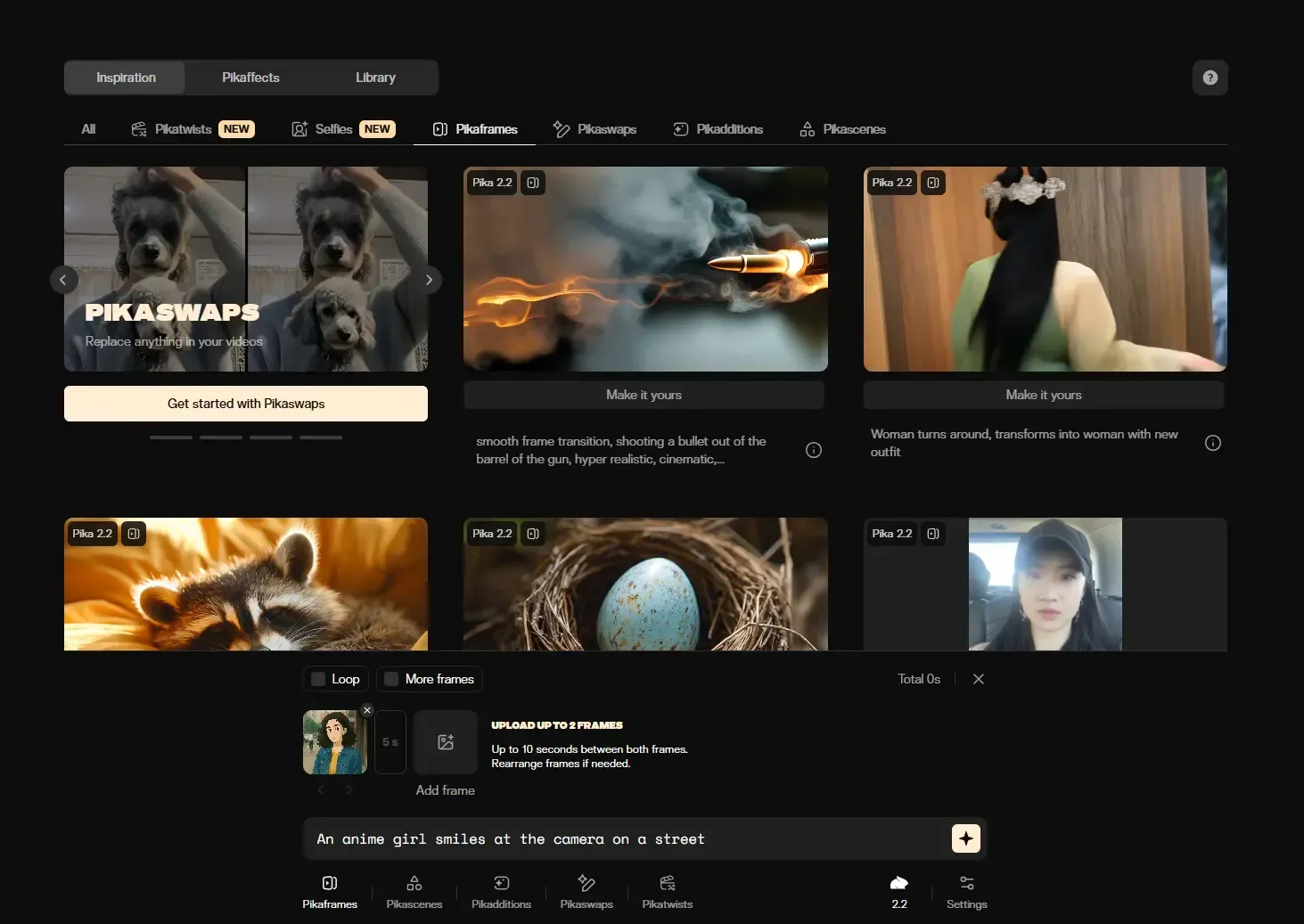
- Features: Generates 1080p video in around ten-plus seconds. Apply lighting and camera effects with a single preset
- Pricing: Free allowance with a watermark and a two-minute limit, followed by Standard at $10 or Unlimited at $95
- Strengths: Automatic conversion between vertical and horizontal social formats, with a minimal learning curve
- Weaknesses: Not suited to fine-tuning visual styles or editing long videos
- Recommended for: Reaction GIFs, meme intros, lyric videos, and hook frames for A/B tests
Luma AI Dream Machine — Pursuing physical coherence between live action and CG
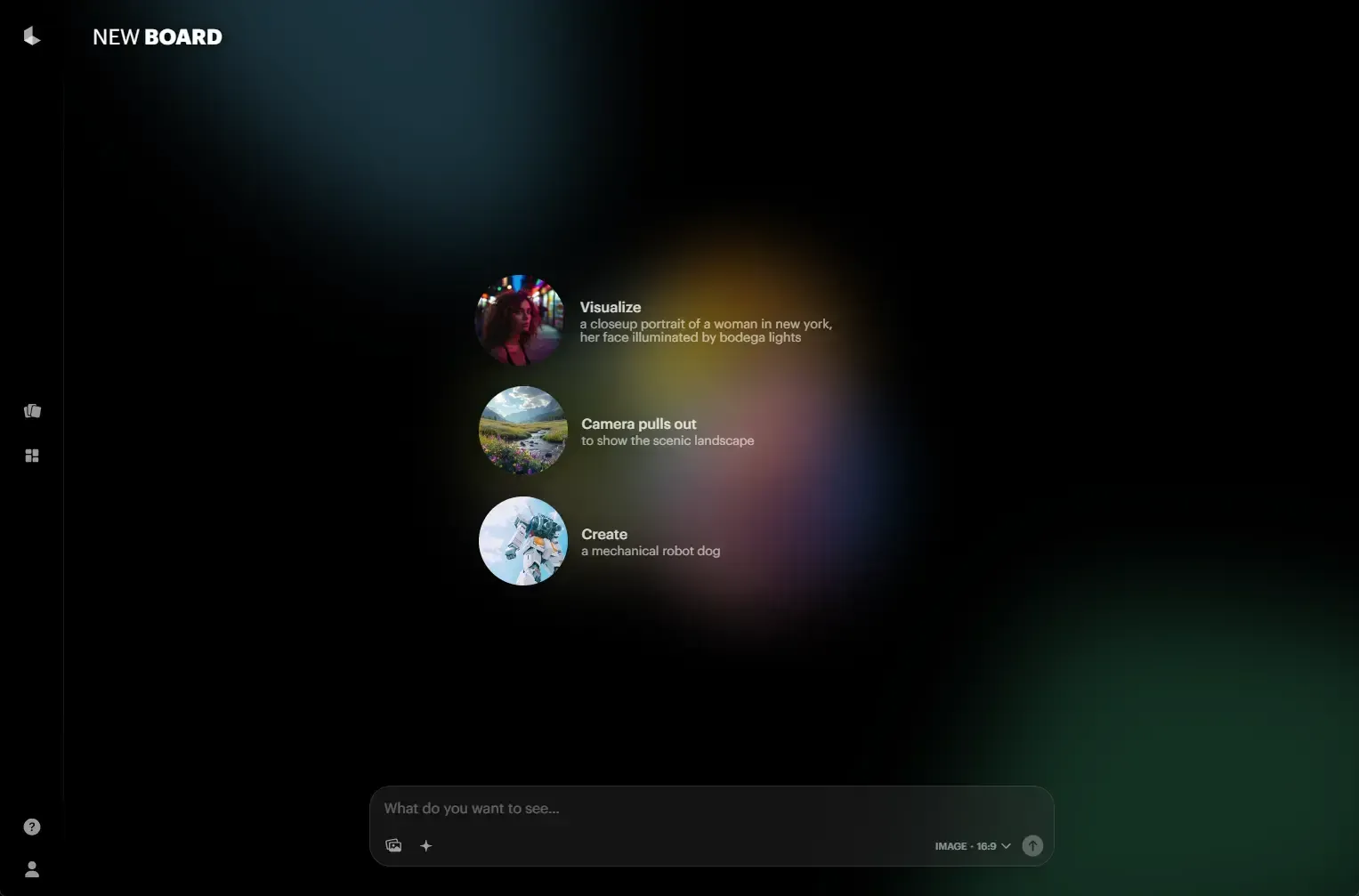
- Features: Text- or image-to-video, keyframe editing, and an iOS app
- Pricing: $9.99 per month for the Lite plan, with 1080p/720p supportAI Video Generator Tool…
- Strengths: Fast generation, AI camera controls, and video looping
- Weaknesses: The free plan includes a watermark and restrictions on commercial use
- Recommended for: Creating story-driven videos and dynamic scenes
Quick Comparison of Six Products
| Feature | DomoAI | Runway Gen-4 | OpenAI Sora | Kling AI | Pika Labs | Luma DM |
|---|---|---|---|---|---|---|
| T→V | ◯ | ◯ | ◯ | ◯ | ◯ | ◯ |
| I→V | ◯ | ◯ | ◯ | ◯ | ◯ | ◯ |
| V→V | ◯ | ◯ | △ | × | × | × |
| Lip sync | Avatar | × | × | ◯ | ◯ | × |
| Maximum resolution | 1080p | 4K upscaling | 1080p | 1080p | 1080p | 1080p |
| Japanese interface | ◯ | △ | △ | △ | △ | Prompts only |
| Free allowance | 15 cr | 125 cr | Plus required | Daily credits | Limited number of generations | Limited number of generations |
| Commercial license | Depends on plan | Depends on plan | Pro only | Paid | Paid | Plus or above |
Practical Tips from the Pros
- Start with A/B tests using free allowances — Try several tools with little risk and measure viewer retention and click-through rates.
- Unify your brand with reference images — Upload logos and key visuals to prevent drifting colors and compositions; DomoAI and Runway are recommended.
- Avoid overly long prompts — Concise prompts with listed keywords give high accuracy in Runway Gen-4 and Sora.
- Use different tools for different jobs — For example, produce many clips with Pika and finish signature videos in Runway.
Summary and Next Steps
- For small creators and beginners, DomoAI offers the best combination of ease of use, versatile features, and Japanese support.
- Choose Runway Gen-4 for high-end visuals and OpenAI Sora for realistic physics.
- Kling AI excels at lip sync and social memes, Pika Labs at rapid volume production, and Luma DM at live-action compositing.
The proven strategy for 2025 is to make one prototype with a free allowance, measure its performance, then expand to a paid plan or API. Try a tool now and turn your ideas into video!


