

Key points in this article
- DomoAI and NanoBanana Pro make it easy to create an anime-to-live-action transformation video from a single image
- With Frames to Video, simply specify the first and last frames to automatically generate a natural transition video
- The AI Avatar feature gives characters a voice, producing lip-sync videos in just a few minutes
Videos in which anime characters transform into live-action people have recently become hugely popular on social media and YouTube. On TikTok and Instagram Reels, this type of content is capturing viewers’ attention, recording engagement rates more than three times the norm.
Hello, I’m Senao, and I run the YouTube channel “IT and AI Routine Lab” and the blog “Routinelabo.” With DomoAI and Google DeepMind’s image-generation AI NanoBanana Pro, introduced here, you can create anime-to-live-action transformation videos from a single image with surprising ease.
Here is the video I was able to create this time
Recommended for:
- People who want to make the anime-to-live-action transformation videos trending on social media
- Beginners using an AI video-generation tool for the first time
- People looking for an alternative after Animon’s service closed
- People who want to make their YouTube or TikTok content production more efficient
By reading this article, you will fully understand how to make anime-to-live-action transformation videos with DomoAI. We’ll explain the basic steps, advanced techniques, and pricing-plan comparisons in a way beginners can follow.
You can also watch the YouTube video!
Haven’t Tried It Yet? Why DomoAI Is Attracting Attention in 2026
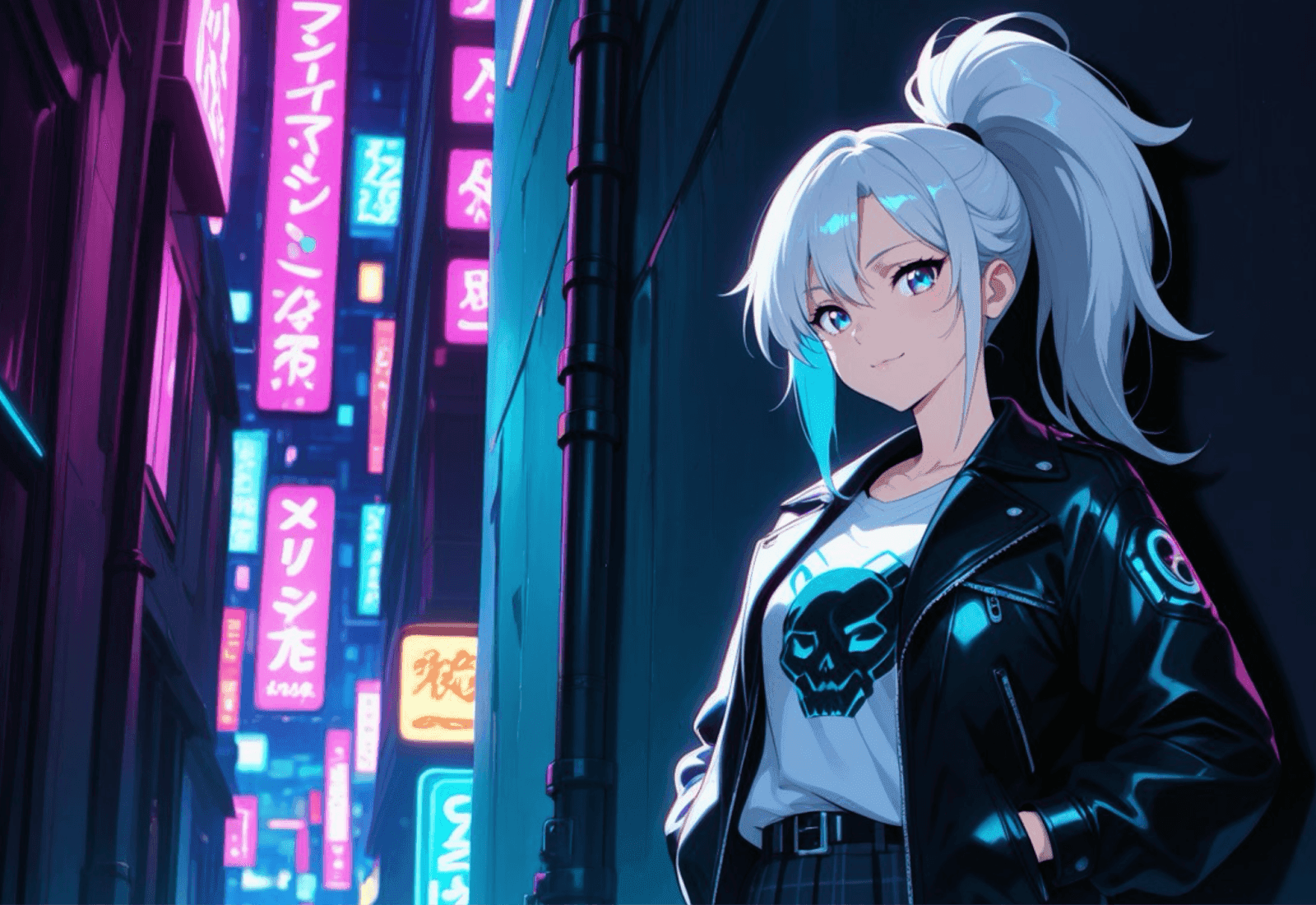
DomoAI is a realistic AI video and image-generation platform spanning anime and live action. Its biggest feature is being an all-in-one AI creation tool that converts text, images, and videos into more than 30 styles. It enables a wide range of expressions, including anime, realistic, and artistic styles.
I have used many image- and video-generation AI tools since they first began appearing, but there are not many I have kept using continuously since the early days. DomoAI is one I can particularly recommend.
Three Reasons DomoAI Is Attracting Attention Now
There are many reasons I recommend DomoAI. Beyond the ease of using the platform, some of its features are better than those of other tools. The latest 2026 update has made it even more useful, so let’s look at the reasons I recommend it.
Reason 1: NanoBanana Pro integration, December 2025
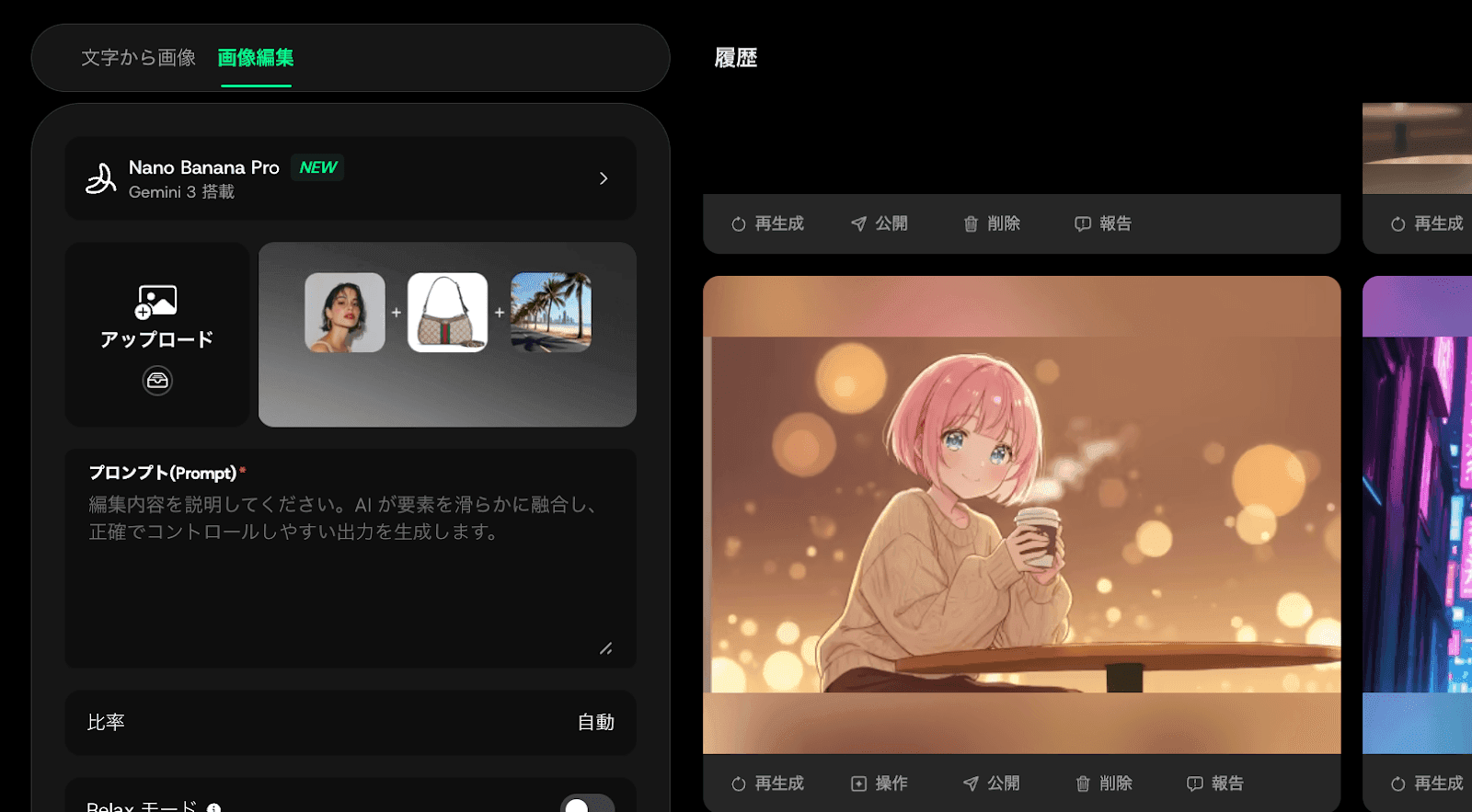
DomoAI now includes NanoBanana Pro, the next-generation image-generation AI developed by Google DeepMind. Native 4K output and maintained character consistency have dramatically improved the quality of image transformations.
Reason 2: The release of Frames to Video, December 2025
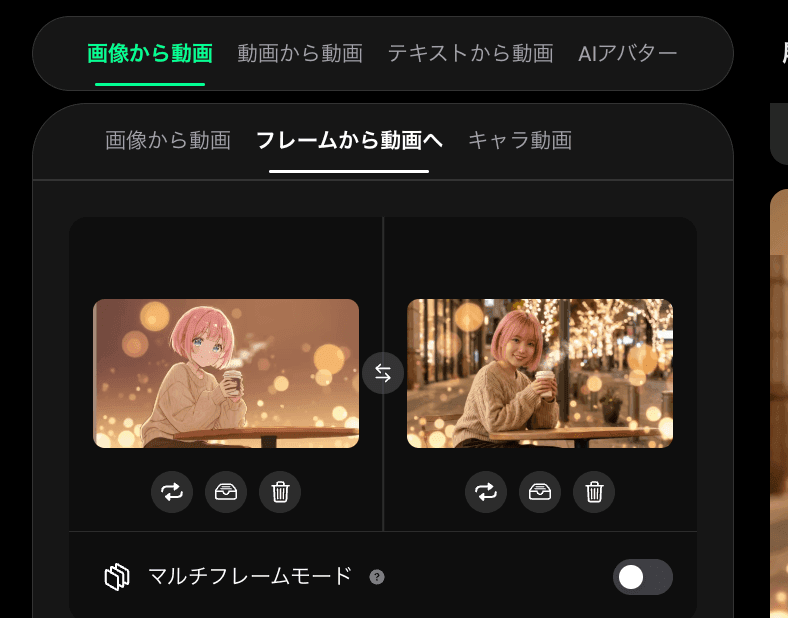
This new feature generates smooth animated videos from two to eight keyframe images. Simply specify the starting and ending frames, and AI automatically generates a natural transition video.
Reason 3: Demand concentrated after Animon’s closure
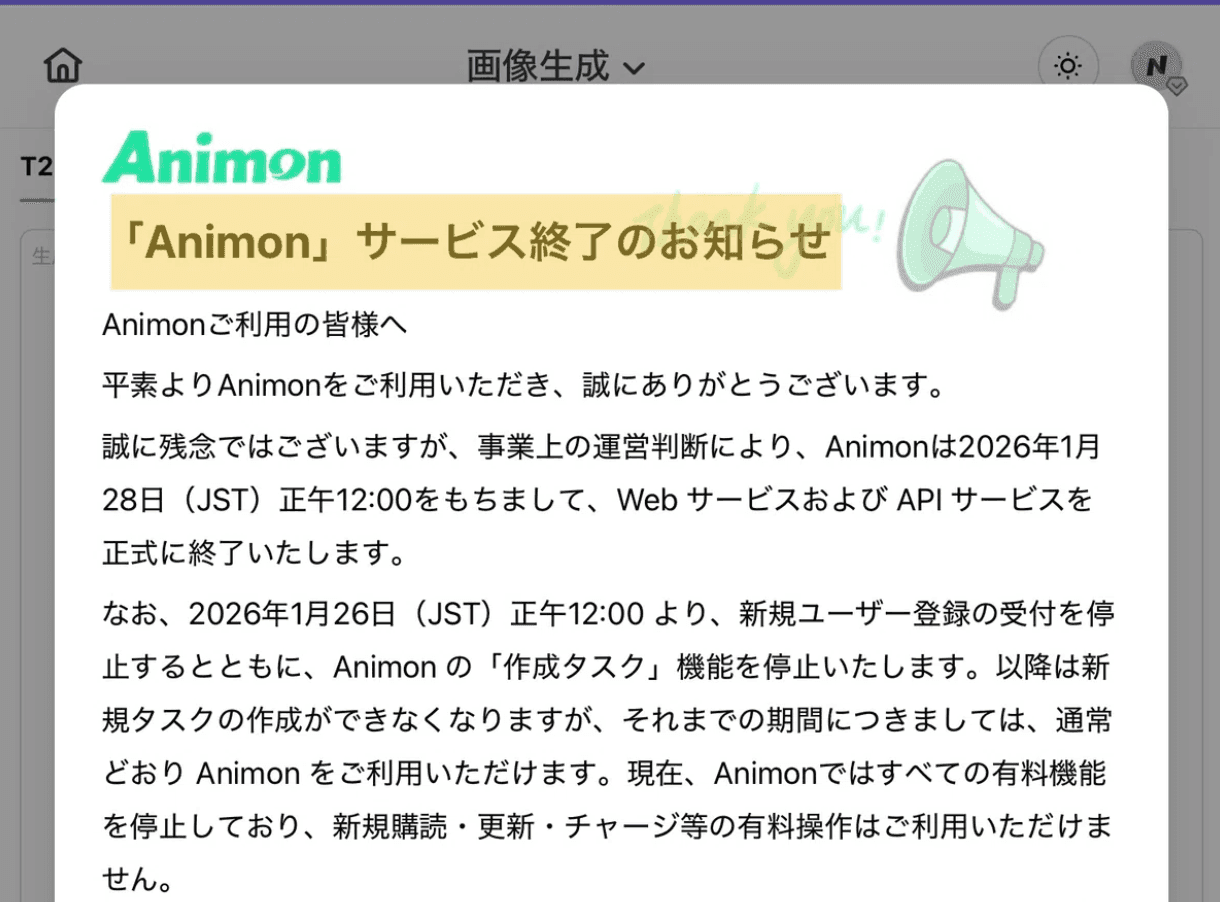
Animon, an AI video generator specializing in anime, ended its service on January 28, 2026. Cost issues with its unlimited free model and changes in the competitive landscape were the causes. This has led to a sharp rise in interest in DomoAI as an alternative for anime video generation.
From Anime to Live Action: The Overall Transformation Workflow
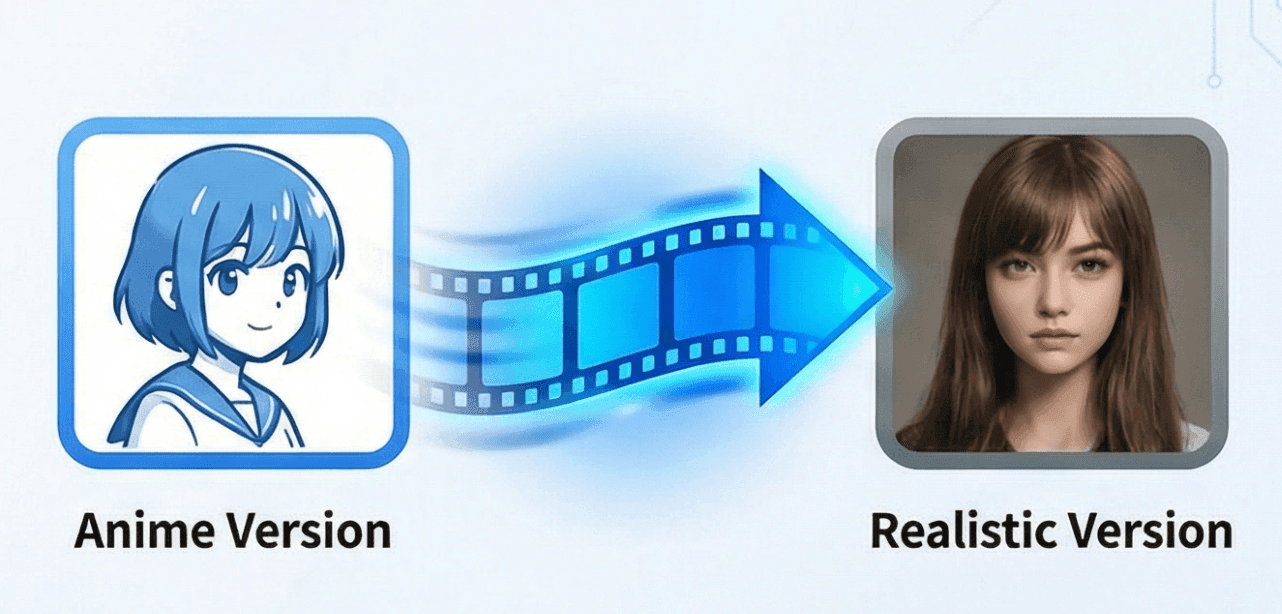
From here, we’ll use DomoAI and Nano Banana Pro to make an anime-to-live-action transformation video. The overall workflow has three main steps.
First, generate an anime image in DomoAI. Next, turn that image into live action with Nano Banana Pro. Finally, connect the two images with Frames to Video to complete the transition. As an optional addition, AI Avatar can give the character a voice and create a lip-sync video.
Let’s look at each step in order.
Generate an Anime Image in DomoAI
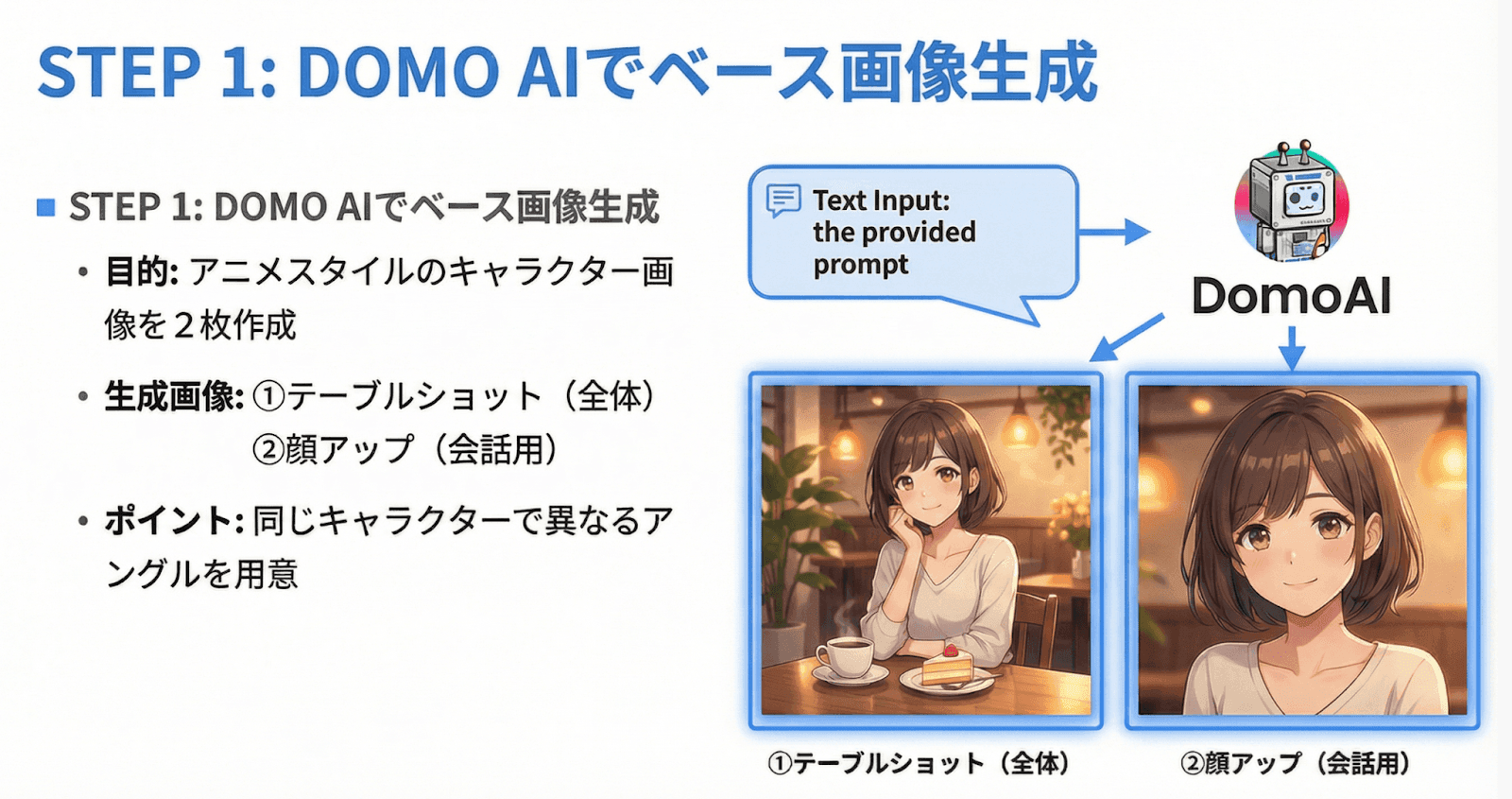
First, generate the anime image that will serve as the starting point for your transformation. DomoAI’s AI image-generation feature makes it easy to create high-quality anime images simply by entering a text prompt.
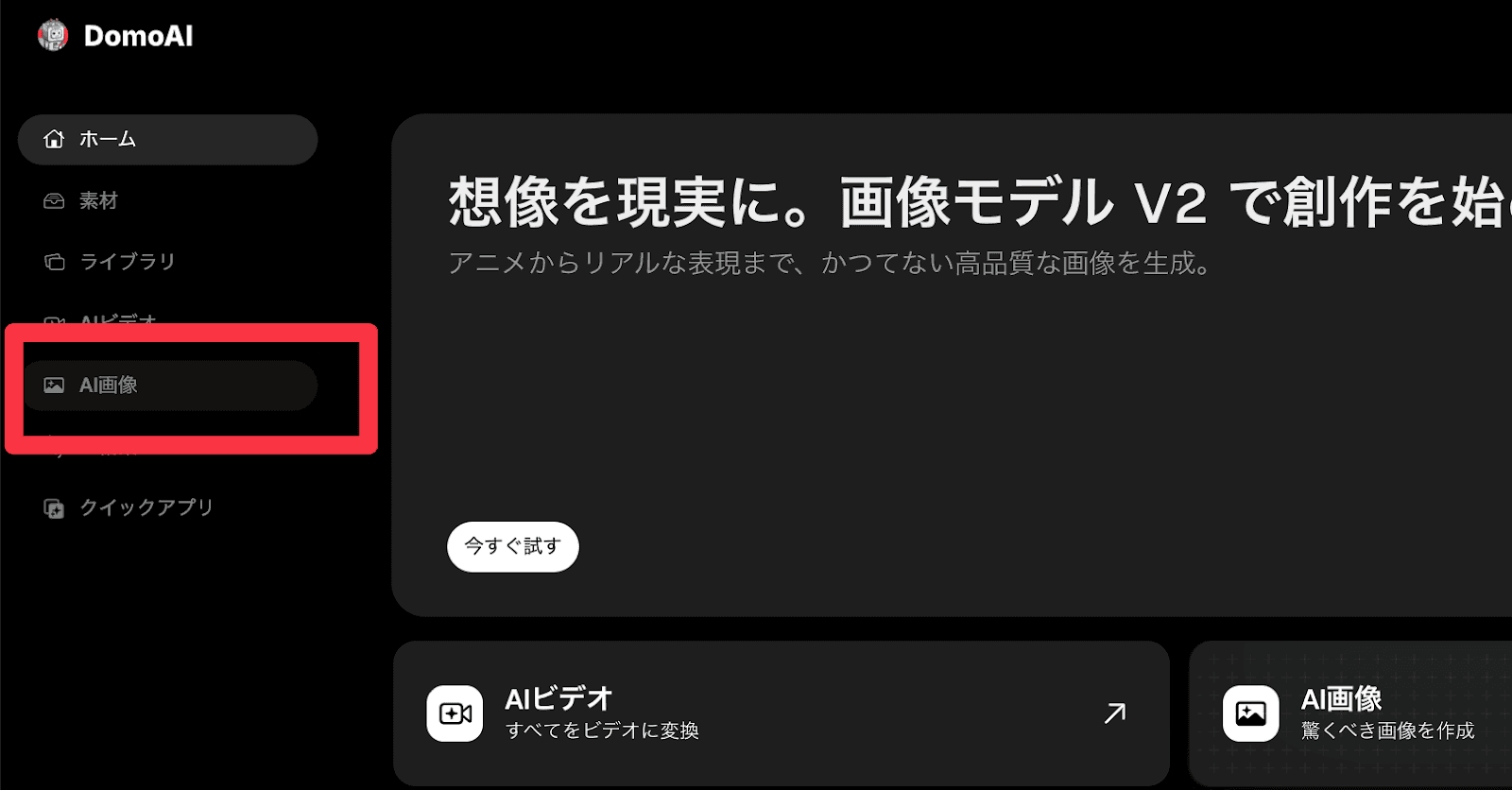
Visit the DomoAI official website, log in with a Google account or another option, then select “AI Image” from the menu on the left.
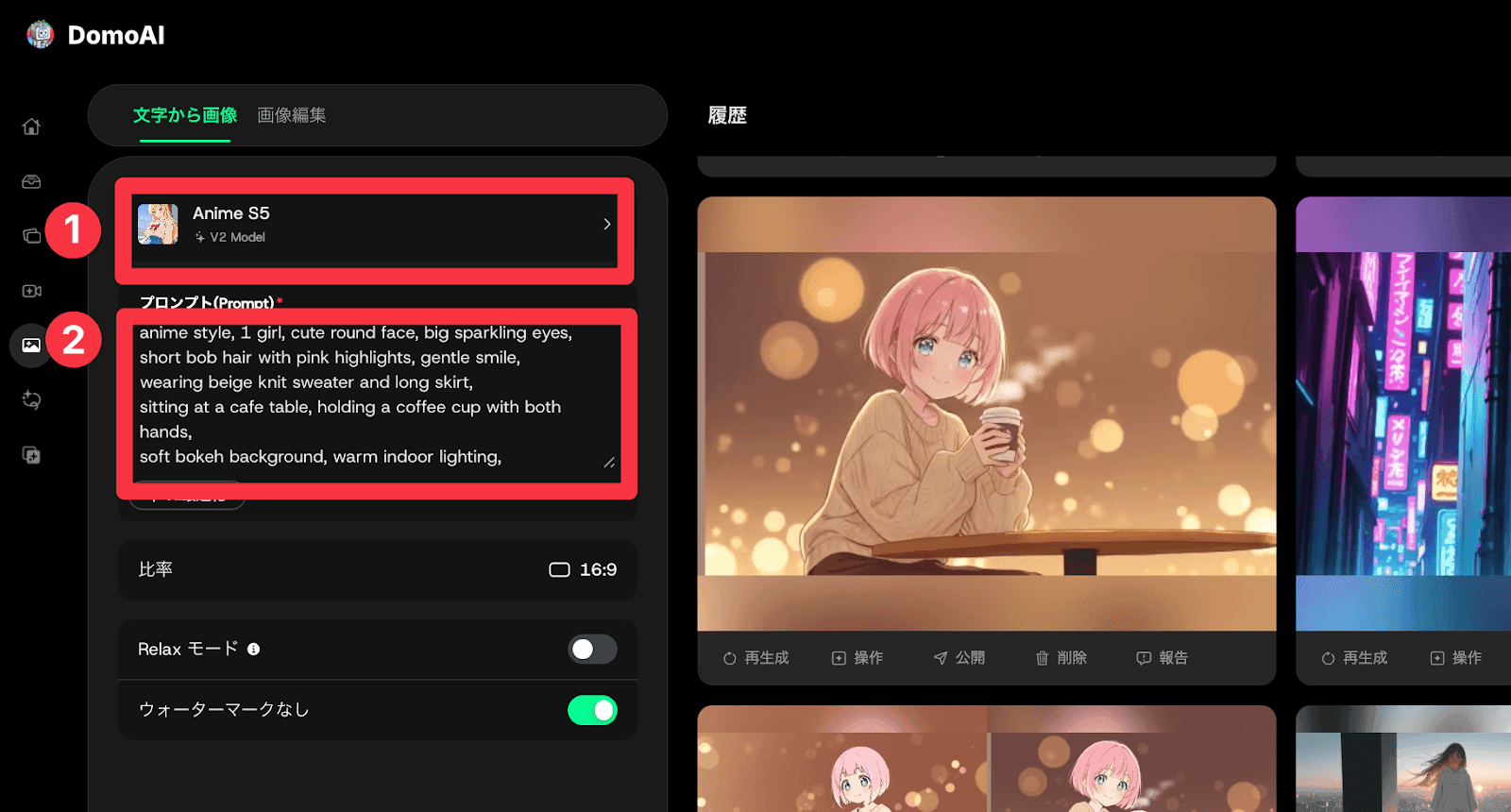
The settings appear on the left, with a list of generated images on the right. Start by entering a prompt. We recommend a concrete description, such as “An anime girl drinking coffee in a café.”
Tip: If you are not confident writing prompts, click “AI Optimize.” AI will automatically fill in missing details in your prompt. You can also prepare a prompt in advance with ChatGPT or Claude.
Here is the image we generated
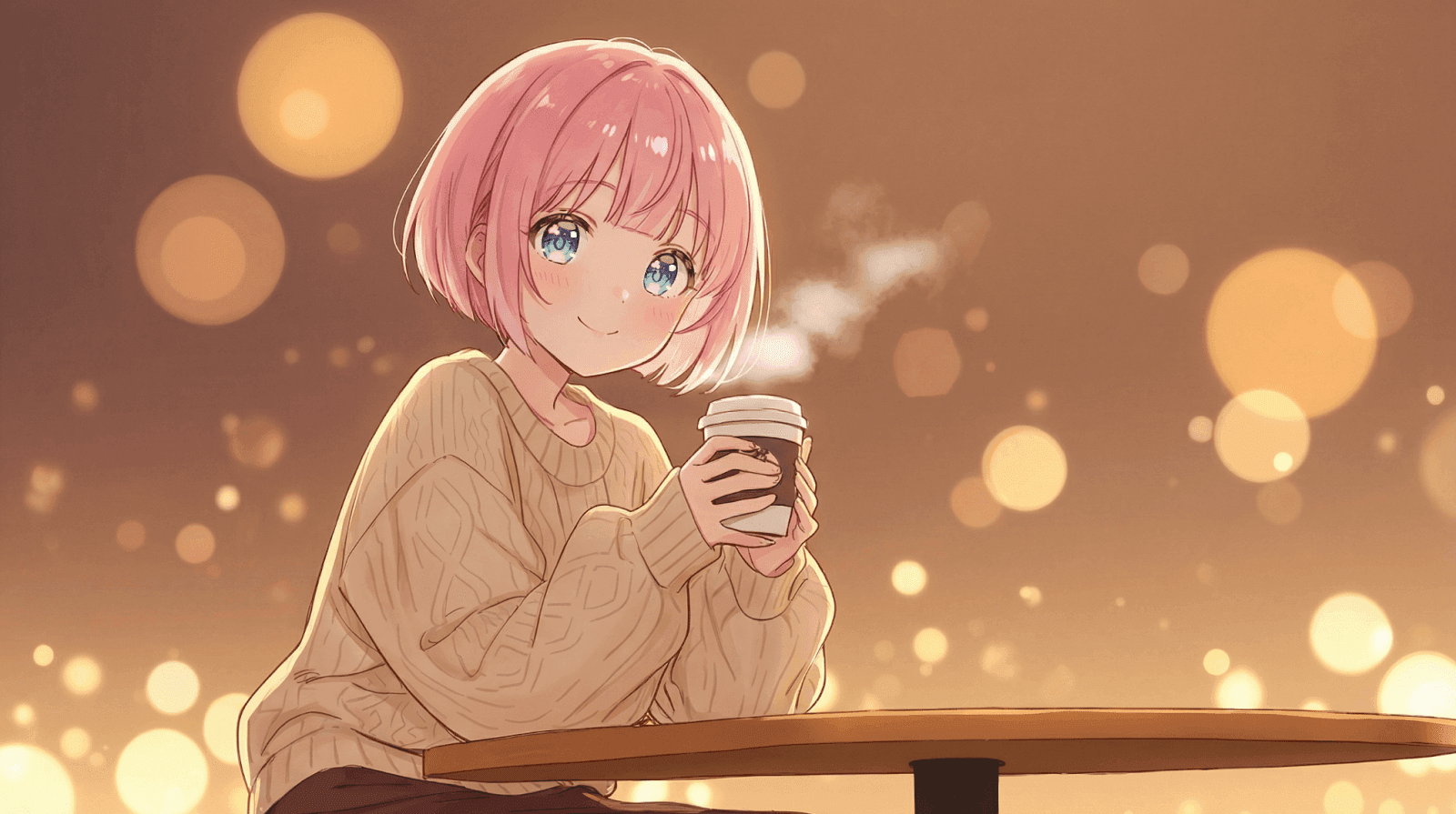
For this image, I used the “Anime S1” model and entered the following prompt. Use it as a reference.
anime style, 1 girl, cute round face, big sparkling eyes, short bob hair with pink highlights, gentle smile,
wearing beige knit sweater and long skirt, sitting at a cafe table, holding a coffee cup with both hands,
soft bokeh background, warm indoor lighting, cozy atmosphere, detailed anime illustration, high quality
There are ten anime-style image models, S1 through S10. Check their previews and choose your preferred style. For YouTube videos, we recommend a 16:9 aspect ratio. On the Standard plan or above, turning on Relax mode lets you generate without using credits. Once you have configured the settings, click “Generate.”
This time, I generated two versions: a table shot showing the character’s overall appearance, and a close-up of the same character’s face.
After generation, use “Save to Assets” to store them in DomoAI so you can use them smoothly in later steps.
Turn Anime into Live Action with Nano Banana Pro
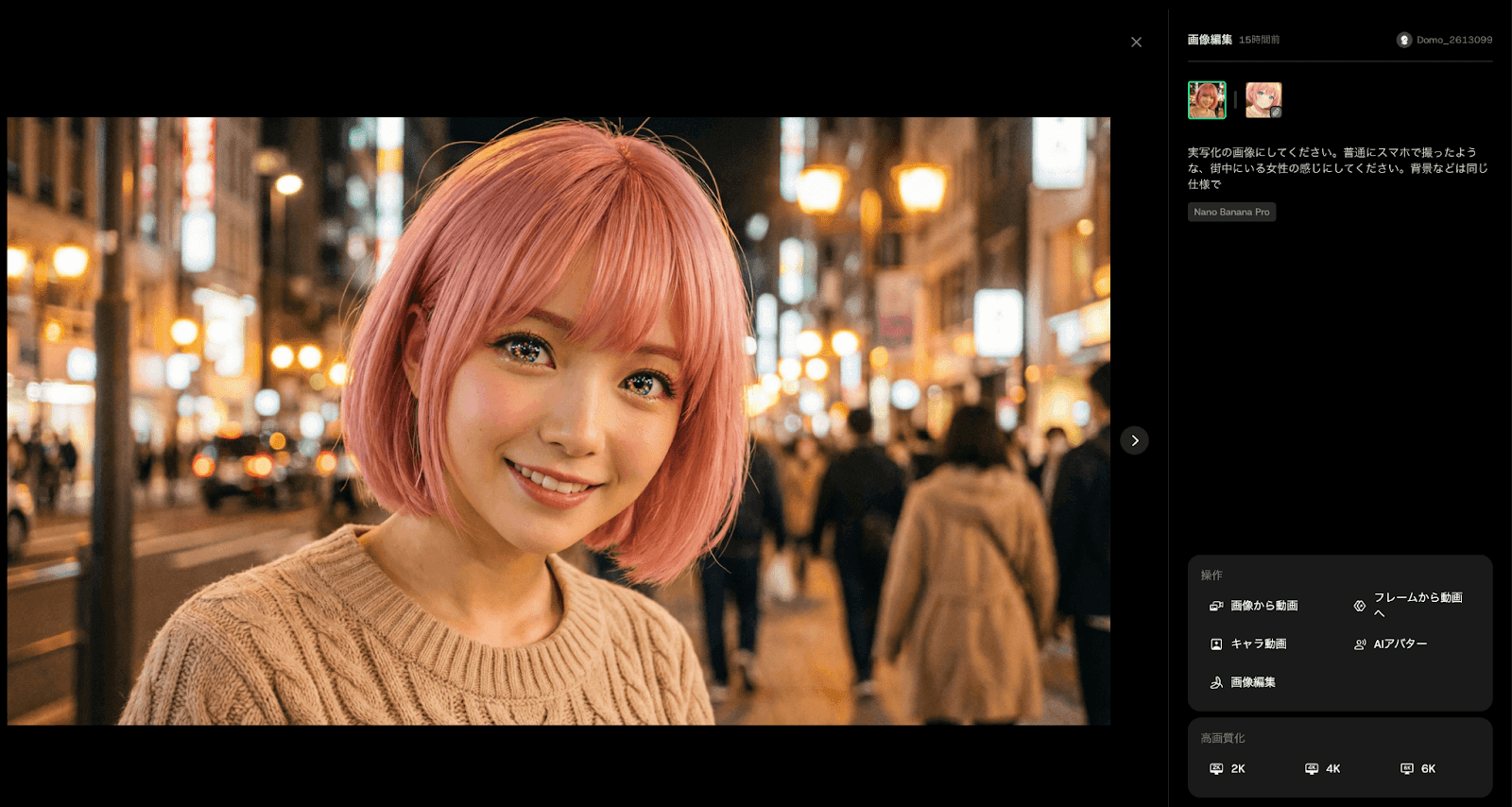
Next, convert the generated anime image into a live-action-style image with NanoBanana Pro.
Nano Banana Pro is probably already familiar enough to need little introduction. It is Google’s next-generation image-generation and editing model, released in November 2025. It supports native 4K output and can transform images with high precision while maintaining character consistency.
Because it is integrated into DomoAI, no extra payment or account registration is needed: you can use it directly within your DomoAI subscription.
Using it is simple. Click “Image Editing” beside the “Text to Image” tab, then select the NanoBanana Pro model.
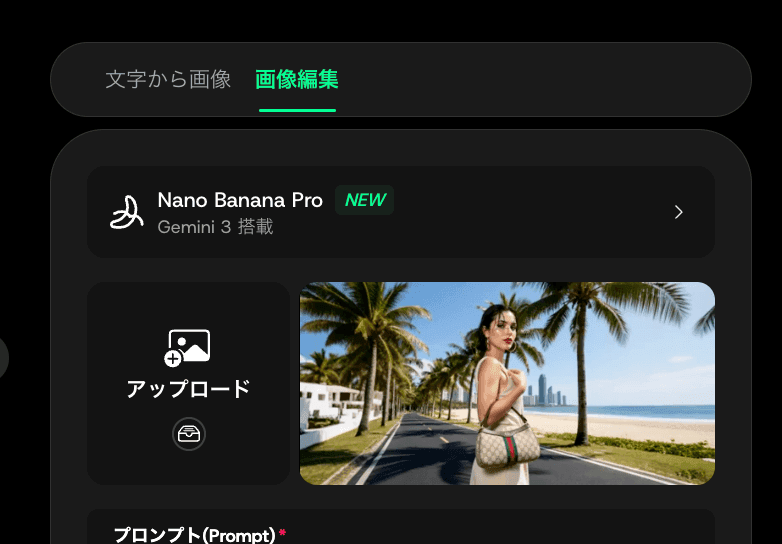
After uploading the anime image you generated earlier, enter a prompt. Japanese input is supported, so even a rough instruction such as
“Make this girl live action and keep her features exactly the same”
can produce a highly accurate live-action version. Set the aspect ratio to the same 16:9 as the original image, then click “Generate” to finish.
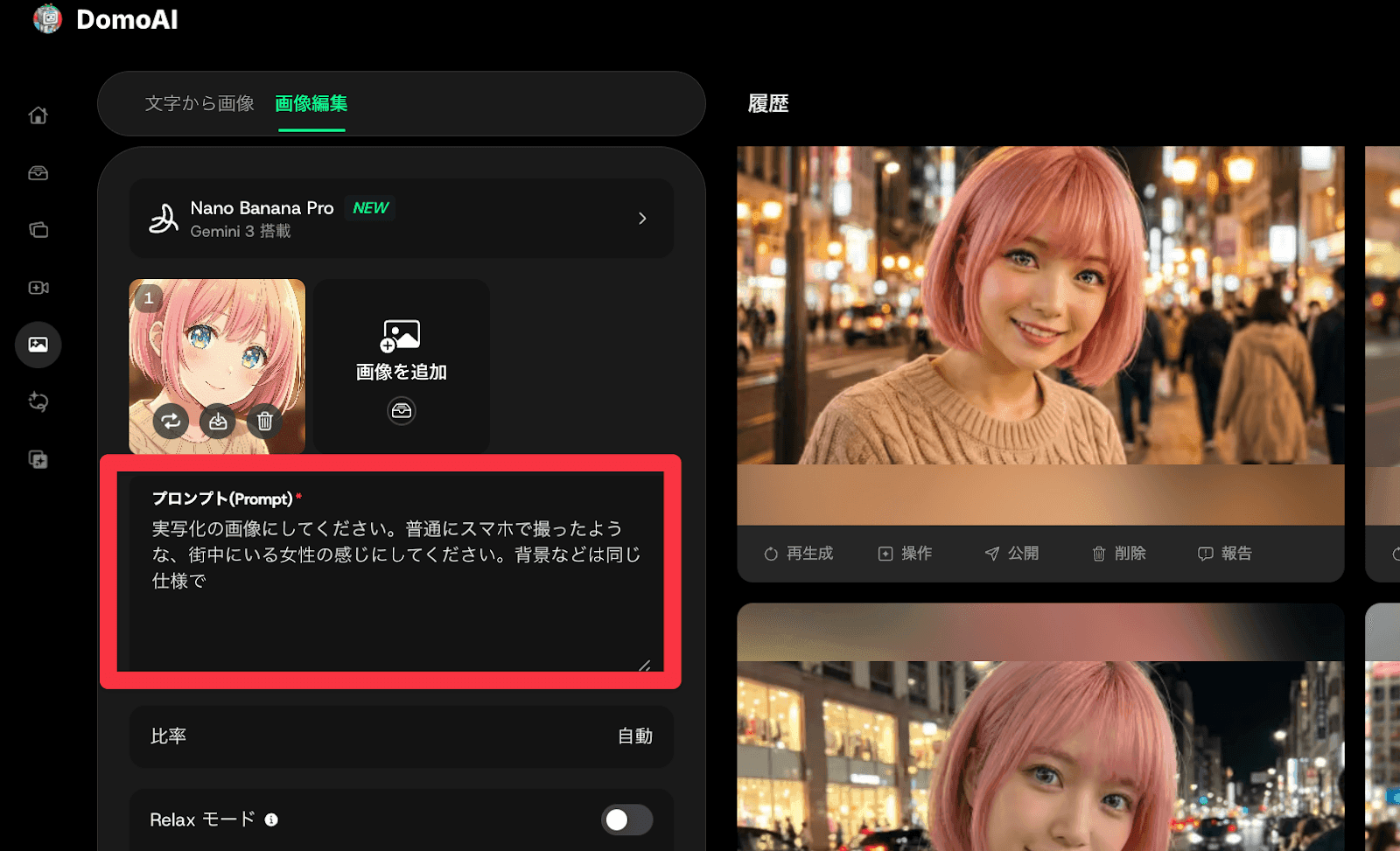
The generated live-action image becomes a realistic person while retaining the original anime image’s hairstyle, clothing, expression, accessories, and other features. As before, create live-action versions of both the table shot and the facial close-up.
Create the Transformation with Frames to Video
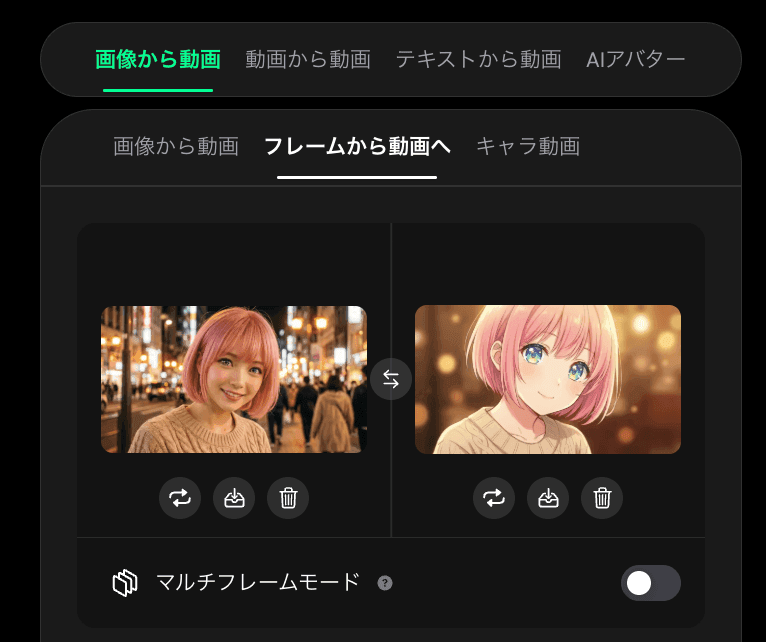
Now we’ll make the main transformation video. Set the anime image as the first frame and the live-action image as the ending frame, and AI will automatically generate a natural transition.
There are two modes: a two-image mode that makes a three- to eight-second video from two images, and a multiple-keyframe mode that makes longer videos from up to eight keyframes. This time we’ll use two-image mode.
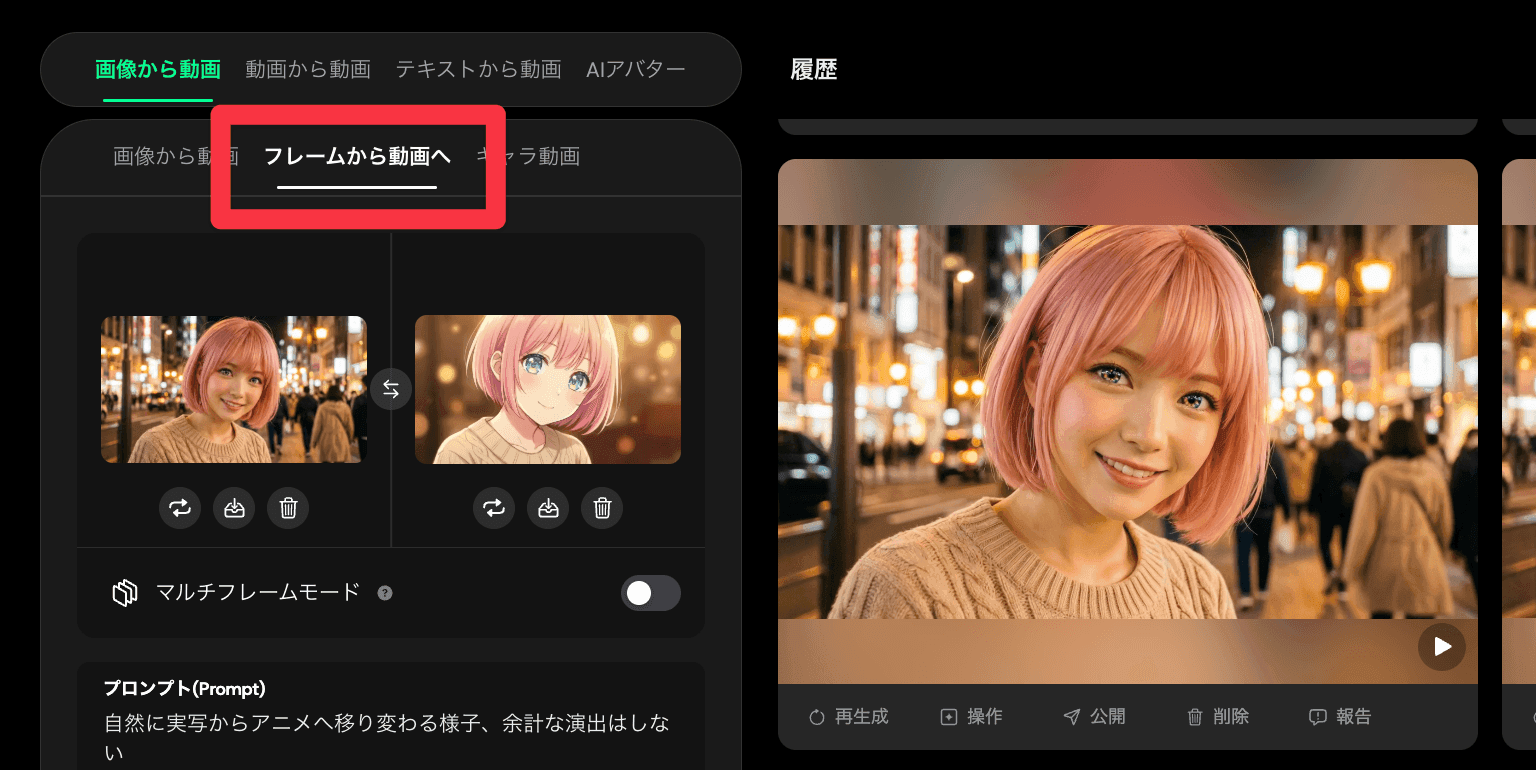
Select “AI Video” from the menu on the left, then click “Frames to Video” in the “Image to Video” section. Upload the anime image you created earlier as the first frame, and the live-action image generated with Nano Banana Pro as the ending frame.
Enter the prompt “A video transforming more naturally from anime to live action.” Japanese is fine. We recommend a length of around three seconds; making it too long can cause the transition to drag. Fix the aspect ratio at 16:9 and click “Generate” to finish.
Here is the video we generated
The result is a video that changes from anime to live action with a very natural transition. By adjusting the prompt, you can add effects such as glowing eyes before the switch to live action, so try different ideas.
Make the Character Speak with AI Avatar
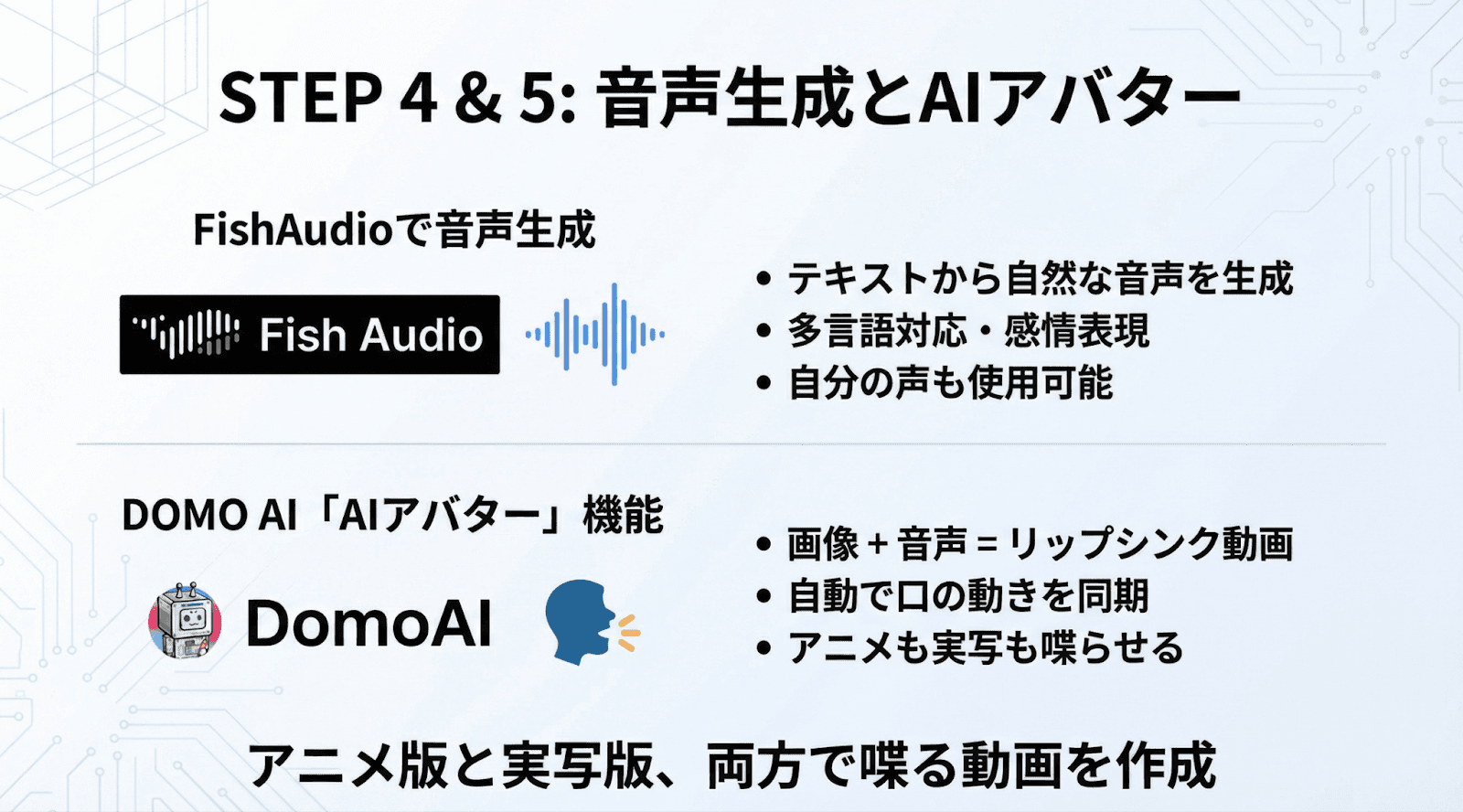
As well as creating a transformation video, you can give the character a voice and make it speak. DomoAI’s AI Avatar feature combines an image and audio to automatically generate a lip-sync video.
Using this feature makes the subject speak rather than leaving you with a silent video, creating more engaging content.
I recommend Fish Audio for preparing the audio. This AI voice-generation platform supports more than 70 languages and creates high-fidelity voice clones from 15 to 30 seconds of reference audio.
Here is the video with lip sync applied
Here is how to make an AI avatar. Once the audio to upload is ready, click “AI Avatar” to the right of the “Image to Video” section in AI Video. Upload an anime or live-action image, then upload the audio file. I recommend using an image rather than video as the source because the result looks more natural. Set the video length to match the audio—for example, around 20 seconds of video for 15 seconds of audio—then click Generate to finish.
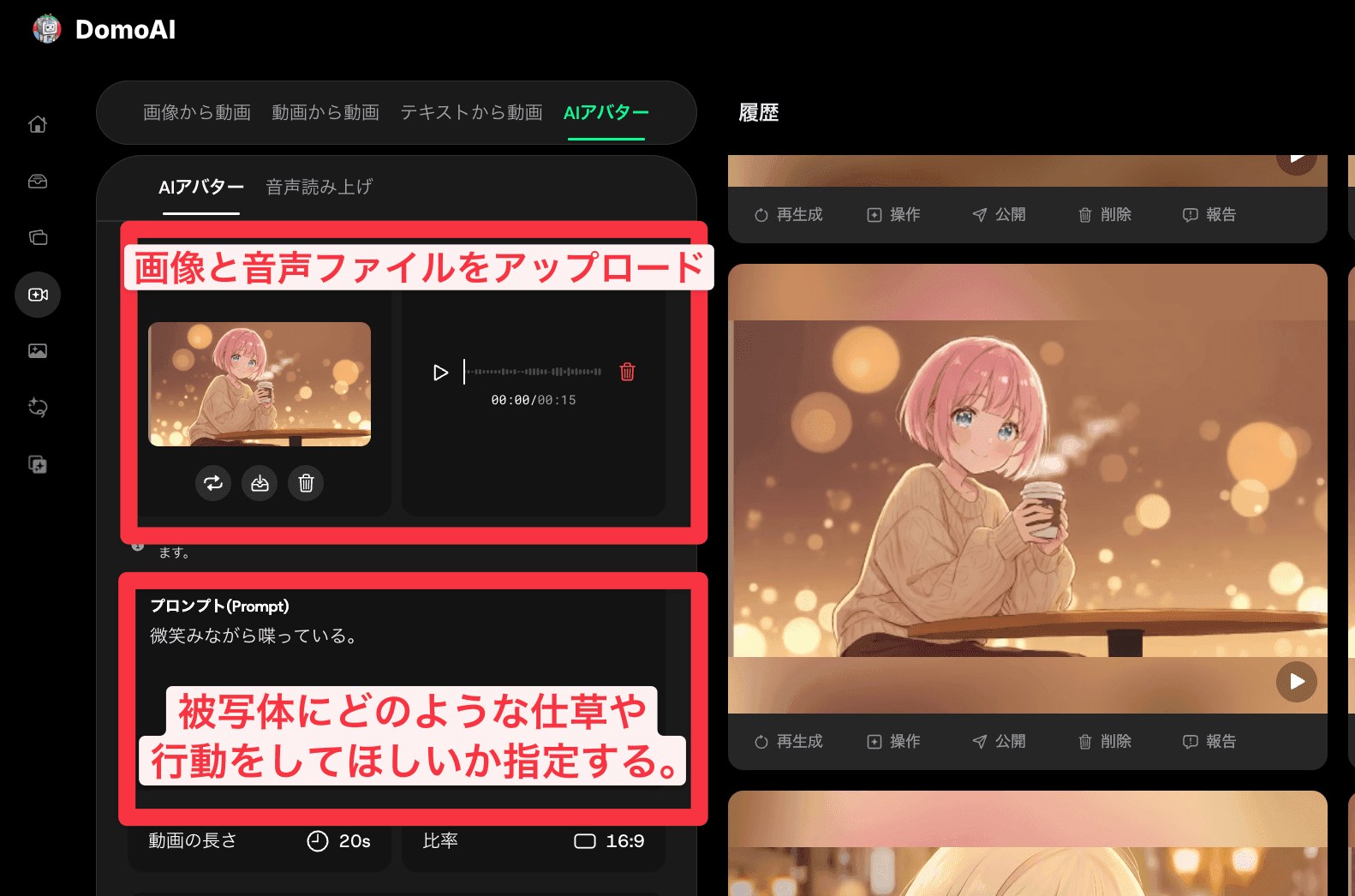
Recent updates have greatly improved lip-sync accuracy for anime characters. You can now achieve natural-looking lip sync with anime images as well as live-action images, so give it a try.
Final Touches: Use Video-Editing Software
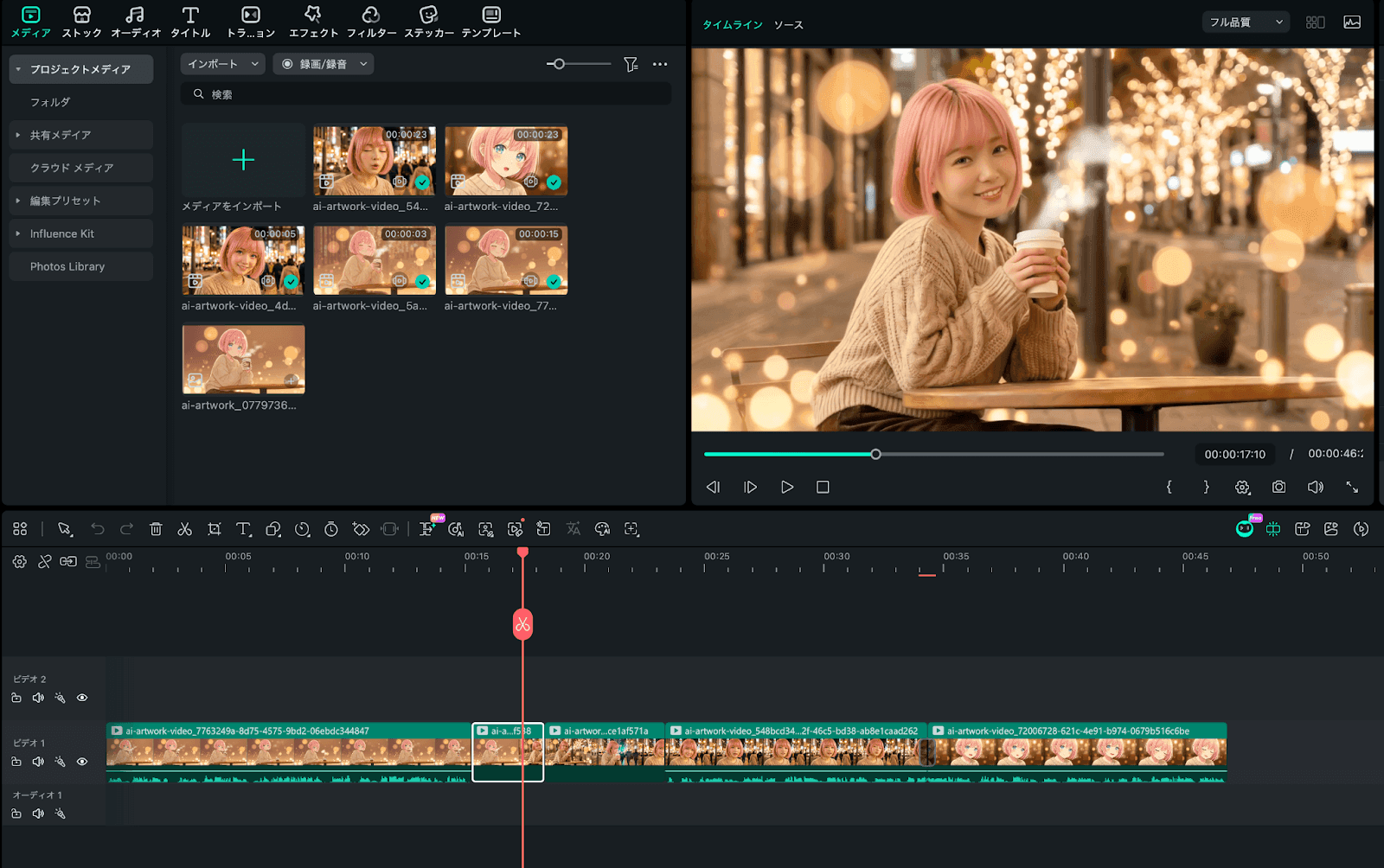
Finally, connect the generated video clips to finish your project.
Thoughtfully arranging the parts where AI Avatar makes the character speak alongside the anime-to-live-action transitions from Frames to Video makes the finished content much more polished.
Summary: Start Creating AI Live-Action Content with DomoAI
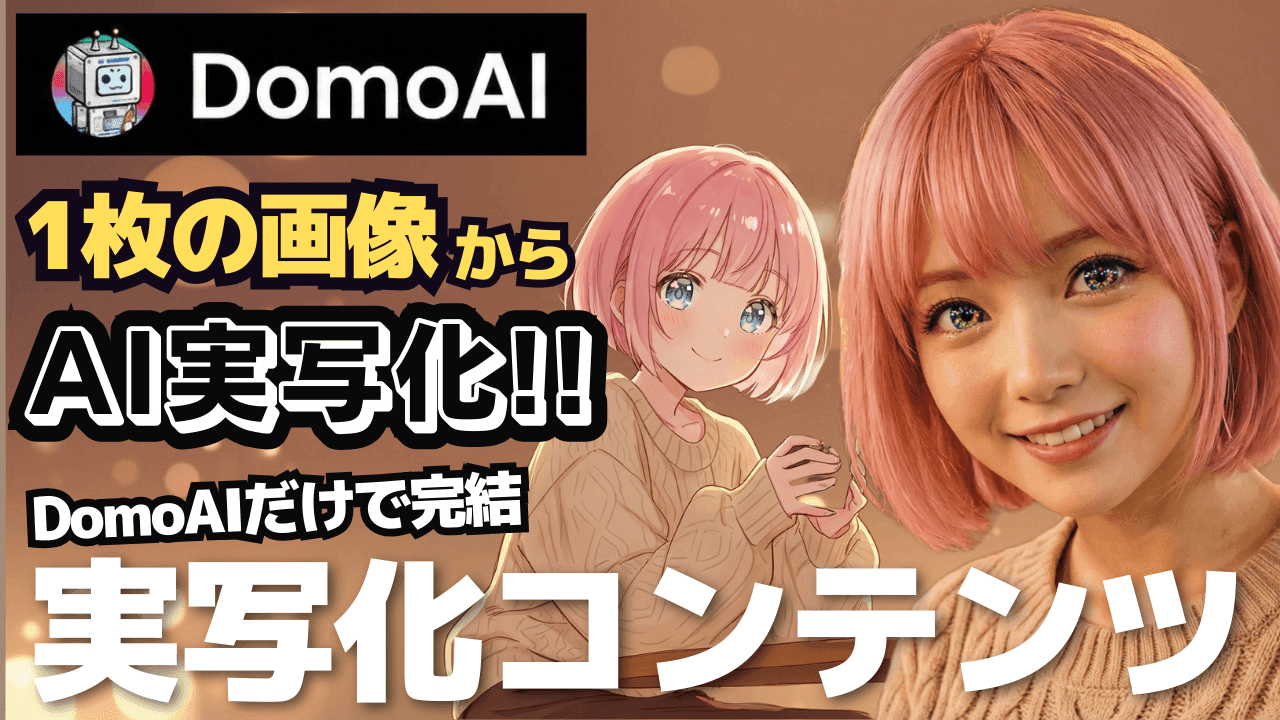
This article explained how to use DomoAI and Nano Banana Pro to create an anime-to-live-action transformation video from a single image.
The overall workflow has three steps: generate an anime image with DomoAI’s AI Image feature, turn it into live action with Nano Banana Pro, and automatically generate a transformation with Frames to Video. You can also use AI Avatar to add a voice and create a lip-sync video. For pricing, the Standard plan at $27.99 per month offers good value with access to Relax mode.
If you want to create content with video-generation AI, try DomoAI. I personally have a Pro account and use it for almost every content-generation project.
DomoAI is currently the most cost-effective and easy-to-use all-in-one tool for anime content production. Try it for yourself with the 15 free credits.


