Higgsfield Genjutsu has been getting attention for video edits that put a new character into a familiar scene. Its Motion Transfer tool lets a character from your photo perform the moves from a reference video. With Object Swap, you can change just one detail in the shot, like a jacket or a prop. Here are eight Genjutsu alternatives for trying these kinds of edits with your own footage.
Quick summary
- DomoAI — Give your character the movements of a performer in a reference video. Best for creating and restyling character videos in one workspace.
- Viggle — Animate a character with a ready-made motion template. Best for dance remixes.
- Runway — Preview a replacement character in a keyframe before applying the edit to the clip. Best for shot-by-shot edits.
- Kapwing — Recast a scene, then add captions and audio in the same editor. Best for finishing social videos.
- WaveSpeed — Run character swaps through a hosted API. Best for automating repeated jobs.
- Wan-Animate — Run character replacement on your own GPU with downloadable model weights. Best for self-hosting.
- Luma — Use Ray3.2 Modify Video to change a filmed scene’s look around the original performance. Best for restyling an existing shot.
- Kling AI — Guide a character image with a video of the movement you want. Best for animating a still character from a performance reference.
1. DomoAI — Transfer Motion from a Video to Your Character
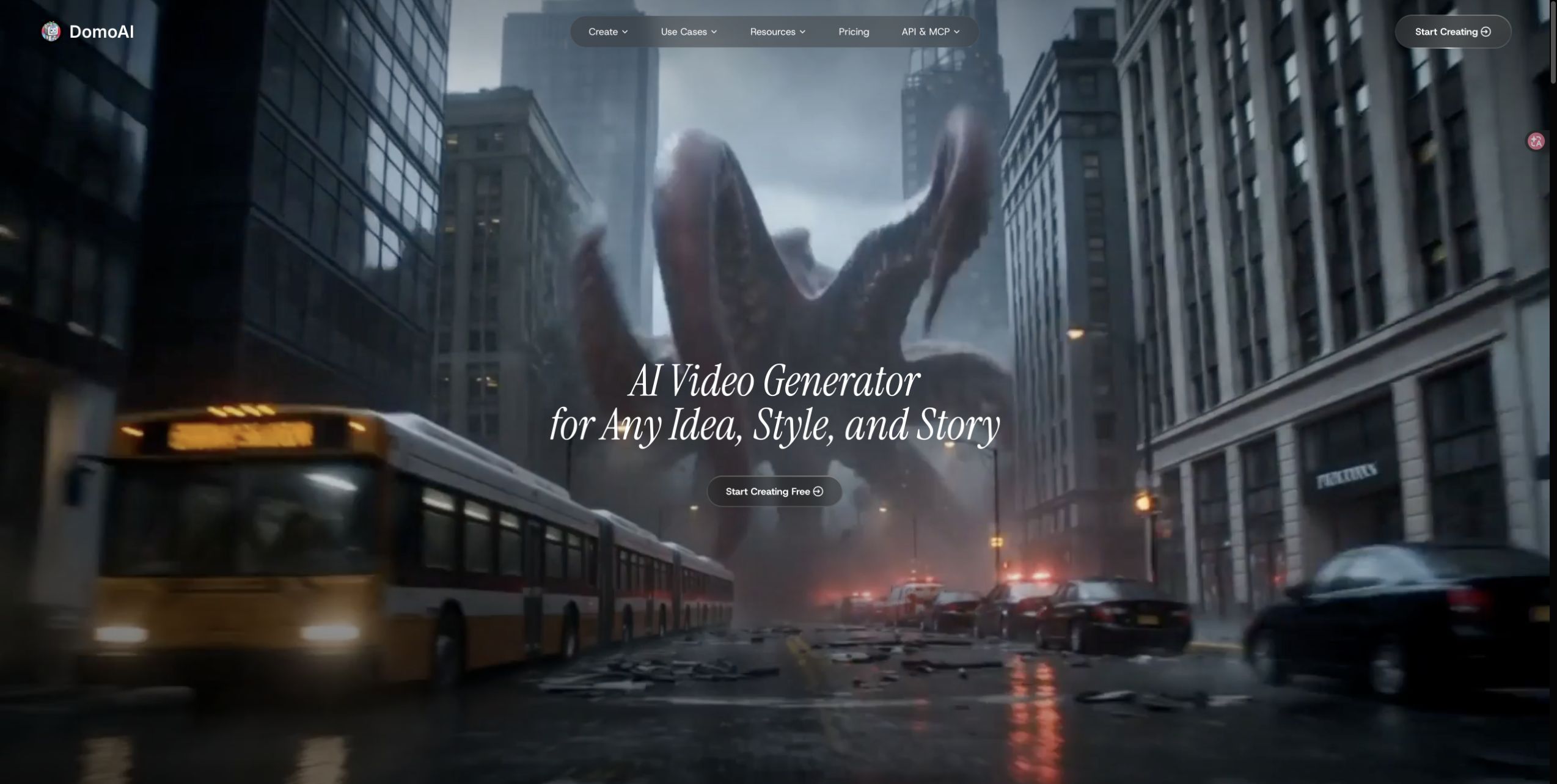
Upload a reference video and a character photo to Character to Video The video supplies the movement, and the photo supplies the character’s appearance. If you only need part of the take, trim it as you upload to skip a separate editing step and save credits on footage you don’t need.
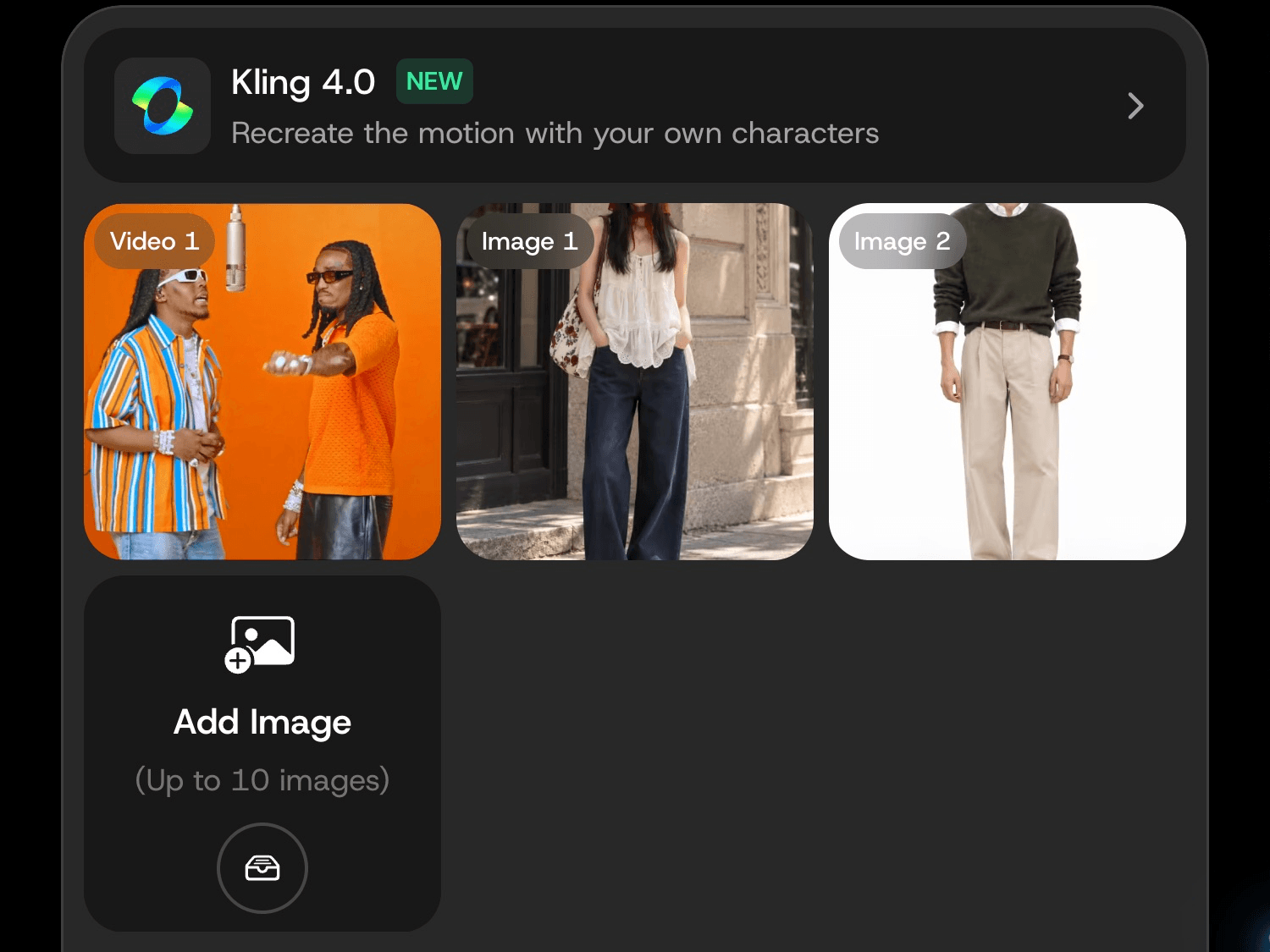
For example, to animate a mascot waving, select the moment the performer raises their hand and use a mascot image that shows the arm clearly. If the reference image needs an edit, use the AI Image Editor and select the updated image from History or Assets.
Once you pick a take, use Restyle Video for an anime version or Video Upscaler for output up to 4K. Each finishing pass is a separate step, so you can apply it just to the clip you plan to share.
Best for: Creators who want to prepare a character image, animate it with their own footage, and finish the video in the same workspace.
Main limitation: Each character or outfit variation requires a separate generation, even when you reuse the same reference clip.
Pricing and access: Prices below reflect annual billing. Standard and higher plans include Relax Mode on supported models. The Kling 4.0 workflow shown above uses Fast Mode credits.
| Plan | Price per month | Credits |
|---|---|---|
| Basic | $9 | 600/month |
| Standard | $29 | 2,200/month |
| Pro (base tier) | $99 | 8,000/month |
| Team (3 seats) | $99 per seat | 24,000/month shared |
2. Viggle — Character Remixes and Motion Templates
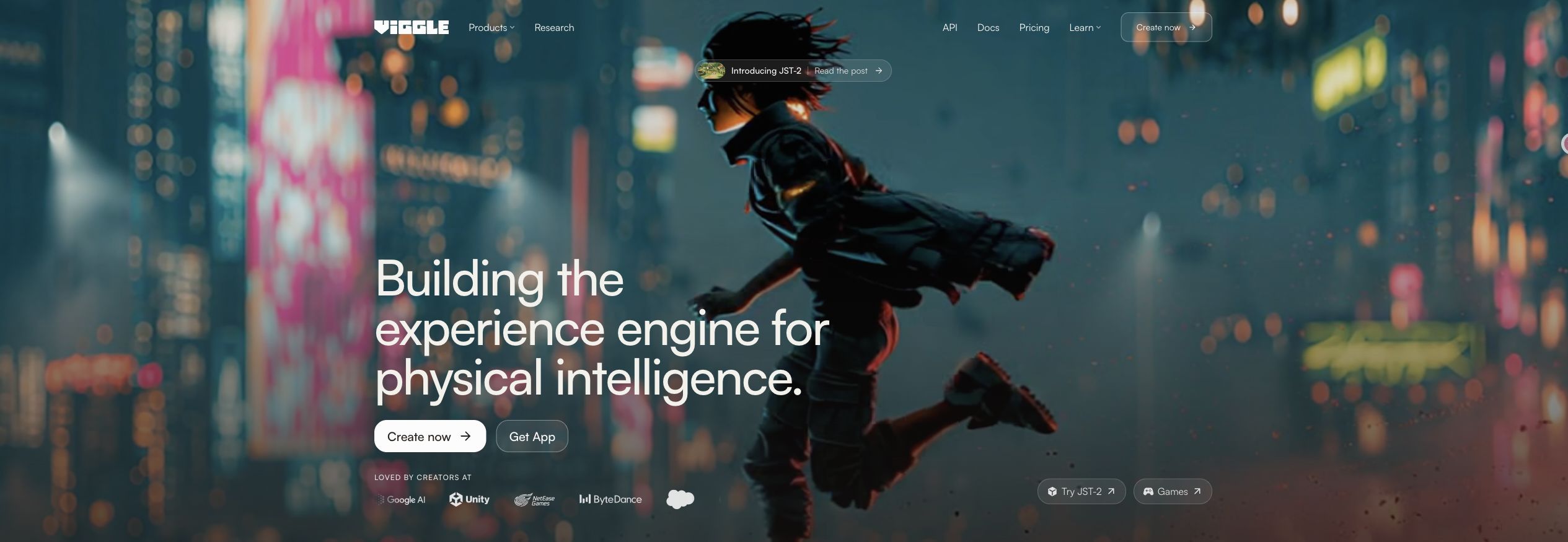
Viggle deserves a place on this list because character animation and remixes are central to its product. Its Mix tool combines a character image with a motion video. You can start with your own clip or a motion template, making it relevant when you want to put a new performer into a recognizable dance or meme format.
The template option is particularly useful when you have the character but have not chosen a performance. Instead of starting with a blank prompt, you can browse a movement and decide whether it suits the character. For a creator making variations on one short format, the performance becomes a reusable creative starting point.
Viggle separates several related operations. Mix combines a character and a motion video; Multi accepts several character images for a video; Motion Control adds reference movement to a character in a static image. Those distinctions matter when comparing options: support for one operation should not be treated as proof that every tool has the same controls.
There is also a developer-facing Viggle-Animate route for character replacement. It is a separate offering from the familiar Mix workflow, so its API specifications and prices should not be applied to every generation in the consumer app.
Best for: Creators making short character remixes, dance variations, and videos based on motion templates. It is especially relevant if finding a performance is part of the task, rather than something you have already completed.
Main limitation: A template-oriented workflow may be less useful when your main need is detailed editing of a particular existing shot. Check whether Mix, Multi, or another mode actually matches the project before buying credits for it. The presence of a multi-character feature is not a promise that every complex interaction will work.
Pricing and access: These are Viggle AI plans with annual billing. API usage is billed separately.
| Plan | Price per month | Credits |
|---|---|---|
| Free | $0 | Refresh daily |
| Pro | $7.99 | 80/month |
| Live | $15.99 | 200/month |
| Max | $63.99 | 800/month |
3. Runway — Character Edits in Existing Footage
Runway is worth considering when the character change sits inside a broader video edit. Edit Studio, powered by Aleph 2.0, works with existing footage and can change characters, objects, backgrounds, and other parts of a shot. Its distinguishing feature for this list is the chance to refine the visual change on a keyframe before applying it through the video.
That gives you a useful intermediate decision. If a replacement character needs a particular costume, silhouette, or placement, you can inspect the edited frame before committing to the moving result. A good still is not proof of a good video, but it lets you resolve the intended appearance separately from the full render.
For example, a creator recasting a short live-action scene might care as much about how the new figure fits the shot as about the face. Previewing the frame helps establish that visual direction. Runway is therefore a reasonable shortlist choice when you expect to art-direct the replacement rather than simply select a motion template.
The current Edit Studio documentation describes Single edit mode. Multi-edit and Expand are marked as coming soon, so they should not be part of a purchasing decision based on currently available controls.
Best for: Creators who want to inspect a character's appearance within the shot and continue making targeted video edits. It also makes sense for teams already using Runway for other production work.
Main limitation: The frame-editing stage adds work. If the goal is a quick series of template remixes, that extra control may be unnecessary. An approved keyframe also cannot guarantee perfect continuity throughout the output.
Pricing and access: The table shows individual plans with annual billing. A 10-second Aleph 2.0 edit uses 280 credits for video generation. Generating a keyframe costs extra.
| Plan | Price per month | Credits |
|---|---|---|
| Free | $0 | 125 one time |
| Standard | $12 | 625/month |
| Pro | $28 | 2,250/month |
| Max | $76 | 9,500/month |
4. Kapwing — Character Recasts with an Editing Workspace
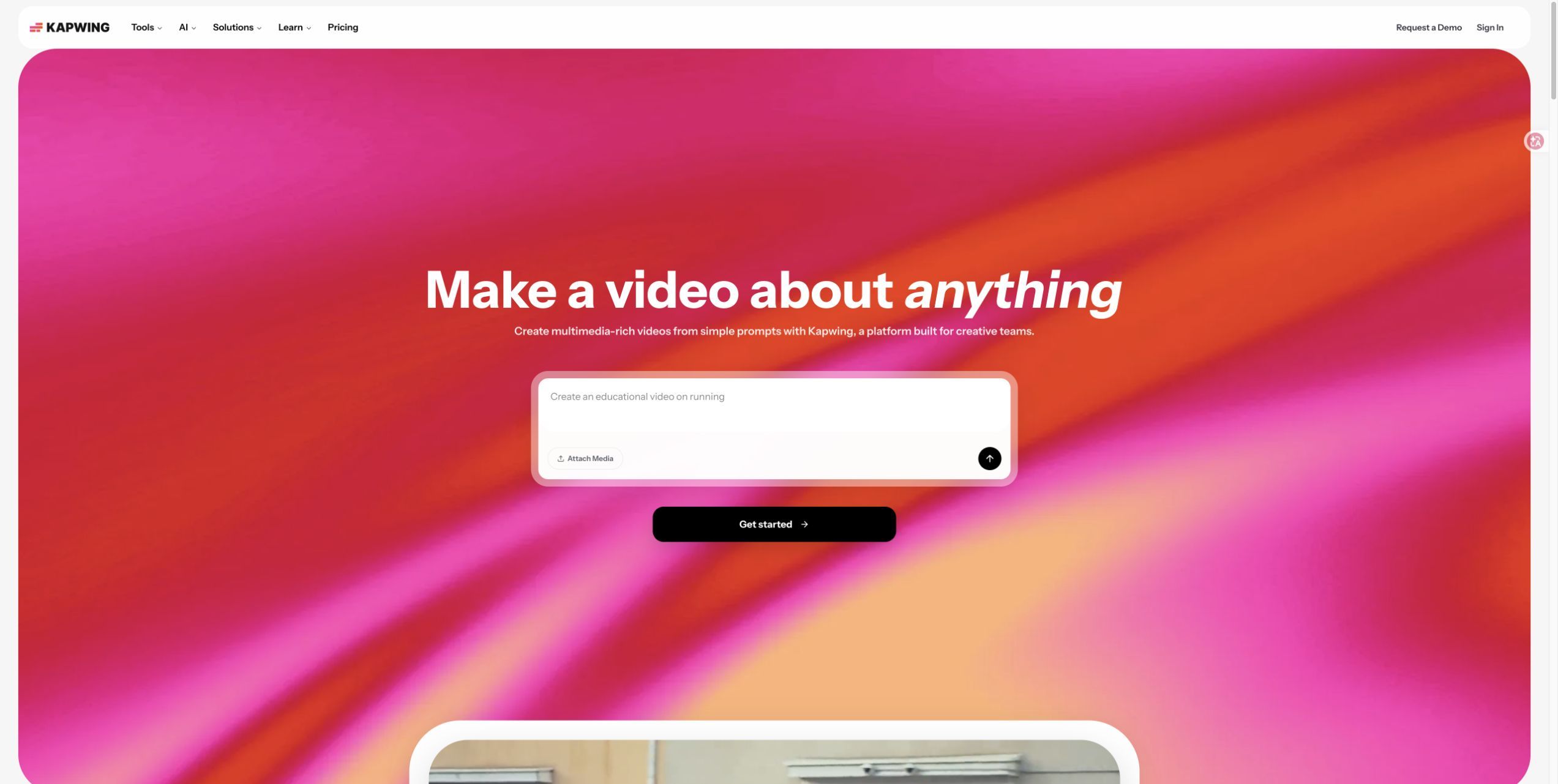
Kapwing is a useful alternative when generating the new characters is only the beginning of the job. Its Kai workflow can use Seedance 2.5 with multiple references, while the surrounding editor supports work such as subtitles, resizing, clip assembly, and audio editing.
The reference-based approach gives you separate material to define the cast and the performance. Character images establish appearance, a video provides movement, and additional visual references can help establish the setting or wardrobe. This suits projects where you are actively rebuilding the scene around new characters.
Kapwing has demonstrated a two-person recreation using separate character sheets and a motion reference. That example supports including it as an option for multi-reference recasts. It should not be read as a measured success rate for all two-person scenes, especially when characters cross, touch, or obscure each other.
Its strongest practical appeal is what happens after generation. If the result needs a soundtrack, captions, and a different aspect ratio before it becomes a post, those editing tasks are available in the same workspace. You can place an audio track in the edit instead of requiring the generation model to reproduce the entire soundtrack.
For a creator producing a series, this keeps the surrounding presentation work close to the generated clips.
Best for: Creators and small teams who need to recast a scene and then finish the social video with editing tools.
Main limitation: Multi-reference scene generation is not a guarantee that the original footage remains unchanged outside the characters. It can also require more reference preparation than a simple character-image-and-video input. If you already have an editor and only need replacement generation, some of Kapwing's value may duplicate tools you own.
Pricing and access: Paid rates below reflect annual billing. For a character recast, check the credit estimate for the selected model before generating.
| Plan | Price per month | Credits |
|---|---|---|
| Free | $0 | 10 |
| Pro | $16 | 1,000/month |
| Business | $50 | 4,000/month |
| Enterprise | Custom | Custom |
5. WaveSpeed — Hosted Models and API Access
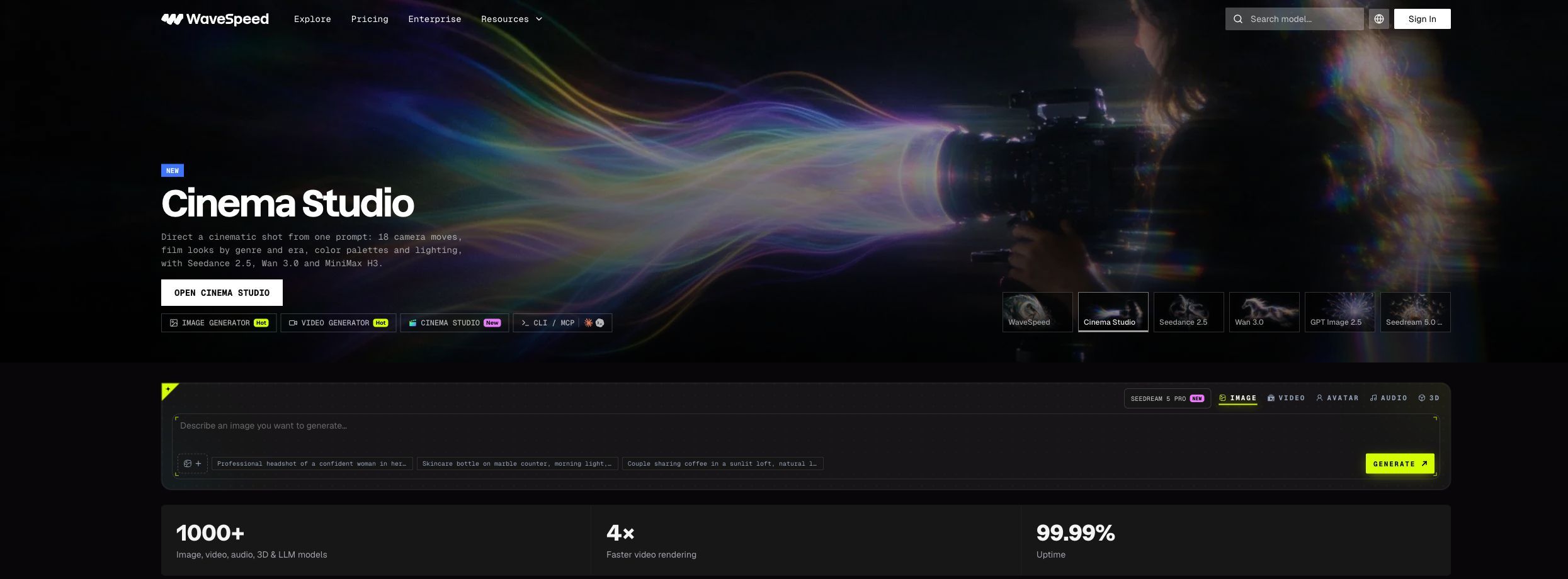
WaveSpeed is relevant if you want to try different hosted models or connect character generation to an application. Its Genjutsu alternative offering includes motion-control and object-swap routes, with browser access and an API. You can explore the workflow in a web interface before deciding whether an integration is worthwhile.
The model selection is a meaningful part of its appeal. A platform hosting several motion models gives you multiple options without requiring you to install each one locally. However, the platform name alone does not describe the result: the model and endpoint you select determine the actual inputs, controls, and generation conditions.
For someone planning many character videos, API access can be useful beyond the individual render. A developer could build a process that submits approved character references with source clips, tracks jobs, and collects the returned files. That is an integration you would build around the service, rather than a claim that the standard interface provides a complete batch-production system.
This makes WaveSpeed a different kind of alternative from a finished editing workspace. Its attraction is access to models and programmable generation. Captions, sequencing, and final presentation may still belong elsewhere in your production setup.
Best for: Developers, technically comfortable creators, and teams who want hosted model choice or plan to automate generation through an API.
Main limitation: You still need to choose and understand the specific model. Limits for one motion-control endpoint do not describe every other model on the platform, and object replacement is not interchangeable with every motion-transfer workflow. More model options also mean more choices to evaluate.
Pricing and access: WaveSpeed bills Seedance 2.5 Motion Control by reference-video duration, rounded up to whole seconds (4–30 seconds). These are list rates. Check the estimate for your run.
| Resolution | Per second | 10-second clip |
|---|---|---|
| 480p | $0.22 | $2.20 |
| 720p | $0.44 | $4.40 |
| 1080p | $1.10 | $11.00 |
6. Wan-Animate — A Self-Hosted Character Replacement Model
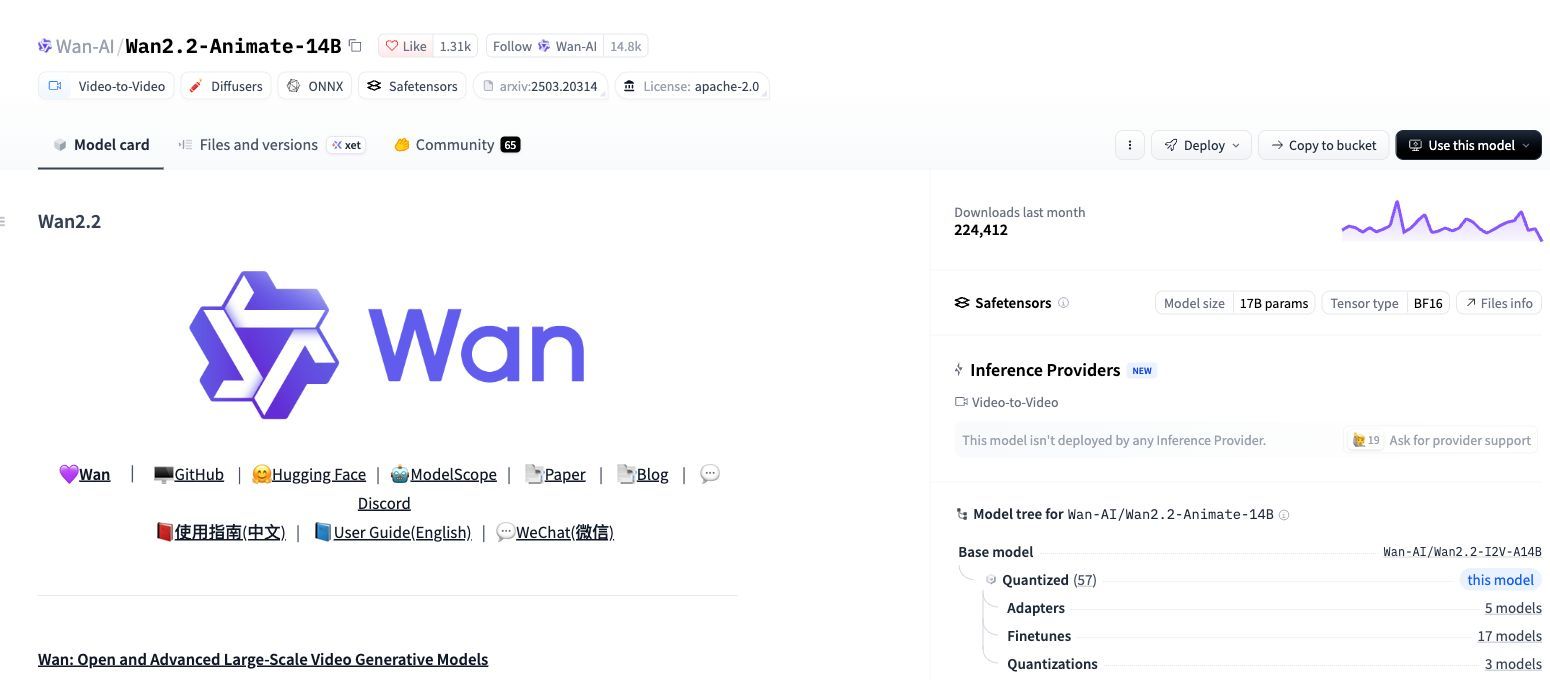
Wan-Animate is the option to investigate if you want control over the generation setup itself. Wan2.2-Animate-14B provides downloadable weights and inference code for character animation and replacement. It is a model you can run as part of a configured pipeline, rather than a complete browser editor with a ready-made subscription experience.
Its two modes serve related purposes. Animation mode uses a reference performance to animate the character image. Replacement mode provides a route for replacing the character within the video. The official implementation includes preprocessing and inference instructions, so there is a concrete starting point for someone building a local or rented-GPU workflow.
For repeated production, the attraction is ownership of that setup. Once you have configured a working process, you can organize your input files and job handling around your own requirements. A technical team can decide how to queue work and store outputs instead of relying entirely on a consumer application's interface.
That control comes with responsibilities. Preprocessing, environment setup, GPU capacity, and output handling become part of the project. You need someone who can diagnose failed jobs and maintain the software. A hosted implementation may remove some of that work, but its prices and restrictions belong to the host and should be evaluated separately.
Best for: Technical creators or teams with suitable compute resources and a clear reason to maintain their own character-replacement pipeline.
Main limitation: It is not the quickest route for someone who only wants to upload a clip and download a finished video. Model weights do not include an editing workspace, ongoing infrastructure support, or a guarantee that a particular machine can process your workload comfortably.
Pricing and access: Self-hosting Wan-Animate has no fixed per-clip price. Your hardware and render time determine the cost.
| Cost item | What to budget for |
|---|---|
| Model access | Downloadable weights and inference code |
| Compute | GPU rental time or the cost of running your own hardware |
| Storage | Space for model weights, reference footage, and outputs |
7. Luma — Restyle a Performance with Ray3.2 Modify Video
Choose Luma when you like the acting and camera movement in a shot but want to change how the scene looks. With Ray3.2 Modify Video, you can start from filmed footage and describe a new costume or setting. A performer walking through a rehearsal space, for example, can become a costumed character making the same entrance on a set.
Best for: Changing the visual treatment of a filmed performance, especially when the surroundings can change with the character.
Main limitation: A restyle can affect the whole frame. If the backdrop needs to match the original, check the edges around the actor as they move.
Pricing and access: Luma lists these base SDR rates for Ray3.2 video-to-video. The example shows one five-second generation.
| Resolution | Credits per second | 5-second clip |
|---|---|---|
| Draft | 36 | 180 |
| 540p | 48 | 240 |
| 720p | 72 | 360 |
| 1080p | 144 | 720 |
8. Kling AI — Animate a Character Image with Motion Control
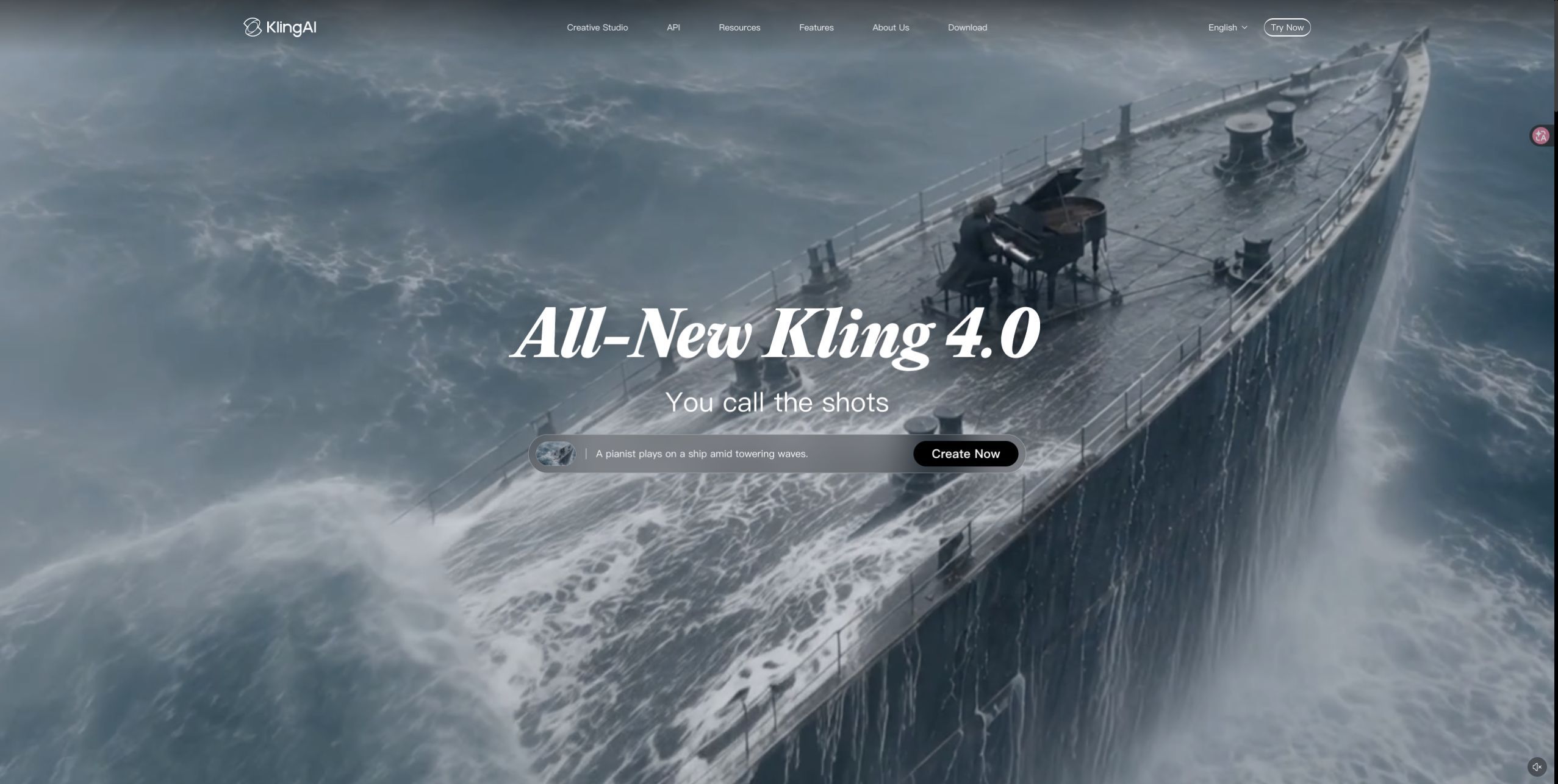
In Kling AI’s Motion Control, pair a still character image with a video of the action you want it to perform. For a character bowing on stage, for example, choose a reference clip that shows the full bow and a character image framed wide enough to show the torso. This gives you a way to direct the timing with your own performance instead of describing every movement in a prompt.
Best for: Creators who already have a character design and want to direct its body movement with filmed footage.
Main limitation: The still image needs to show the parts of the character that matter to the action. A headshot gives the model little detail to work with for a full-body turn.
Pricing and access: Kling lists the following API rates for Kling 3.0 Motion Control. The web app shows its own generation quote.
| Output | API credits per second | 5-second clip |
|---|---|---|
| 720p | 0.9 | 4.5 |
| 1080p | 1.2 | 6 |
If you want to start with character references and a video in one creative platform, explore DomoAI’s Genjutsu alternative. The dedicated page brings together the input workflow, examples, and available tools so you can see how it fits the videos you plan to make.