#7
AI Discord Server
Turn the main person, pet, mascot, or product in a short clip into a cartoon while keeping the original movement recognizable. Upload your video, choose Subject Only, pick a style, and generate a new version without rebuilding the scene from scratch.
#7
AI Discord Server
5M+
Global Users
3000M+
Projects Created

For Video to Video, upload an MP4, MOV, or AVI clip up to 10 seconds. Choose footage with clear lighting, a visible subject, and limited motion blur. If you use Omni Reference, add the clip as a video reference and give it a defined role.

Choose Video to Video when you want to change the look of the existing clip, such as an anime, 3D cartoon, pixel, watercolor, oil, pencil, or custom Fusion style. Choose Omni Reference when you want a more custom content edit guided by image, video, or audio references.

Generate and review the face, hands, clothing, logos, object edges, and scene continuity. Omni Reference uses Seedance 2.5—ByteDance’s model integrated by DomoAI—for reference-led video changes. Download the result, or finish it with captions and Video Upscaler for delivery.
Use Video to Video for a focused style change, or switch to Omni Reference when you want to customize the video content with multiple references.
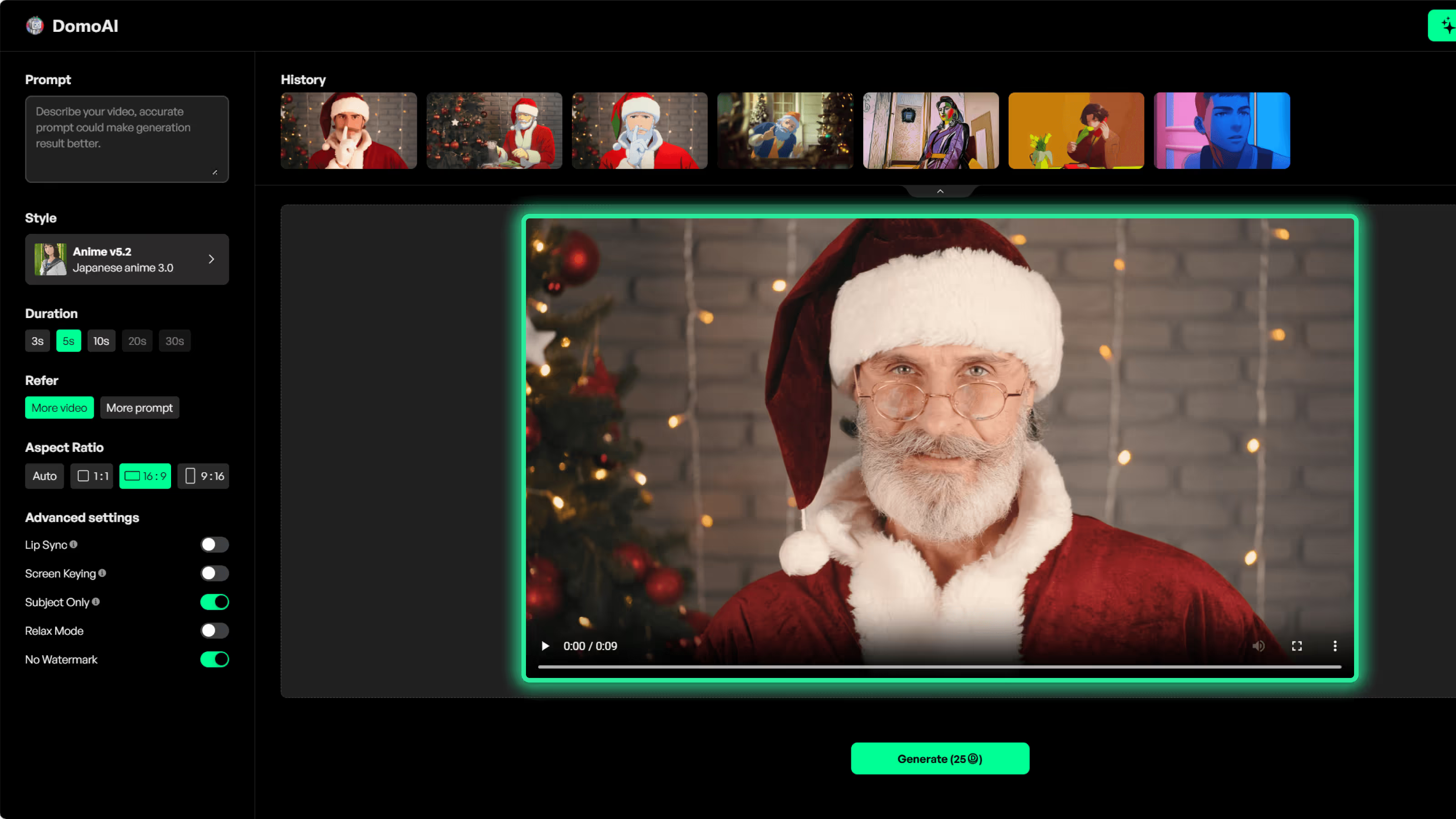
Focus the visual change on the main person, pet, mascot, or product instead of applying one filter to the entire frame. This is the right starting point for object-level cartoonization.
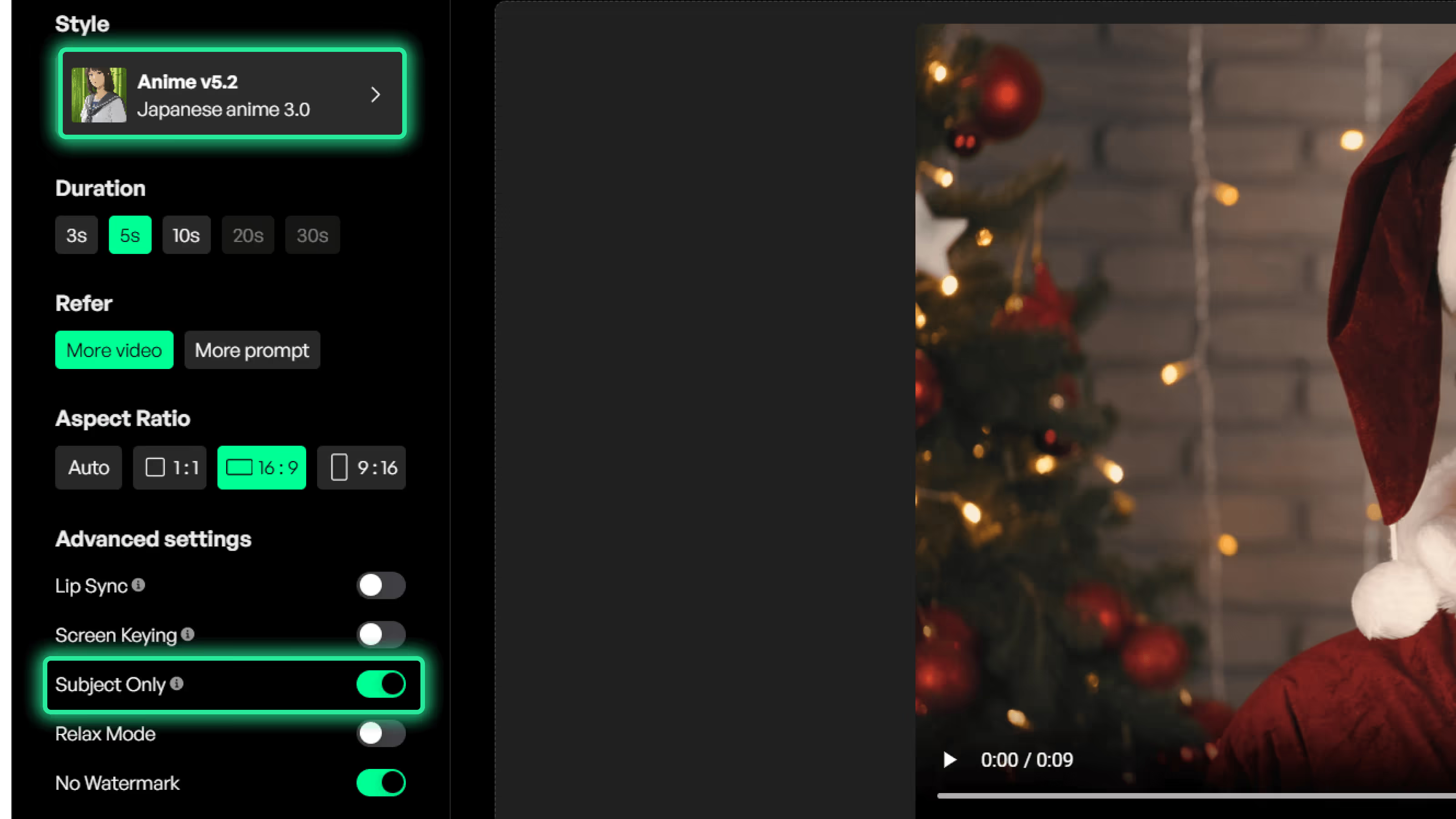
Choose from anime styles, 3D cartoon, pixel art, watercolor, oil painting, pencil sketch, and other Video to Video looks. Use a text prompt or reference image when a custom Fusion style fits better.
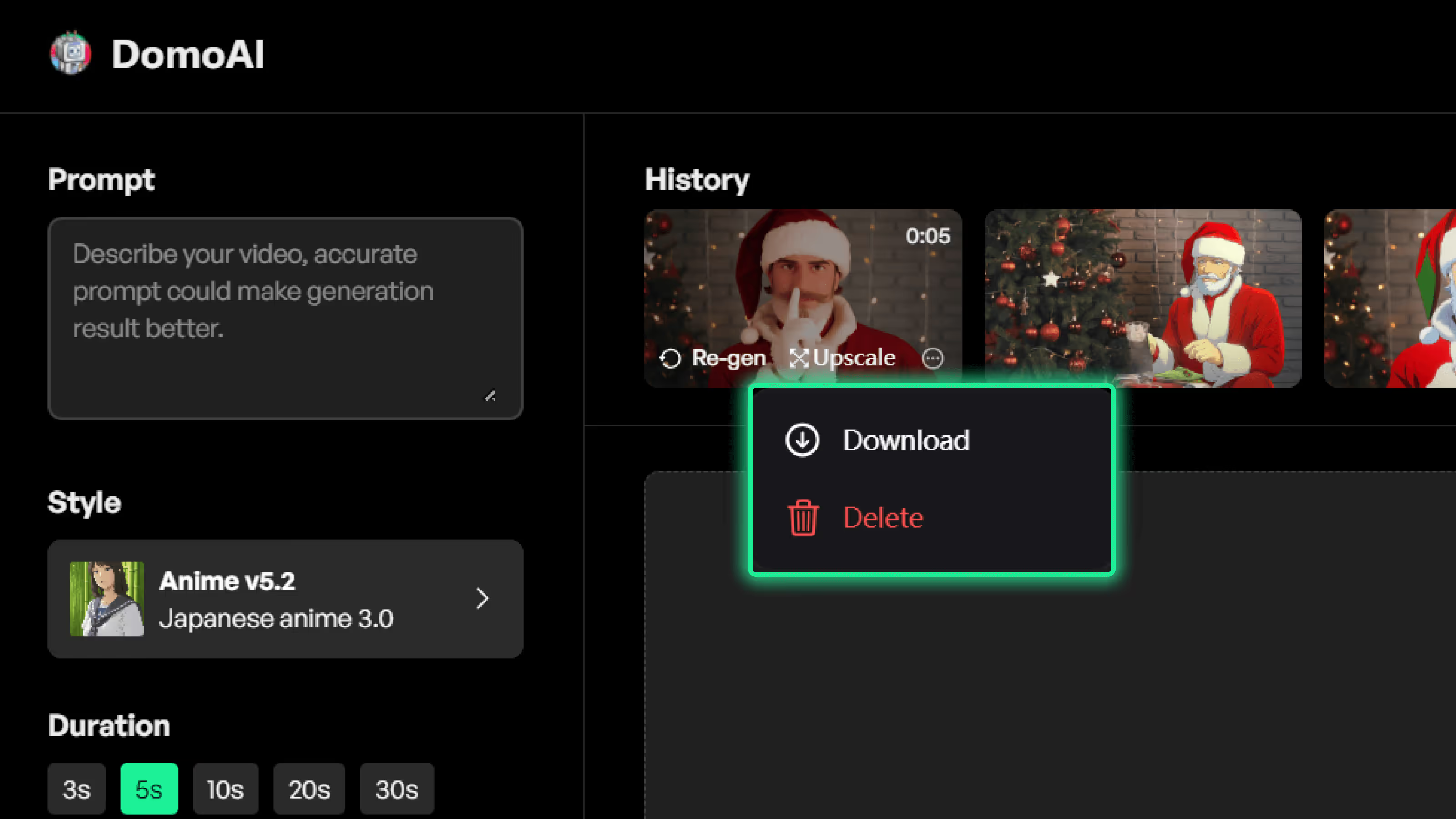
Need a particular character photo, motion clip, or soundtrack to guide a new generation? Continue in Omni Reference and give each image, video, or audio reference a clear role. Omni Reference is a separate DomoAI workflow, not a setting inside this quick app.
Focus the visual change on the main person, pet, mascot, or product instead of applying one filter to the entire frame. This is the right starting point for object-level cartoonization.
Choose from anime styles, 3D cartoon, pixel art, watercolor, oil painting, pencil sketch, and other Video to Video looks. Use a text prompt or reference image when a custom Fusion style fits better.
Need a particular character photo, motion clip, or soundtrack to guide a new generation? Continue in Omni Reference and give each image, video, or audio reference a clear role. Omni Reference is a separate DomoAI workflow, not a setting inside this quick app.
OscarAI
@Artedeingenio
I share with you the last video I created with @DomoAI_ This time I used Ukiyo-e style for all the animations. It's one of the last styles added, and I really like the way it looks.
Framer 🇱🇹
@0xFramer
I turned AI images into a dancing characters using Domo AI😍
Pierrick Chevallier | IA
@CharaspowerAI
🚨Transforming a video into any graphic style has become super easy.🚨

Proper
@ProperPrompter
Oh no! 😂 Ever wanted to replace the subject of a video? This AI tool makes it easy.
LudovicCreator
@LudovicCreator
The AI video space is really going fast lately and the possibilities are getting better and better ..
こはく
@Kohaku_NFT
AIアニメクリエイターの時代が到来したな。・作業時間:30分・画像:Midjourney・動画:Domo AI

orange.ai
@oran_ge
OrangeAI x DomoAI 年度大作《沙丘2》动画版预告片出炉!
Koldo Huici
@koldo2k
🔥 Domo has launched 𝗥𝗘𝗦𝗧𝗬𝗟𝗘 with 18 new styles to give images a unique touch and create amazing animations!
Justine Moore
@venturetwins
Video-to-video with the new lip sync feature on @DomoAI_
Focus the visual change on the main person, pet, mascot, or product instead of applying one filter to the entire frame. This is the right starting point for object-level cartoonization.
Choose from anime styles, 3D cartoon, pixel art, watercolor, oil painting, pencil sketch, and other Video to Video looks. Use a text prompt or reference image when a custom Fusion style fits better.
Need a particular character photo, motion clip, or soundtrack to guide a new generation? Continue in Omni Reference and give each image, video, or audio reference a clear role. Omni Reference is a separate DomoAI workflow, not a setting inside this quick app.