

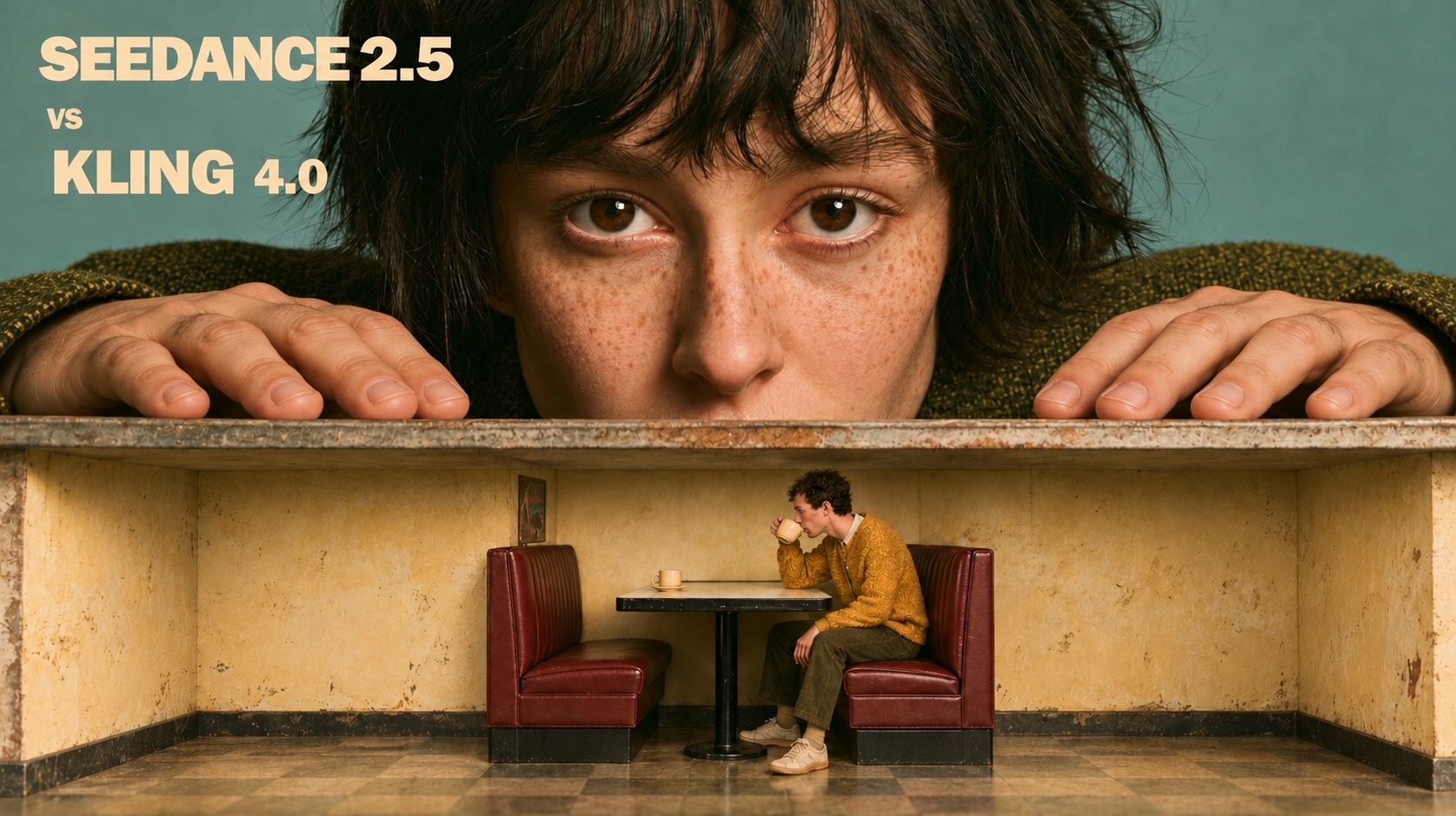
Seedance 2.5 has the stronger case for scenes built around expressive dialogue and complex camera movement. Recent public comparisons show it handling those tasks more convincingly than Kling 4.0. Kling is still worth considering when you want to place specific images throughout a shot, or preserve the lighting and detail of a reference image.
The choice depends on what you need to preserve: the look of an approved image, the emotion in a performance, or a specific camera move. A model's strength in one of these areas does not guarantee the others.
This comparison draws on October 2026 creator reviews and official product documentation.
Kling 4.0 vs Seedance 2.5 at a Glance
| Comparison | Kling 4.0 | Seedance 2.5 |
|---|---|---|
| Detail and lighting | Sharper background textures and a closer match to the reference lighting. Skin can look too smooth. | Faces look more lifelike. Fine textures may soften, and the lighting may shift. |
| Dialogue and acting | Emotional delivery is less convincing when the voice and expression do not match. | More expressive voices and facial reactions give dialogue greater emotional range. |
| Camera control | Less reliable when a prompt specifies several camera moves in sequence. | Follows the order of a complex camera move more closely. |
| Multi-shot continuity | Objects may change position or direction when the shot cuts. | Clearer action from shot to shot, with occasional errors in a character's size. |
Video Quality: Detail, Motion, and Performance
Image Detail and Lighting
A test of a woman walking in natural daylight shows where Seedance 2.5's realism stands out. Seedance's result looks closer to filmed footage, while Kling's looks more polished and less natural.
The result changes when preserving an existing image is the priority. In a wide fantasy scene animated from a reference image, Kling retains more of the original lighting and fine background texture. Seedance gives the scene a softer look, making smaller details less distinct.
For an approved illustration or storyboard frame, compare the generated video directly with the source image. Check whether the light still comes from the same direction and whether important background features remain visible. A more natural-looking face is useful, but it does not tell you how faithfully the rest of the image has been preserved.
Physical Motion and Human Performance
One test shows a glass shattering and spilling liquid. Seedance sends fragments and droplets outward in an irregular spray, while Kling's liquid forms unusually rounded, thick-looking drops. The impact looks more believable in Seedance's version.
For dialogue, the voice and face need to convey the same emotion. In a scene about two people who escaped by plane while leaving friends behind, Kling shows a tear without much accompanying distress in the woman's expression or voice. Seedance pairs tearful expressions with tense faces and hushed delivery, making their guilt easier to read.
That gives Seedance a stronger case for emotionally demanding scenes. The useful distinction is how well the voice, expression, and timing work together; adding tears alone does not make a performance convincing.
Hand movements add another challenge to dialogue. In a separate interrogation comparison, the speaking character also handles a small prop. Seedance shows him removing and folding his glasses in a clear sequence. Kling's version has him handling a cigarette, but the movement looks awkward. The difference is in whether the character can complete a small physical action while speaking.
Prompt Adherence and Camera Control
Camera Movement and Action Sequences
A scene can look good and still miss the shot you asked for. Prompt adherence becomes especially important when the camera has several things to do in a particular order.
A car-chase test asks the camera to track beside a car pursued by a truck, then rise overhead in one continuous shot. Kling returns to a front view and misses the overhead finish. Seedance follows the requested sequence more closely. The difference is whether the camera completes the move, not simply whether the vehicles move convincingly.
That is a meaningful advantage if your scene depends on a reveal. An overhead view can establish where the vehicles are heading or how far apart they are. Replacing it with another front view changes what the audience learns, even if the action remains visually convincing.
Keyframes and Reference Inputs
Kling 4.0's multi-keyframe control offers another way to direct a scene. It supports up to ten keyframe images, allowing you to specify visual moments throughout a generation rather than describing the entire sequence in text.
For example, a storyboard could show a character outside a doorway, entering the room, and standing beside a desk. Those images establish positions and compositions at different points. The model still has to create the movement between them, including how the character crosses the room and interacts with its objects.
In a Kling keyframe demonstration, the generation reaches the requested positions, but a table slides unnaturally during the transition. Specifying those key images gives you control over the composition at each point, while the movement between them can still go wrong.
Reference inputs serve a related but different purpose. An image can establish a character's appearance, a video can guide movement, and audio can supply a performance reference. Both models offer reference-based controls. The practical question is which parts of the scene you need to specify as images and which you want the model to develop from other inputs.
If you are moving from an earlier Seedance workflow, our Seedance 2.5 vs 2.0 comparison covers the version differences separately.
Character Consistency and Multi-Shot Continuity
Character consistency includes a recognizable face, hairstyle, and outfit. A scene also needs consistent positions and proportions. A character can look the same in every shot while the surrounding action stops making sense.
When the car-and-truck chase is generated with cuts between angles, Kling changes the vehicles' relative positions and direction of travel. Seedance makes the pursuit easier to follow. This supports choosing Seedance for that kind of action sequence, where the viewer needs to understand who is chasing whom after every cut.
Neither model gets every spatial detail right. In a separate sequence, a captive tied to a chair is kicked off a dock into the water. Both models make his body too small relative to the dock during the fall.
For a sequence with several shots, check identity and scene continuity separately. Compare the face, hair, and clothing, then follow each subject's position, direction, and size through the cuts. A familiar-looking character can still appear in the wrong place or at the wrong scale.
These examples help assess continuity within a generated sequence. They do not establish which model will keep a recurring character more consistent across separately generated clips.
Which Model Should You Choose?
Start with Seedance 2.5 for dialogue-led scenes and complex camera sequences. The current examples make a stronger case for its ability to combine expressive voices, facial reactions, and directed movement.
If your project starts from approved artwork, check Seedance's output against that image before choosing it for the rest of the sequence. The fantasy comparison shows why: its softer rendering changes some of the detail and lighting you may want to keep.
Consider Kling 4.0 when your workflow depends on specifying several key images throughout a shot. Its keyframe controls give you a concrete way to lay out those moments. The wide-shot comparison also gives it a reason to remain on your shortlist when preserving the reference image's appearance is important. That advantage should be weighed against the camera-path and continuity problems shown in the action examples.
For animation, a retro-style anime test focuses on a character clenching a fist and visibly straining. Both models produce convincing animation, with little to separate them in that example. If you are also considering Wan, our Wan 3.0 vs Kling 4.0 comparison looks at that pairing.
Use Seedance 2.5 in DomoAI
You can use ByteDance's Seedance 2.5 in DomoAI through Omni Reference, which brings image, video, and audio references into one generation.
Select Seedance 2.5, upload your assets, and explain how to use each one. For a dialogue scene, specify which image defines the character, which defines the setting, and which audio file provides the dialogue.
Seedance 2.5 currently generates 4–30-second videos at 480P or 720P in DomoAI. Set the duration, aspect ratio, and resolution for the clip you are making. These are DomoAI's available settings; options shown in another platform's review may differ.
MiniMax's H3 is also available in Omni Reference, with 4–15-second output at 768P up to 2K. It provides another option for shorter clips when those output settings better match your project.


