

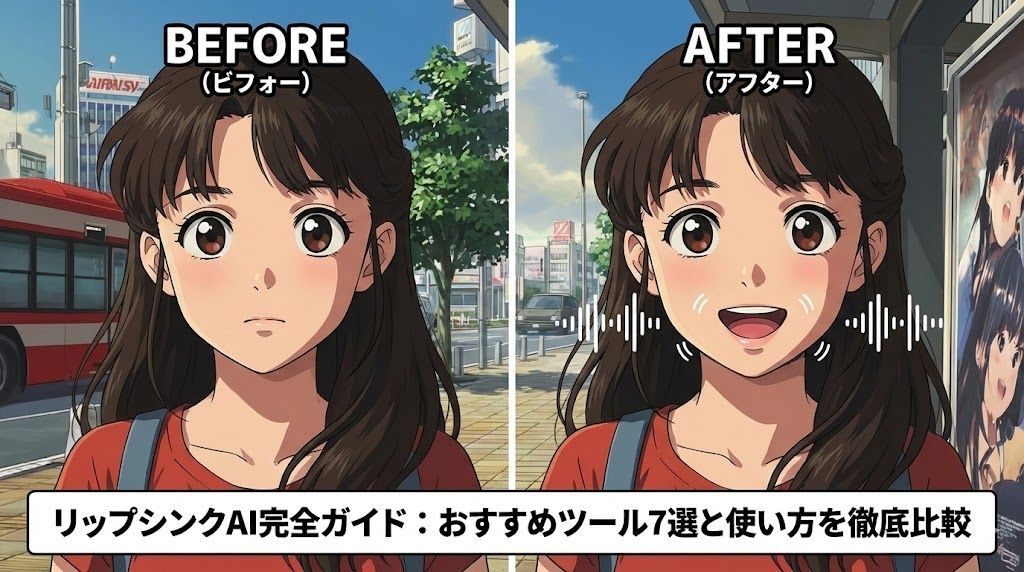
Introduction: How Discovering Lip-Sync AI Changed My Video Production
I first encountered lip-sync AI in the summer of 2024. I still vividly remember watching a HeyGen Avatar IV demo on YouTube and being astonished: “Isn’t that a real person talking?”
For someone like me, who had struggled with video editing, perfectly synchronizing audio and mouth movements was a nightmare. Even after hours of adjustments in Adobe Premiere, something still looked unnatural. Lip-sync AI solved that problem in an instant.
Put simply, lip-sync AI is technology that automatically moves the mouths of people or characters in a video to match audio. AI accomplishes in seconds the work that professional animators previously did by hand in film and animation production.
In this article, I honestly review seven lip-sync AI tools I have used extensively, including my failures. I’ll explain each tool’s pricing, features, and points to watch out for without holding anything back.
Lip-Sync AI Basics: Understanding How It Works Makes It Much Easier to Use
How Does AI Move a Mouth?
At first, I could only think of it as magic, but understanding how lip-sync AI works helped me use it more effectively.
Lip-sync AI analyzes audio waveform data and predicts the mouth shape corresponding to each phoneme, the smallest unit of sound. For example, it opens the mouth wide for “ah” and purses the lips for “oo.”
The latest AI does more than change mouth shapes: it naturally generates changes in expression and movements across the whole face. I was especially impressed by how it reproduced wrinkles around the eyes when someone spoke with a smile, and movements between the eyebrows when speaking seriously.
The Crucial Difference from Traditional Manual Editing
It used to take me two full days to make a three-minute presentation video. It was a succession of painstaking tasks: adjusting mouth movements frame by frame, correcting their timing against the audio, and refining facial expressions.
With lip-sync AI, the same work takes just 15 minutes. The finished quality also frequently exceeds what manual editing can achieve.
Three Revolutionary Benefits I Experienced
- Save time: Production time drops to less than one-tenth.
- Reduce costs: I no longer need to hire a professional animator.
- Free your creativity: Removing technical tasks lets you concentrate on the content itself.
Seven Recommended Lip-Sync AI Tools: My Hands-On Reviews
1. HeyGen: My Top Choice for Professional Results
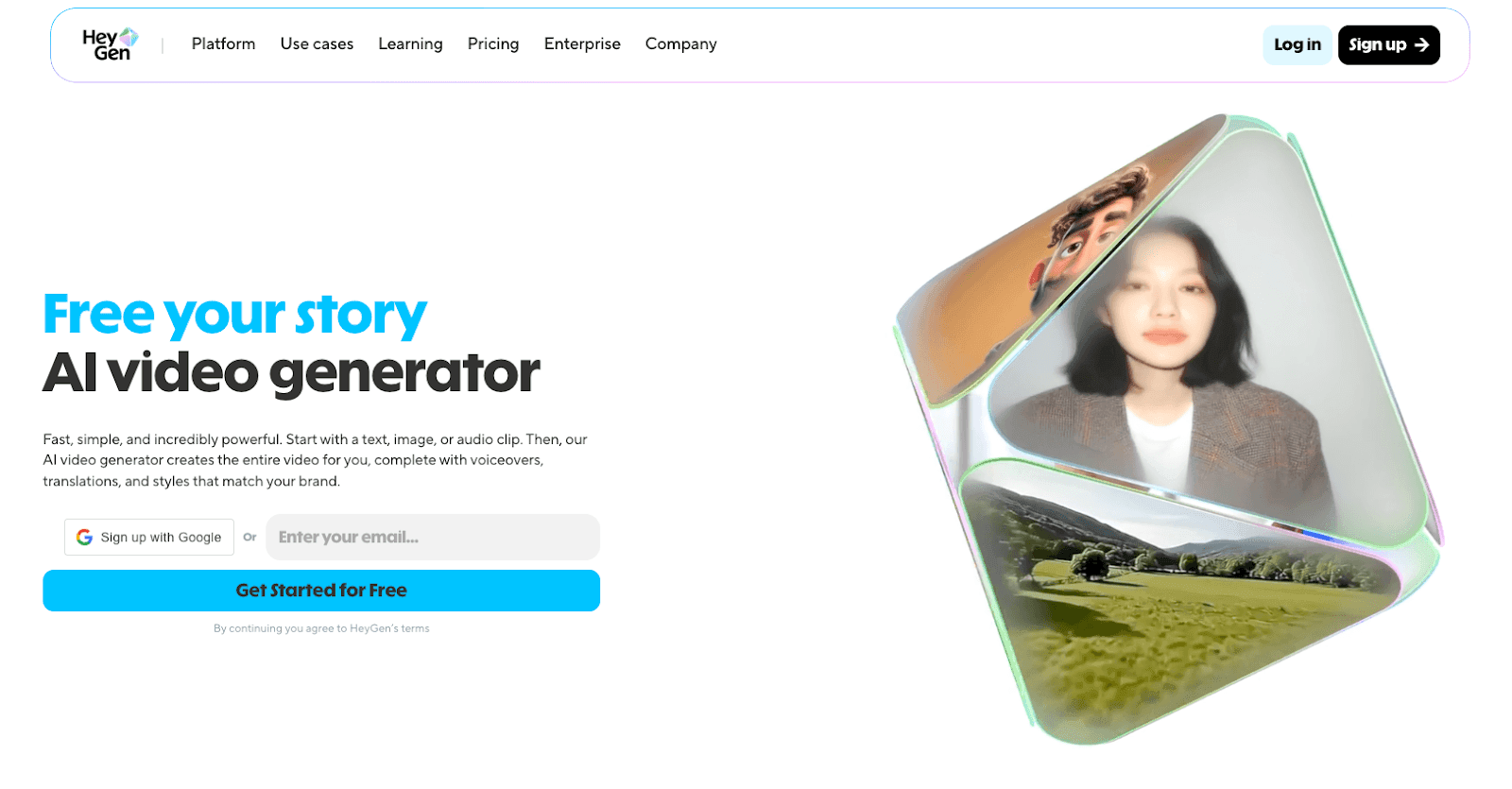
HeyGen released Avatar IV in May 2024, astonishing people around the world with almost-real AI avatar videos whose mouth movements and audio matched perfectly.
When I first used HeyGen, I honestly wondered, “This is free?” The realism of the generated video was truly striking.
My experience: The English interface initially confused me, but the tool fully supports Japanese. I was particularly impressed by its accurate handling of distinctive Japanese phonemes such as “n” and the small “tsu.”
What the pricing plans offer:
- Free plan: Up to three generations per month, with a maximum of 10 seconds each.
- Creator plan: $29 per month, approximately ¥4,000, for up to five minutes of generation per month.
- Team plan: $89 per month, approximately ¥13,000.
I first tried the free plan, then moved to Creator. Honestly, ¥4,000 per month felt expensive, but a single client job covered the cost. I now consider it an inexpensive investment.
Recommended uses:
- Corporate presentation videos
- Online course content
- Projects requiring multiple languages
2. Kling AI: A New Approach to Generating Video from Video
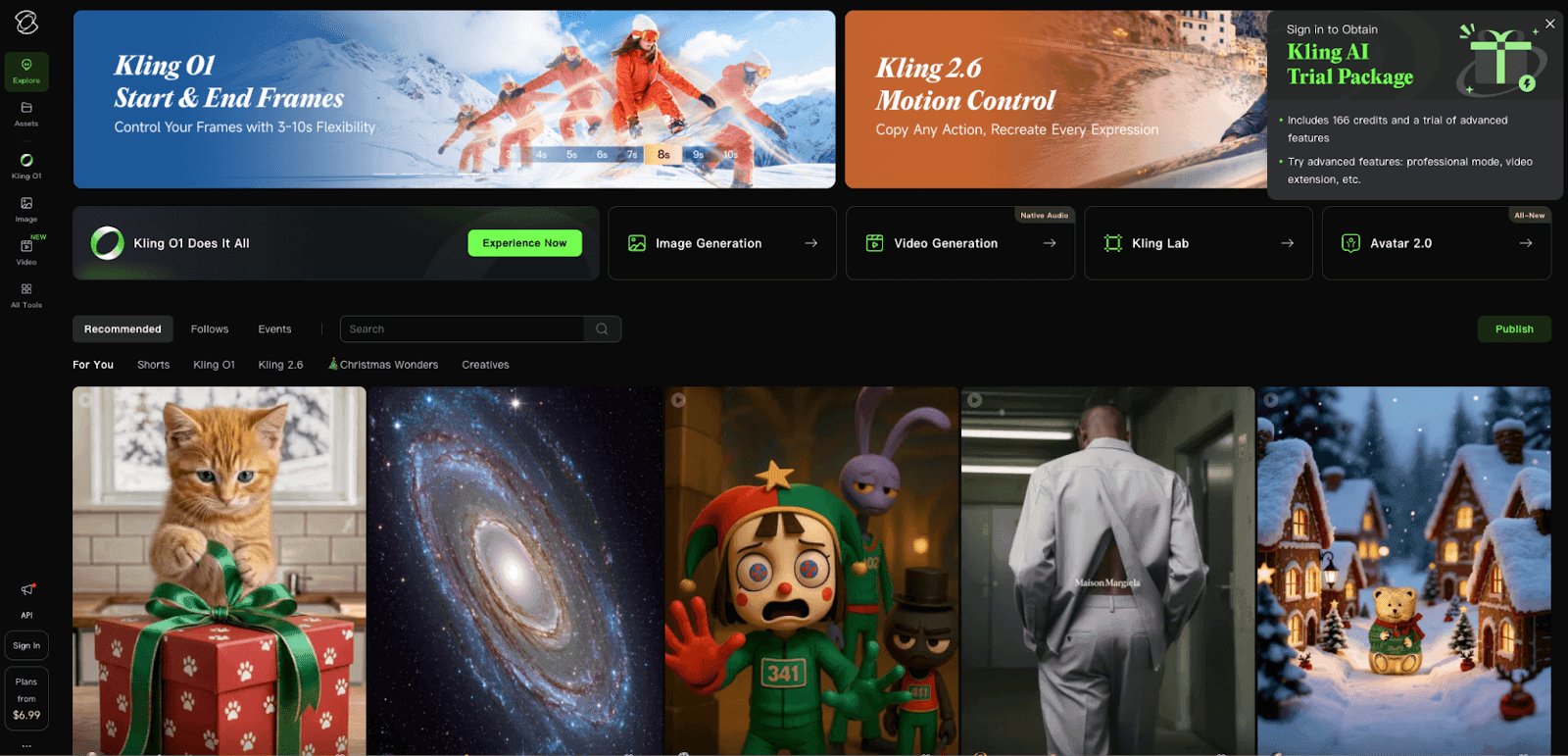
Kling creates lip-sync videos by adding audio to existing video. Unlike HeyGen, its workflow begins with preparing a video and then adding audio.
The crucial difference from HeyGen: After using both, I found the biggest difference was the workflow order. HeyGen goes from image to audio to video, while Kling goes from video to audio to a lip-sync video.
The drawback of this type of video-generation AI is that you must first make a video containing the performance. However, if you want to use existing video material, this approach is more convenient.
How I choose between them:
- Creating a new character: HeyGen
- Using existing video material: Kling
- Creating an animation-style look: Kling
Value for money: Kling’s pricing is relatively simple, starting at $15 per month, approximately ¥2,200. That is around half HeyGen’s price, making it a recommendation for people on a limited budget.
3. DomoAI: A Versatile Tool for High-Volume Generation in Relax Mode
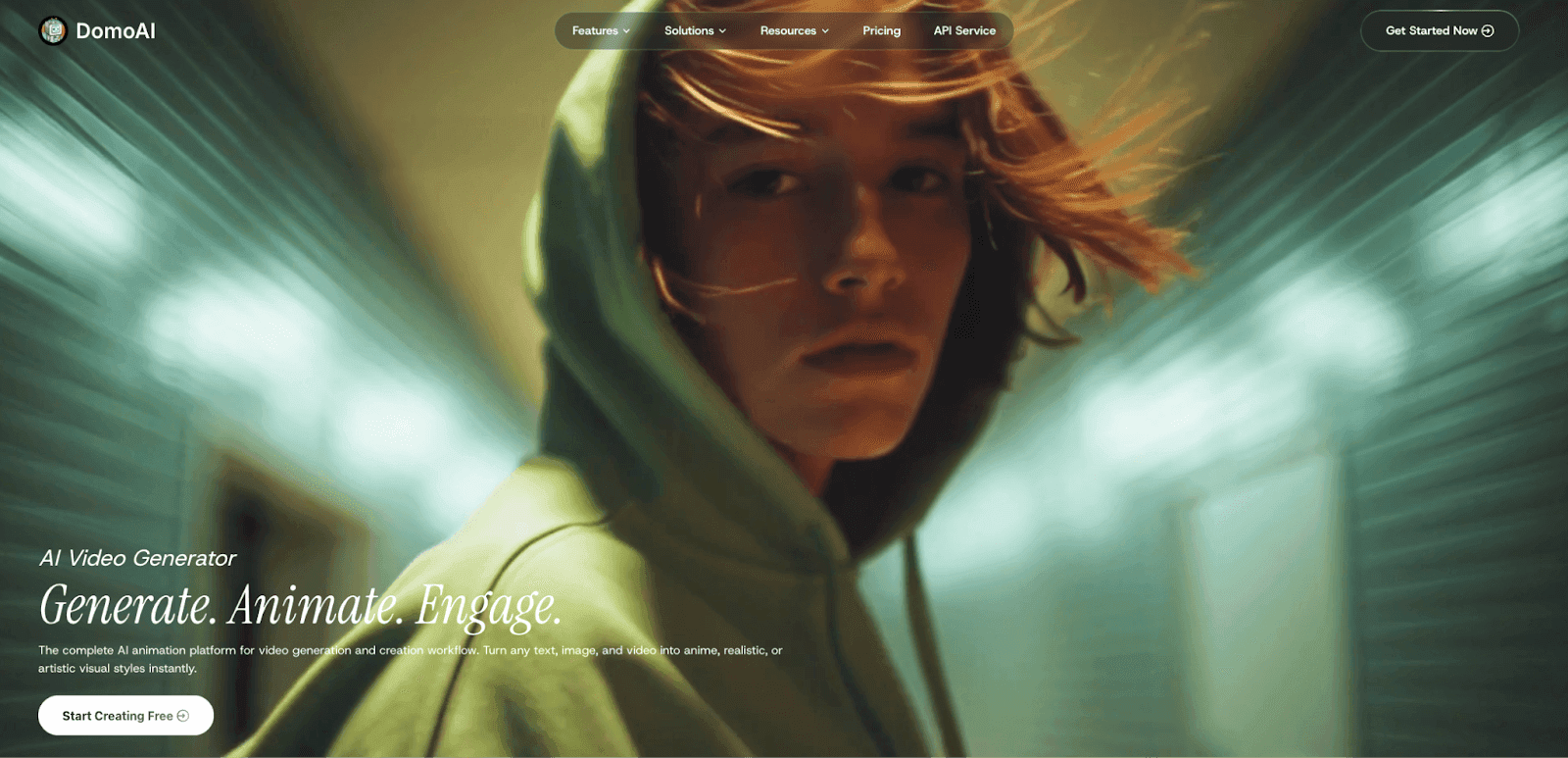
DomoAI is a video-generation AI known for accurate lip sync. It received the highest score, 95, in a ranking of live-action lip-sync performance.
I started using DomoAI after a friend told me, “This is incredibly good value.” Once I tried it, I understood exactly what they meant.
The official lip-sync AI page and the AI video-generator comparison article also rate DomoAI highly for its Japanese support, intuitive interface, and wide range of styles. Its Relax mode also lets you generate large volumes without consuming credits, making it especially powerful for social media production and prototyping.
The specific benefits of Relax mode: Processing is slower in Relax mode, but it lets you generate many videos while keeping credit consumption down. Since I make more than 50 short videos a month, this mode is a real help.
However, Relax mode cannot create AI Avatar videos, meaning lip-sync videos. It is important to choose appropriately between it and normal mode.
The processing-speed difference I experienced:
- Normal mode: A 30-second video finishes in around two minutes.
- Relax mode: The same video takes around 10 minutes.
Why I recommend it to beginners:
- The Japanese interface is easy to understand.
- Prompts can be entered in Japanese.
- First-time registration includes a free bonus of 15 credits.
DomoAI’s greatest attraction is its all-in-one workflow. Everything from image generation and video editing to lip sync can be completed inside DomoAI. It is ideal for people like me who find switching among different tools troublesome.
In addition, DomoAI’s AI Animation Generator can generate talking avatars from still images and apply various anime conversions, greatly expanding the possibilities for VTubers and content creation.
4. Dreamina: A High-Quality Tool That Works Well Even for Free
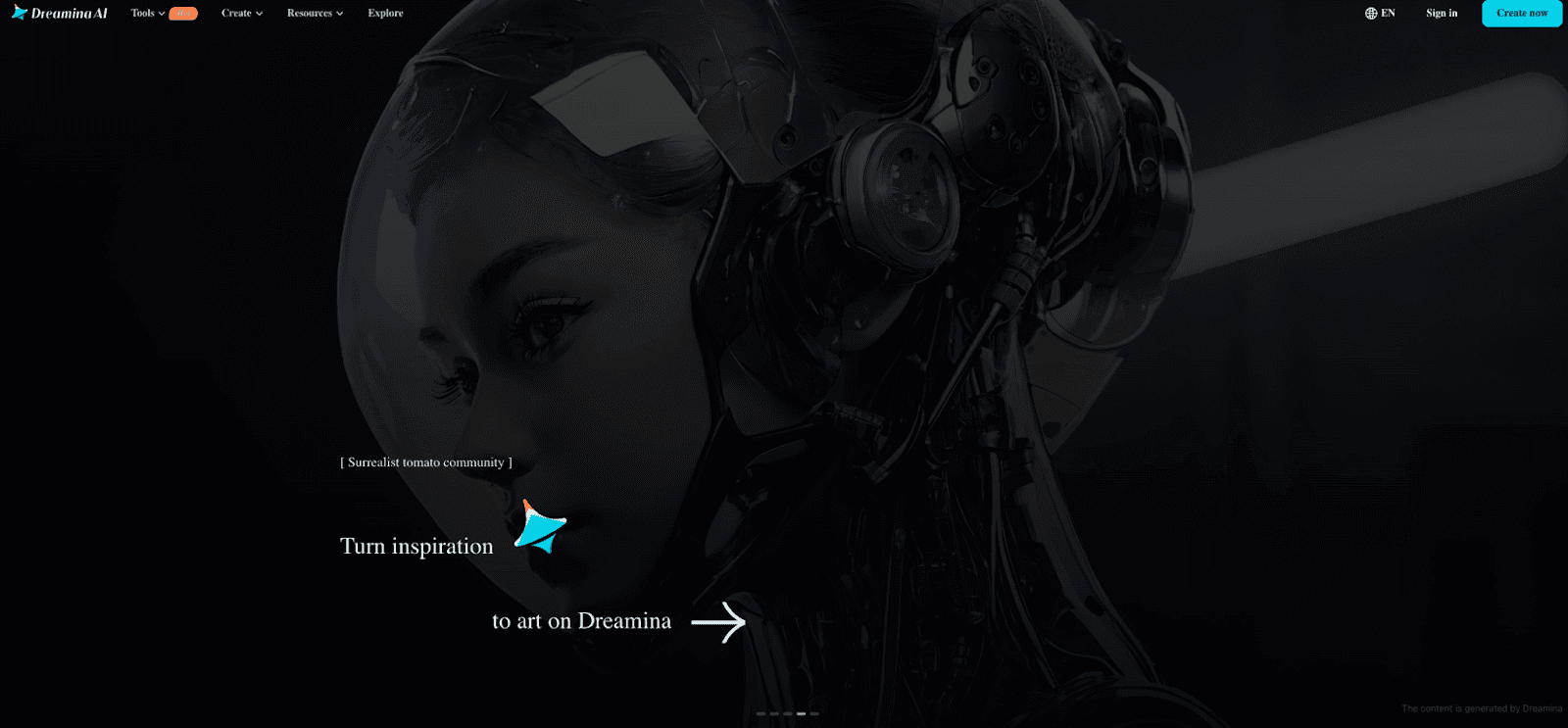
Dreamina is a video-generation AI operated by ByteDance, the company famous for TikTok. As a service run by a major company, its stability and quality leave nothing to be desired.
How much lip-sync video free members can create: In my testing, even free members could generate 60 seconds of video per month. That works out to six 10-second videos, which is enough for short social media videos.
Examples I made with the free version:
- A 15-second product introduction for Instagram
- A lip-sync video set to music for TikTok
- A 30-second explainer for YouTube Shorts
Differences from the paid version:
- Free version: 720p resolution, with a watermark.
- Paid version, $9.99 per month: 1080p resolution, no watermark, and up to 300 seconds per month.
Advice for people focused on value: I recommend using the free version for a month and moving to a paid plan if it no longer meets your needs. The free version was enough for me for three months.
5. Hedra Character-3: Make Smart Use of Free Credits

Hedra is highly rated for natural facial expressions and accurate lip sync, receiving a score of 91 in a lip-sync performance ranking.
How to use the free credits: Signing up for a free Hedra account gives you 400 credits, equivalent to around 40 seconds of video.
How I use my credits:
- First 100 credits: Try different styles for testing.
- Next 200 credits: Create two or three final videos.
- Remaining 100 credits: Save them for emergencies.
Character-generation quality: Hedra stands out for its changing expressions, with more natural facial movements, and lip sync, with less mismatch between lips and audio. Its expressiveness with anime characters in particular surpasses other tools.
An efficient way to use it: A trick I discovered is leaving the prompt blank. Generating a video without entering a prompt tends to produce larger movements that follow the audio. You can use this tendency to create dynamic performances.
6. ElevenLabs: The Pinnacle of Voice Generation
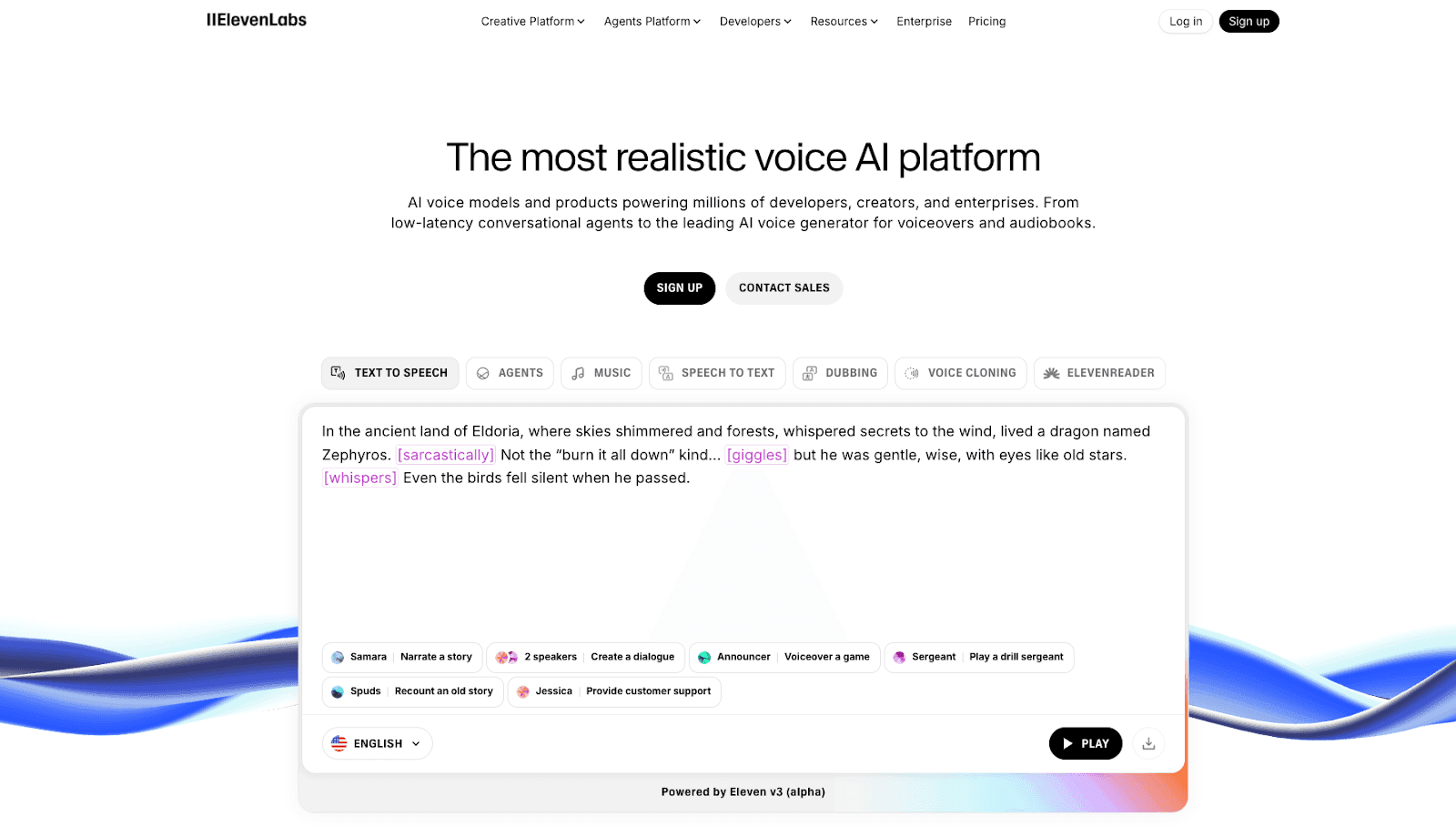
On this blog, we tried creating Japanese narration with popular voice-generation AI services to find the most natural one. ElevenLabs ranked first.
Voice-generation characteristics: ElevenLabs voices sound as natural as a real voice actor. I was especially impressed by the richness of their emotional expression.
Voice-quality details that impressed me:
- Joy: The voice naturally rises in tone.
- Sadness: Even subtle trembling in the voice is expressed.
- Anger: Strength and tension come through.
How to combine it with lip sync:
- Generate audio with ElevenLabs, which takes around 30 seconds.
- Download the generated audio.
- Upload it to HeyGen or DomoAI.
- Generate the lip-sync video.
Recommended voice settings:
- Business: “Rachel,” a calm female voice.
- Entertainment: “Josh,” a cheerful male voice.
- Narration: “Bella,” a clear female voice.
7. Murf AI: A Comprehensive Video Production Platform
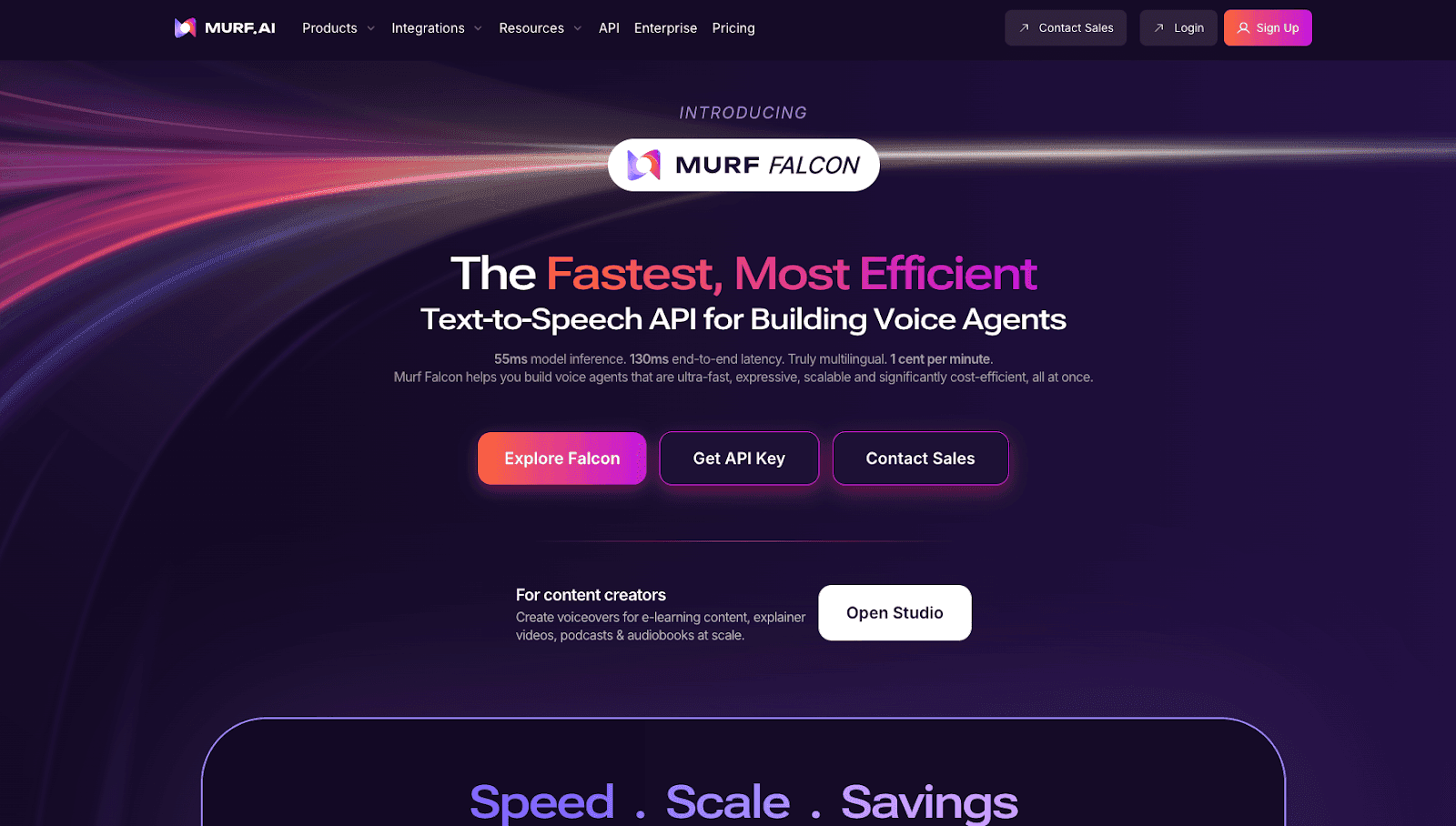
Murf AI is more than a lip-sync tool: it is a comprehensive platform covering the entire video production process.
My experience: The number of features overwhelmed me at first, but once I got used to it, I discovered the convenience of doing everything in one place. Handling everything from background music selection to subtitle generation together is particularly revolutionary.
Integrating with other tools:
- Canva integration: Directly import design assets.
- Google Drive integration: Manage files in the cloud.
- Slack integration: Share easily with your team.
My assessment for business use: I used it to create corporate training videos, and the client’s response was very positive. Murf AI especially shows its true value in projects requiring multiple languages.
Recommended Tools by Use Case: How I Choose
For Beginners: My Recommended Ranking
- DomoAI: Complete Japanese support and intuitive operation.
- Dreamina: Enough features to work well even for free.
- Hedra: Plenty of free credits, making it ideal for practice.
DomoAI was the first tool I used as a beginner. The reason was simple: I could do everything in Japanese. That was a real help to someone like me who struggles with English.
For Business: Balancing Value and Quality
For business use, I recommend the following combination:
- Main tool: HeyGen, for quality.
- Secondary tool: DomoAI, for high-volume generation.
- Voice generation: ElevenLabs, for professional audio quality.
In my actual projects, I use HeyGen for important presentations and DomoAI for everyday explanation videos.
For Creators: Choosing High Quality
For those who want to make creative work:
- Hedra: Expressive animation.
- DomoAI: A variety of style transformations.
- Kling AI: Make use of existing video.
My criterion is to work backward from what I want to make. When I have a clear picture of the result, choosing a tool is straightforward.
A Practical How-To Guide Based on My Experience
The Basic Creation Process
Here is the process I follow every time, step by step:
Step 1: Prepare the assets, five minutes. First, create an image of the main character with an image-generation AI. I mainly use Google Whisk. Keep the prompt simple, such as “professional woman, business suit, smiling, front view.”
Step 2: Write the dialogue, three minutes. Ask ChatGPT to write the lines. The trick is giving a specific instruction, such as “Write dialogue for a 30-second presentation.”
Step 3: Generate the audio, two minutes. Generate audio with ElevenLabs or Niji Voice. I choose ElevenLabs when I want emotion and Niji Voice for natural Japanese.
Step 4: Generate the lip-sync video, five minutes. Upload the assets to DomoAI or HeyGen and start generation. My routine is to take a coffee break while I wait.
Tips for Avoiding Mistakes
Here are the pitfalls I encountered and how I solved them:
Pitfall 1: Low-resolution images
- Problem: The generated video looks blurry.
- Solution: Use an image at least 1024 × 1024 pixels.
Pitfall 2: Audio that is too long
- Problem: The cost jumps.
- Solution: Keep it within 30 seconds, splitting it if necessary.
Pitfall 3: Unnatural expressions
- Problem: An expressionless, mechanical impression.
- Solution: Specify an emotion in the prompt, such as “smiling warmly.”
Techniques for Improving Quality
These are the quality improvements I put into practice:
- Consistent lighting: Specify “soft lighting” when generating the image.
- Simple backgrounds: Avoid complex backgrounds and choose a solid color or gradient.
- Audio preprocessing: Clean the audio with a noise-removal tool.
- Generate multiple options: Generate three times with the same settings and choose the best result.
Conclusion: My Favorite Tool and What Comes Next
My Current Main Tool
To be completely honest, DomoAI is the tool I use most frequently. There are three reasons:
- The convenience of completing everything in one place.
- Its complete Japanese support.
- Its value for money.
However, I also use HeyGen for client work. Choosing different tools for different purposes is the secret to producing professional results.
Specific Advice for Beginners
If I were starting today, I would follow this order:
- First week: Learn the basics with free tools such as Dreamina and Hedra.
- Second week: Create more substantial work with DomoAI’s free credits.
- Third week: Improve the audio quality with ElevenLabs.
- After one month: Consider a paid plan if necessary.
There is no need to rush into a paid plan immediately. Free tools were enough for me for three months.
The Future Possibilities of Lip-Sync AI
In 2025, lip-sync AI technology is still developing. HeyGen is reportedly preparing the more powerful “Avatar V,” so further advances are expected.
The trends I expect to see:
- Real-time generation: From the current several minutes to a few seconds.
- More advanced emotional expression: The ability to express subtle nuances.
- Simultaneous multilingual support: Automatically switch between multiple languages in one video.
A Call to Action for Readers
Lip-sync AI is no longer a special technology. It has become an accessible tool that anyone can use. Having read this article, you can start right now.
Try starting with a free tool. DomoAI gives you 15 credits just for signing up. You should be able to finish your first lip-sync video in just 15 minutes.
Shall we open a new door to video production together?
Start your free DomoAI trial now →
Technological progress will not wait, but it is never too late to start. At first I also thought it looked difficult, but actually trying it was easier than I had imagined.
Unleash your creativity with lip-sync AI. A new world of expression is sure to open up.


