

Today we're adding a brand new model to the lineup. Meet Nano Banana 2 — built on Google's Gemini 3.1 Flash architecture, designed to bring near-Pro quality to everyday editing at much faster speeds and lower cost.
Nano Banana Pro isn't going anywhere. Nano Banana 2 is simply a new option built for a different kind of workflow.
Update: Nano Banana 2.1 is now available. You can now also choose Nano Banana 2.1 in DomoAI’s image editor. Nano Banana 2 and Nano Banana Pro remain available, so you can try the same prompt with different models and compare the results for your task.
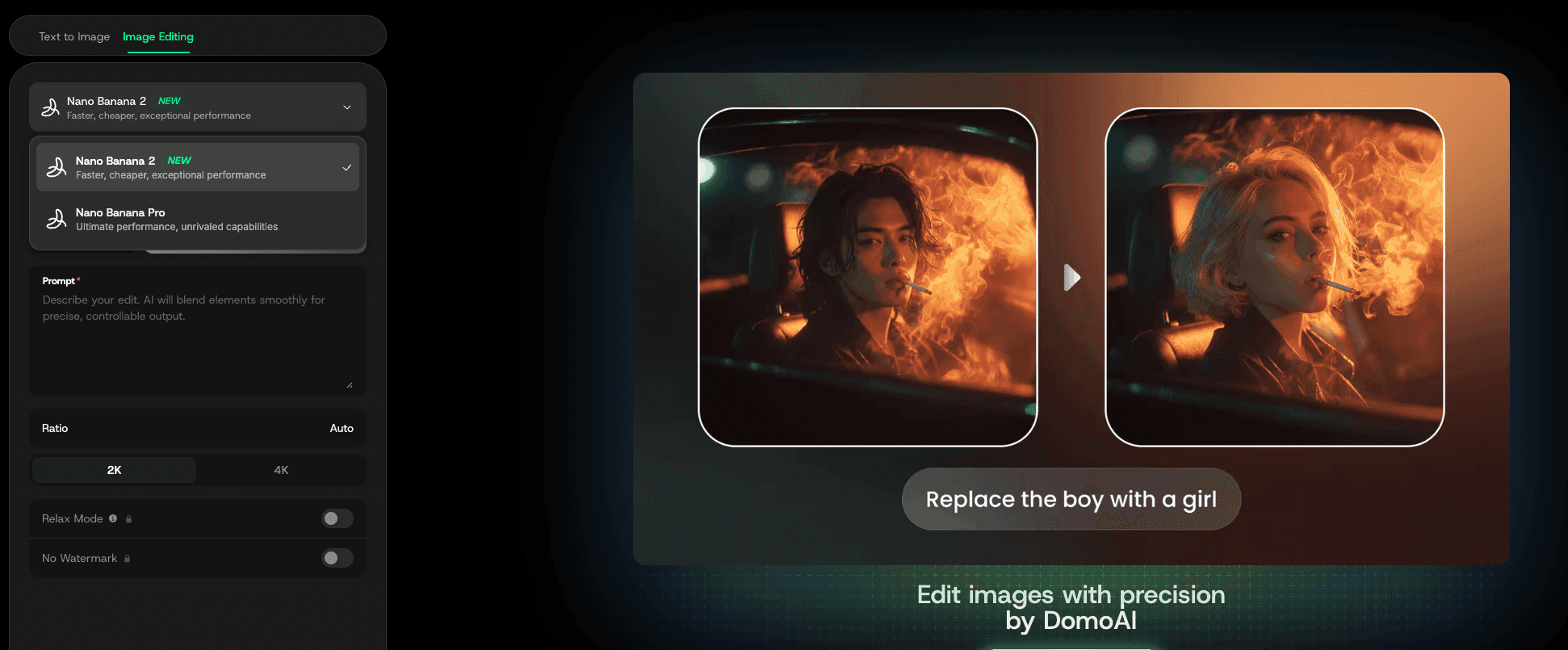
Powered by Google Gemini 3.1 Flash
View original post on Xhttps://x.com/Google/status/2027051657163391104?s=20
Nano Banana 2 runs on Google's latest Gemini 3.1 Flash architecture — a speed-optimized model that inherits the deep capabilities of the Gemini 3 Pro family. Where Nano Banana Pro typically takes 10–20 seconds per generation, Nano Banana 2 comes back in as little as 4–8 seconds.
4K Output, Production-Ready
Nano Banana 2 now supports full 4K resolution output. Whether you're creating marketing assets, product visuals, or detailed composites, you're getting crisp, high-resolution results that are ready to use straight out of the editor — no upscaling needed.
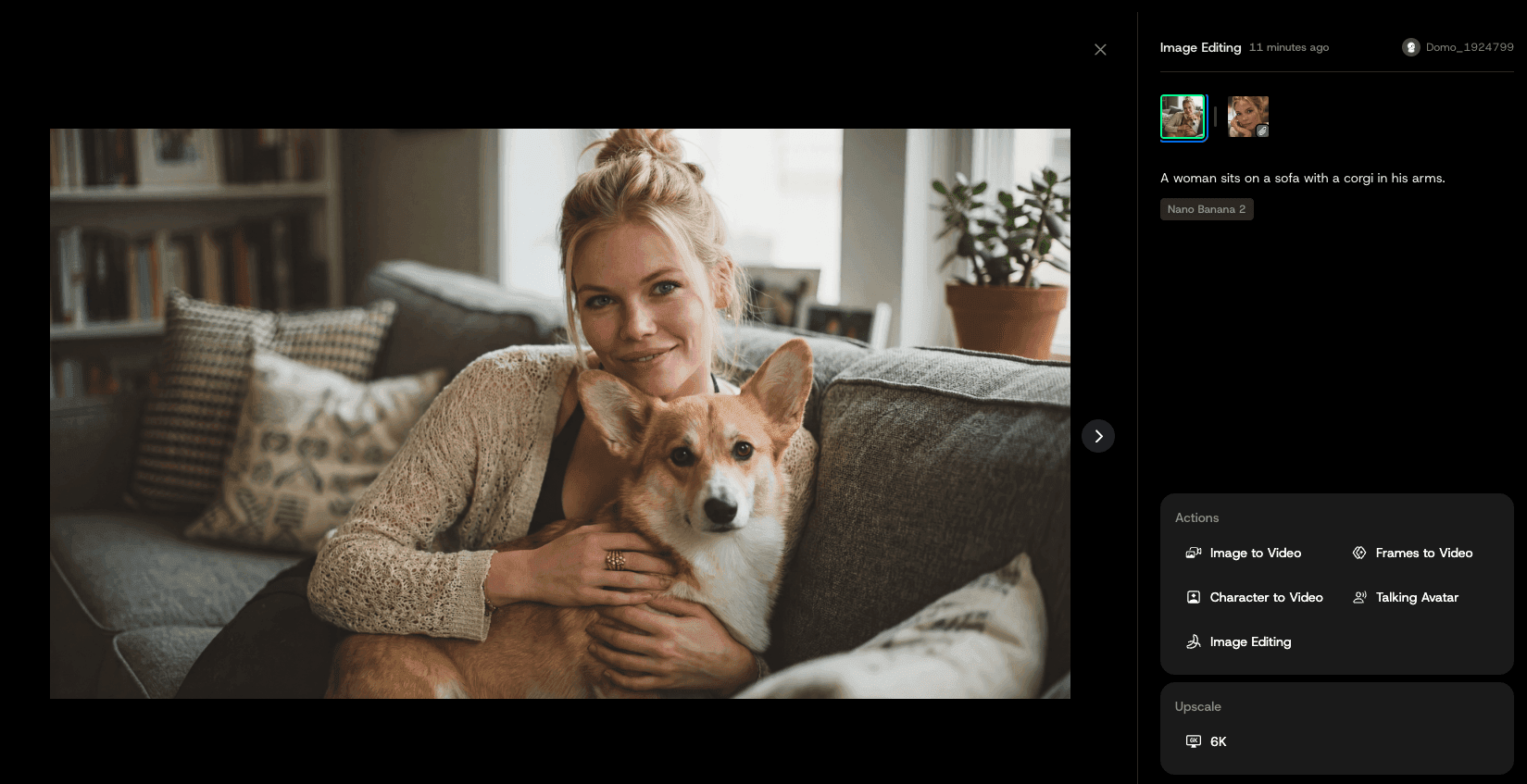
Better Text Rendering
Nano Banana 2 brings a major leap in text rendering. Text inside your images — including multilingual text — comes out more accurate, cleaner, and more natural-looking. Perfect for mockups, posters, greeting cards, and localized creatives.
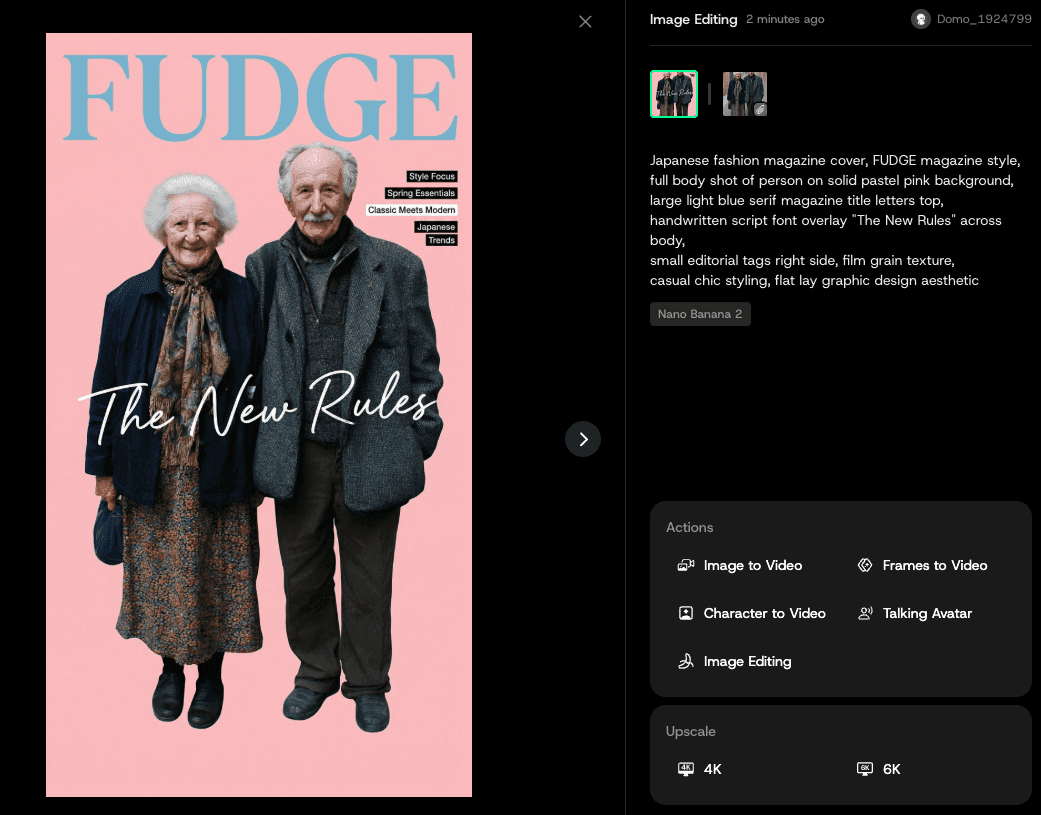
Faster Than Ever
Nano Banana 2 is significantly faster than Nano Banana Pro. You'll notice it the moment you start editing — generations that used to take a few extra seconds now come back almost instantly. Faster iterations mean you can move from idea to final asset in less time.
More Credits, Less Cost
We know credits matter, so we made Nano Banana 2 cheaper to run. Nano Banana Pro was 15 credits per generation. Nano Banana 2 drops that to just 10 — giving you more room to experiment, iterate, and create without burning through your balance.
Same Pro-level quality. One-third cheaper.
Unlimited Generation in Relax Mode
This one's for the heavy users. Relax Mode supports unlimited generation, so you can queue up as many edits as you need without worrying about hitting a wall. It's a little slower than standard mode, but when volume matters more than speed, it's got you covered. Relax Mode is available on Standard, Pro, and Team plans for eligible settings. Basic does not include Relax Mode.
Nano Banana 2 is available for all users. Open the image editor and select Nano Banana 2 from the model menu.
Frequently Asked Questions
Do I need to do anything to switch to Nano Banana 2?
Open the image editor and select Nano Banana 2 from the model menu.
Does Nano Banana 2 replace Nano Banana Pro completely?
No. Nano Banana Pro remains available alongside Nano Banana 2 and Nano Banana 2.1. Select the model you want to use in the image editor.
Why is Nano Banana 2 cheaper than Nano Banana Pro?
We've improved the efficiency of the model significantly. We're passing those savings directly to you — Nano Banana 2 costs 10 credits per generation versus 15 for Nano Banana Pro.
What is Relax Mode and when should I use it?
Relax Mode is a slower generation queue that allows unlimited generations. It's ideal when you're running a large batch of edits and speed isn't a priority. Standard mode remains the go-to when you need fast turnaround. Relax Mode is available on Standard, Pro, and Team plans for eligible settings. Basic does not include Relax Mode.
Does 4K output cost extra credits?
Yes — 4K output adds 5 credits on top of the base cost. So a standard Nano Banana 2 generation runs at 10 credits, while a 4K generation comes in at 15 credits.
Will my old generations or settings be affected?
Your history, projects, and settings remain unchanged. Select Nano Banana 2 in the image editor when you want to use it for new generations.


