The best DeepAI alternative depends on which DeepAI tool you want to replace. For AI video, animation and image editing, DomoAI covers the most ground in one workspace. For character chat, try Elymi or Character.AI. ChatGPT is the stronger general assistant. Midjourney and Leonardo AI go deeper on images, Runway on professional video, Suno on music, and Canva on quick design edits.
DeepAI packs a dozen tools into one low-cost plan, and that is its appeal. The trade-off shows up when one of those tools becomes your main job. A plan that includes 25 seconds of video a month suits a test, not a weekly upload schedule.
DeepAI alternatives at a glance
| Tool | DeepAI tool it replaces | Best for | Free access | Paid plans from |
|---|---|---|---|---|
| DomoAI | Video Generator, Image Generator, Photo Editor, Super Resolution, Colorizer | Video, animation and image work in one place | 30 credits for every newly registered user | $9/month, billed yearly |
| Elymi | AI Characters | Roleplay with scenes, memory, images and video | Free, unlimited text chat | Stars for images and video |
| ChatGPT | AI Chat, Code, Math AI | Everyday questions, writing and code | Free plan with limited messages and image creation | See official pricing |
| Midjourney | Image Generator | Polished, art-directed images | No free trial on the Midjourney website or Discord. A limited trial is available in niji・journey, a mobile app for creating anime art. | $10/month |
| Leonardo AI | Image Generator | A daily free image allowance | 150 fast tokens a day | $12/month ($10 billed yearly) |
| Runway | Video Generator | Professional video and editing workflows | 125 one-time credits | $15/month ($12 billed yearly) |
| Suno | Music Generator | Full songs with vocals | 50 credits a day, no commercial rights | $10/month ($8 billed yearly) |
| Character.AI | AI Characters | A large library of community characters | Free tier | See the official site |
| Canva | Photo Editor, Background Remover | Layouts and quick photo fixes | Free plan with limited AI access | US$18/month |
Prices are in US dollars as of November 2026. Confirm current rates on each official page before you subscribe.
What DeepAI does well
DeepAI describes itself as an all-in-one creative AI platform, and the tool list backs that up. One account covers AI chat, voice chat, AI characters and a code tool. It also generates images, video and music. Smaller utilities include a photo editor, a background remover, a colorizer, super resolution and a website builder in beta.
Three things make it easy to start with:
- No account needed. DeepAI says you can explore it for free without signing up.
- One low price. DeepAI Pro costs $9.99 a month, or $89.99 a year, and removes ads.
- A model picker for chat. Paid plans list chat models from OpenAI, Google, Anthropic and xAI.
Here is what each plan includes, from the DeepAI pricing page:
| Plan | Monthly price | HD images | HD video (720p) | Hollywood video (2K) | Songs |
|---|---|---|---|---|---|
| Free | $0 | Limited | Not included | Not included | Limited |
| Pro | $9.99 | 500 | 25 seconds | 8 seconds | 100 |
| Mega | $29.99 | 1,500 | 80 seconds | 30 seconds | 100 |
| Giga | $99.99 | 10,000 | 350 seconds | 120 seconds | 100 |
If you want a little of everything for under $10, DeepAI is hard to beat on breadth. The reasons to look elsewhere are narrower.
Why people look for DeepAI alternatives
The video allowance runs out fast
Pro includes 25 seconds of HD video and 8 seconds of 2K Hollywood video each month. After that, DeepAI charges $0.20 per second for HD and $0.30 per second for Hollywood. A single 10-second HD clip beyond the allowance costs $2.00.
The pricing table lists no video on the Free plan. DeepAI's video FAQ says clips run up to 15 seconds depending on mode, with a Video Extend option to continue a clip.
The free tier has ads and caps
Free use is ad-supported. Images, chat and music are marked "Limited" on the Free plan, and voice chat stops at 60 seconds a day. The higher-quality Genius and Super Genius modes are reserved for paid members.
The allowance model confuses some users
DeepAI holds a 3.9 out of 5 TrustScore on Trustpilot from 405 reviews as of November 2026. Most reviews are positive and praise the easy interface, the free access and the photo editor. Recent critical reviews say the pricing structure is hard to follow and that the Pro allowance runs out quickly.
Each plan mixes several separate allowances with per-item overage rates. That takes some tracking if you use more than one tool.
Each tool stays fairly simple
A broad platform can only go so deep in each area. Two examples from DeepAI's own pages:
- Characters. You can browse categories such as Anime, Fantasy, Gaming and History, or create a character with a name and an intro. The page does not mention memory, scenes, or images and video inside the chat.
- Image ownership. DeepAI's image FAQ allows commercial use and says generated images "are considered public domain." That works for casual projects. Read the terms first if you need exclusive rights to your output.
How we chose these alternatives
We used four criteria:
- The tool replaces at least one DeepAI tool.
- It has public pricing or a free tier.
- It gives a clear reason to choose it over DeepAI for that job.
- The list stays short: one or two picks per job, not every tool on the market.
Prices and allowances change often, so each section links to the official source.
The 9 best DeepAI alternatives
1. DomoAI: best for AI video, animation and image editing
Replaces: Video Generator, Image Generator, Photo Editor, Super Resolution, Colorizer
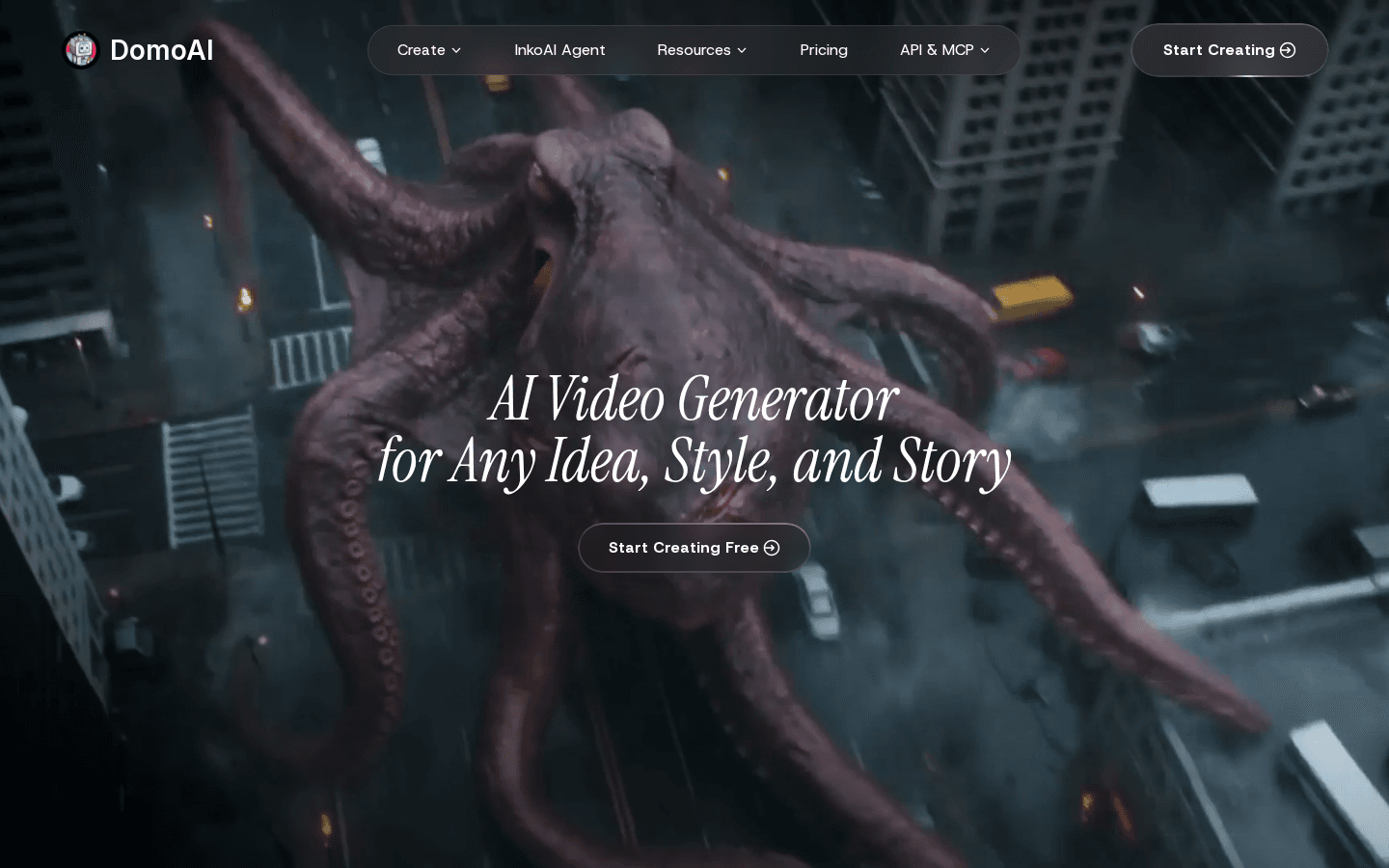
DomoAI is an AI video and animation platform. You make, stylize, animate and upscale video and images from text, images or existing footage in one workspace.
Start with where DeepAI is stronger. DeepAI includes general chat, music, voice chat and a website builder in the same plan. DomoAI offers none of those. DeepAI's Hollywood mode also renders 2K natively, while most DomoAI video models generate at 720P or 1080P.
DomoAI goes further on video itself. This table maps each DeepAI tool to its closest DomoAI feature.
| DeepAI tool | DomoAI feature | What you can do |
|---|---|---|
| Video Generator: text to video | Text to Video | Turn a prompt into a clip. Seedance 2.0, ByteDance's model, adds audio and multi-shot output. |
| Video Generator: image to video | Image to Video | Animate one image for 4 to 15 seconds on most models, or apply templates such as Hug, Dance and 360 View. |
| Video Generator: reference to video | Omni Reference | Combine image, video and audio references in one clip. Seedance 2.5, also from ByteDance, accepts up to 30 images, 10 videos and 10 audio files for 4 to 30 seconds. |
| Video editing | Video to Video | Restyle existing footage in 70+ styles, more than 40 of them anime. |
| Image Generator | DomoAI Text to Image | Generate images with anime and realistic style models. |
| Photo Editor, Image Replace | Multi-Model Image Generator & Editor | Edit or generate with plain-language prompts, using GPT Image models from OpenAI and Nano Banana models from Google. |
| Super Resolution | Image Upscaler and Video Upscaler | Upscale stills up to 6K and video to 1080p, 2K or 4K. |
| Colorizer | Old Photo Restoration | Restore, colorize and enhance old or black-and-white photos. |
| Background Remover | Video background remover | Remove video backgrounds and export green screen or transparent footage. This tool is built for video, not still images. |
| Voice Chat | Talking Avatar | Not a chat partner. It lip-syncs a face to your audio, with text to speech and voice cloning for the voice track. |
| AI Chat, Code, Math AI, Music Generator, Website Builder | Not offered | Use ChatGPT or Suno from this list. |
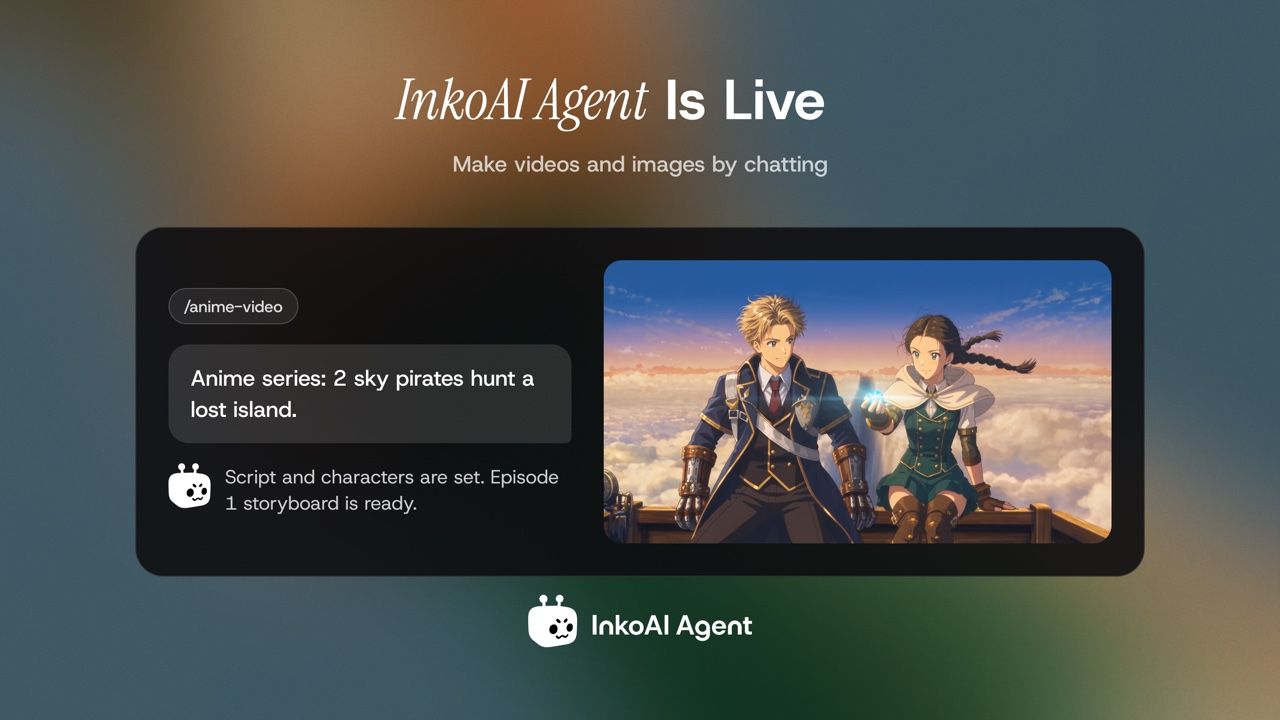
Two DomoAI features have no DeepAI counterpart. Character to Video makes a character image follow the motion of a reference video. InkoAI Agent, a creative assistant from DomoAI, turns an idea you describe in chat into images and videos. Its creation Skills build a short drama, anime video or cartoon scene by scene, then put your clips together into one full video. Chatting and planning cost nothing. Generations spend credits.
Clip length is the other practical gap. Omni Reference generates up to 30 seconds per clip with Seedance 2.5, at 480P or 720P. If you need more resolution, the MiniMax H3 model reaches 2K and the Video Upscaler takes a finished clip to 4K.
Best for: Creators who make anime, animation, character clips or short social videos every week, and anyone who has outgrown 25 seconds a month.
Not ideal for: People who mainly want a chatbot, a music generator or coding help. DomoAI also has no fully manual camera-control timeline, so prompts take some trial and error at first.
Price and free access: Every newly registered user receives 30 credits. Paid plans start at $9 a month billed yearly, or $13 month to month, for 600 credits. The plan card estimates that at about 150 images or 85 videos. See DomoAI pricing for current rates.
Cost per clip depends on the model. At the time of writing, a 5-second Image to Video clip on the DomoAI 2.5 model costs 10 credits at 720P. At that rate, 600 credits cover 60 such clips if you spend them on nothing else. Third-party models such as Seedance cost more per clip, and the Generate button shows the cost before you commit.
Standard, at $29 a month billed yearly, adds Relax Mode. It generates eligible outputs without spending credits and takes longer. Relax covers short clips on DomoAI's own video models and image generation at standard settings. It does not cover Seedance, MiniMax H3, Kuaishou's Kling 4.0, upscaling or Talking Avatar. Unused monthly credits do not roll over.
2. Elymi: best for AI character chat and roleplay
Replaces: AI Characters
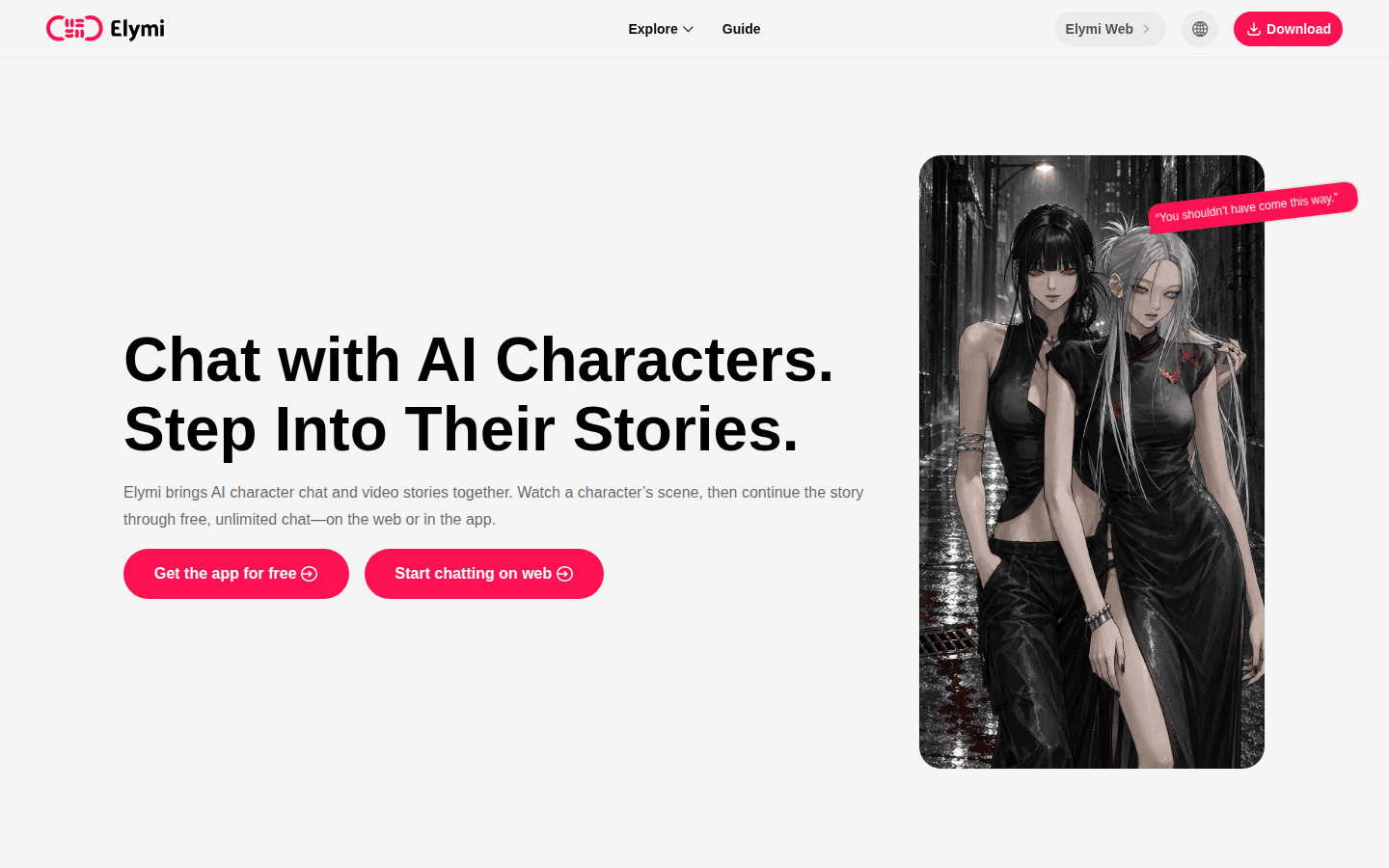
Elymi is DomoAI's AI character chat app. It is built for one job: chatting with a character inside a story. You must be 18 or older to use Elymi.
DeepAI's character page gives you a searchable list and a simple creator. Elymi builds each chat around a scene. Every character comes with a setting, an opening situation and a short scene video. You reply in your own words and the story continues from there.
What you get:
- A large original cast. Elymi has over 8,000 original anime characters, plus characters in other styles.
- Free text chat. Text chat is free and unlimited on the web and in the iOS and Android app.
- Images and video in the chat. You can spend Stars to generate an image or a short video of the moment you are talking about. Images come from OpenAI's GPT Image 2.5 and videos from ByteDance's Seedance 2.5.
- Memory. Long-term memory carries names, preferences and earlier moments into later chats. It can still miss details, so remind the character of anything important.
- Your own characters. Give a character a personality and speaking style, then write scenes for it. One character can have many scenes.
Elymi says chats are not used to train AI models or for advertising. The full feature list is on DomoAI's AI character chat page.
Best for: Anime fans and roleplay writers who want scenes, memory and visuals in one chat.
Not ideal for: People who want to talk with historical or public figures. DeepAI lists History and Politics categories, while Elymi's cast is original characters. Elymi currently supports English, Japanese, Korean and Traditional Chinese.
Price and free access: Text chat is free. Image and video generation uses Stars, and new users can earn 1,400 free Stars through check-ins.
3. ChatGPT: best for general chat, writing and code
Replaces: AI Chat, Code, Math AI
DeepAI's chat is quick to open and needs no account. On paid plans it also offers a "ChatGPT 4o Latest" option in its model picker. If chat is your main use, going to the source is the simpler path.
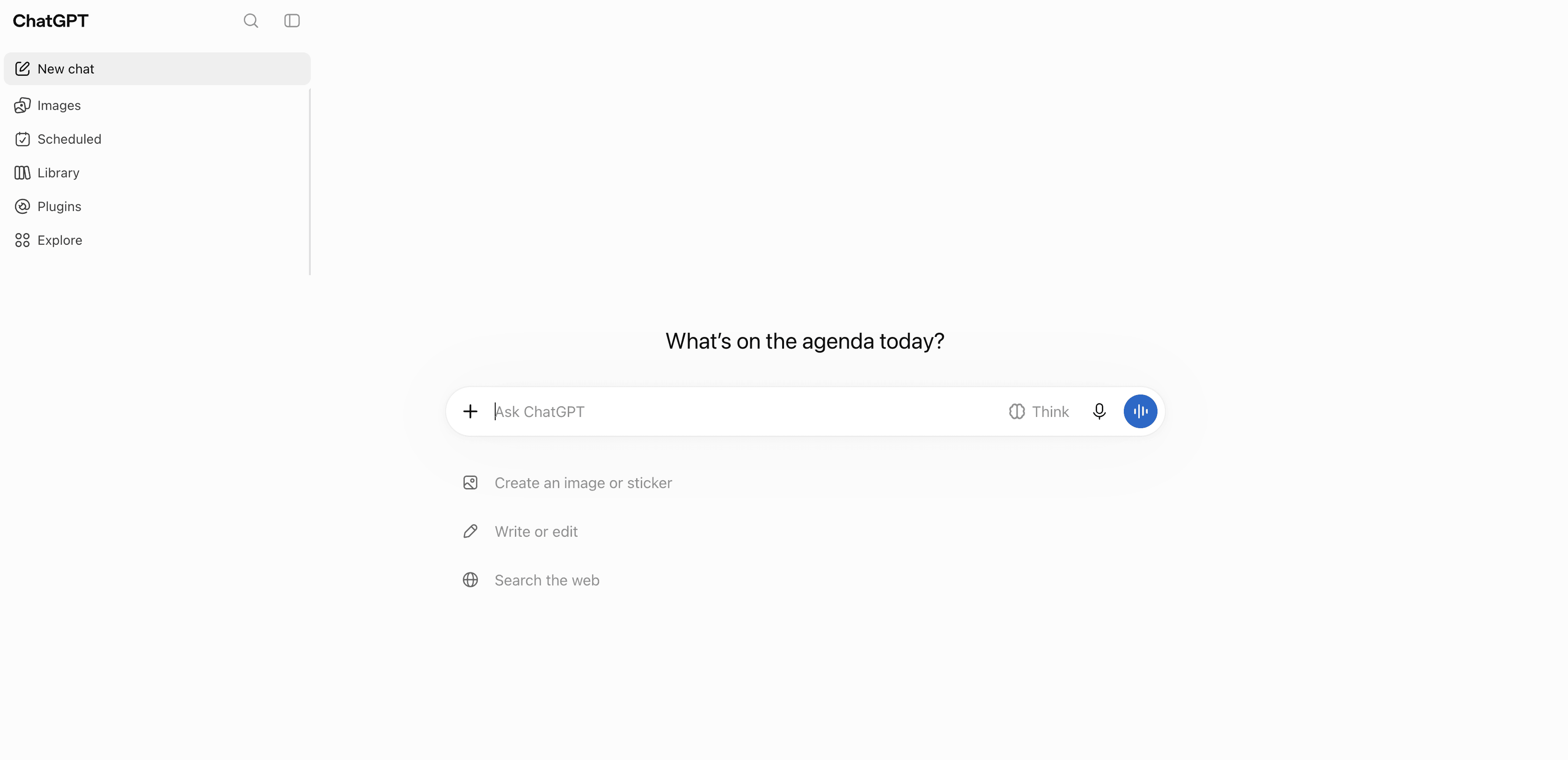
ChatGPT is OpenAI's own assistant. The ChatGPT pricing page lists Free, Go, Plus, Pro and Business plans. The Free plan includes limited messages, limited image creation, limited voice chats and limited memory.
Best for: Daily questions, drafting, research and code help in one assistant.
Not ideal for: People who want one cheap bundle with music and video allowances. That bundle is DeepAI's strength.
Price and free access: A free plan exists. Check the official page for current paid rates.
4. Midjourney: best for polished, art-directed images
Replaces: Image Generator
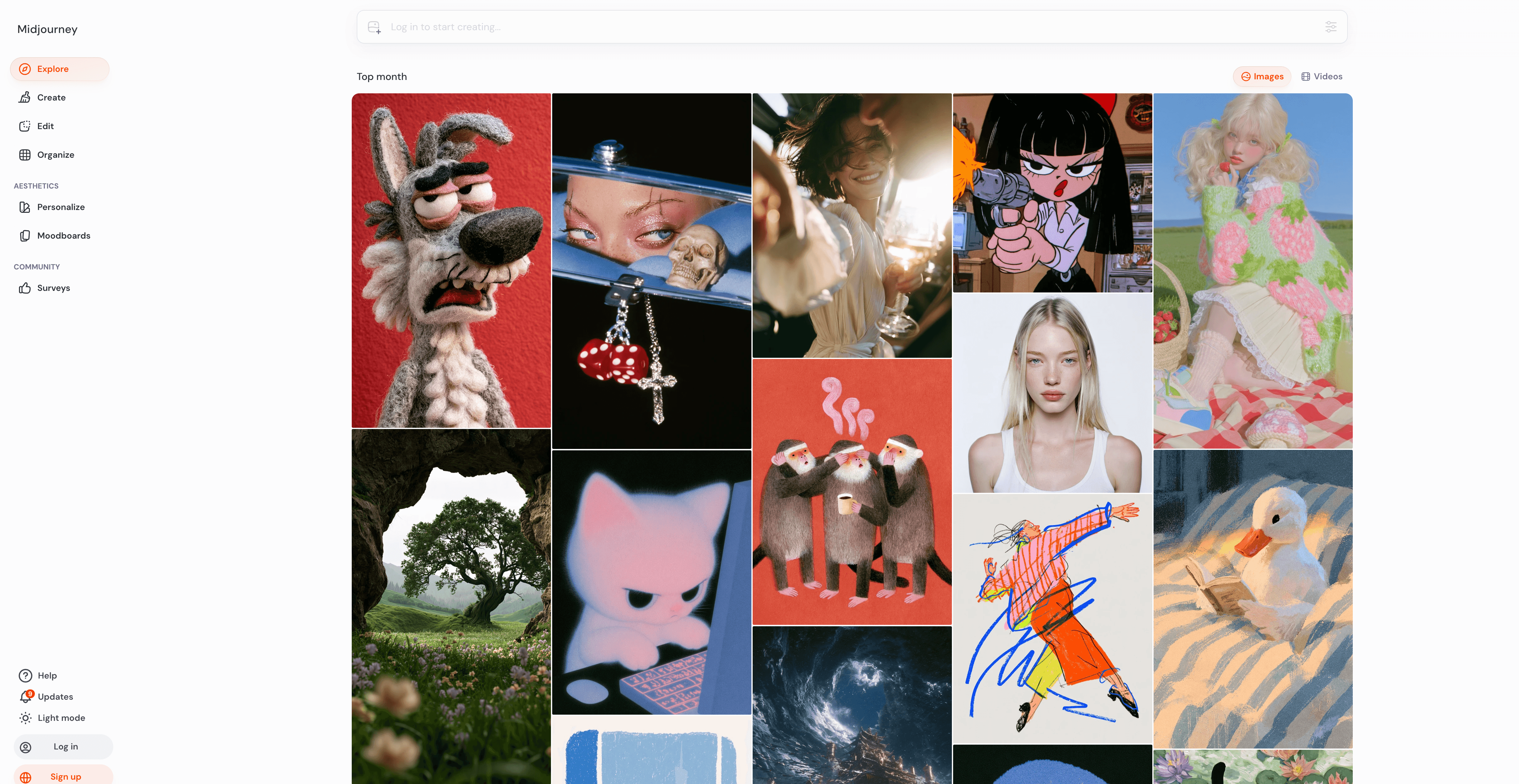
DeepAI's image generator offers over 100 styles and four quality modes, with the 2K Super Genius mode limited to 10 images a month on Pro. Midjourney is a specialist. Its plans are built around image generation time, not a fixed image count.
Midjourney's plan documentation lists four tiers: Basic at $10 a month, Standard at $30, Pro at $60 and Mega at $120. Yearly billing takes 20% off. Standard and above include unlimited Relax image generation. Pro and Mega include Stealth Mode, which lets you keep creations private on the Midjourney website. Anything you generate in a public Discord channel is still visible to people in that channel.
Best for: Illustrators, designers and marketers who care most about image style and finish.
Not ideal for: Anyone who needs a free option, or who wants chat, music and video in the same account. Companies with more than $1,000,000 in yearly gross revenue need Pro or Mega for commercial use.
Price and free access: From $10 a month. Confirm current plans on Midjourney's pricing page. For a wider field, see our list of the best AI image generators.
5. Leonardo AI: best free daily allowance for images
Replaces: Image Generator
Leonardo AI suits people who liked DeepAI's free image generator and want a larger daily budget. Free accounts get 150 fast tokens a day. The allowance resets every 24 hours and unused tokens expire.
Paid plans raise the token count. Essential costs $12 a month, or $10 billed yearly, with 8,500 fast tokens. Premium costs $30 a month with 25,000 tokens, and Ultimate costs $60 a month with 60,000.
Best for: Hobbyists and game or concept artists who generate a few images most days.
Not ideal for: People who want a simple one-box generator. Leonardo's help center says free users are limited to its Auto Image and Auto Video models.
Price and free access: Free daily tokens; paid plans from $12 a month on Leonardo's pricing page. If it is not the right fit, we also cover Leonardo AI alternatives.
6. Runway: best for professional video workflows
Replaces: Video Generator
Runway is the pick when video is client work. It is known for cinematic output, camera control and editor-style VFX workflows. DomoAI does not try to match it on manual camera control.
The Free plan gives 125 one-time credits and 5GB of storage, enough to test. Standard costs $15 a month, or $12 billed yearly, with 625 credits a month, no watermarks and 4K upscaling. Pro costs $35 a month with 2,250 credits, and Max costs $95 a month with 9,500.
Best for: Filmmakers, editors and agencies who need fine control over shots.
Not ideal for: Beginners who want templates, or creators who mostly make anime and character clips. DomoAI's style library is the closer fit there.
Price and free access: One-time free credits; paid plans from $15 a month on Runway's pricing page. Monthly credits on Standard and Pro do not roll over. Our roundup of the best AI video generators compares more options.
7. Suno: best for AI music
Replaces: Music Generator
DeepAI's music generator is generous on paper: Pro includes 100 songs a month, then $0.10 per extra song. You describe a genre, mood or story, and you can put your own lyrics in the prompt. DeepAI notes that generated audio may be shared publicly.
Suno focuses on music creation, and its Platinum plan also includes credits for visuals. The Free plan gives 50 credits a day without commercial rights. Pro costs $10 a month, or $8 billed yearly, with 2,500 credits a month and commercial rights. Premier costs $30 a month with 10,000 credits. Subscription credits do not carry over.
Best for: Musicians, video creators and hobbyists who want full songs with vocals.
Not ideal for: People who need commercial rights without paying. Those start on Pro.
Price and free access: Free daily credits; paid plans from $10 a month on Suno's pricing page.
DomoAI does not generate music, so the two pair well. Make the track in Suno, then build the visuals with our guide to an AI music video for a Suno song.
8. Character.AI: best for a large community character library
Replaces: AI Characters
Character.AI is one of the most widely used character chat platforms. Its draw is the size of its community. Users create and share characters, so you can find one for most fandoms and interests. It runs on the web and in mobile apps. You must be 18 or older to chat with characters on Character.AI.
Choose it over DeepAI's characters if character chat is the main thing you do and you want the widest selection. Choose Elymi if you want anime-first scenes with generated images and video inside the chat.
Best for: People who want to browse a very large library of user-made characters.
Not ideal for: People who want a smaller cast with ready-made scenes. Elymi is closer to that.
Price and free access: Character.AI has a free tier and an optional c.ai+ subscription. Check the official site for current pricing.
9. Canva: best for design and quick photo edits
Replaces: Photo Editor, Background Remover
DeepAI's photo editor and background remover handle single images. Canva fits when the image is one part of a design, such as a social post, a thumbnail or a flyer with text.
Canva's pricing page lists a Free plan, Pro at US$18 a month for one person and Business at US$25 a month per person. Free includes limited access to Canva's AI tools. Pro lists AI tools such as resize, translate and background removal, under fair-use limits and a shared monthly AI allowance.
Best for: Marketers, small business owners and students who need a finished layout, not only an edited photo.
Not ideal for: People who want raw generation volume. Canva's AI allowance is shared across tools and resets monthly.
Price and free access: Free plan available; Pro from US$18 a month. Prices exclude tax and can vary by region.
How to choose a DeepAI alternative
Pick by the job you do most often:
- Video and animation every week: DomoAI. Choose Runway if you need manual camera control for client work.
- Character chat and roleplay: Elymi for scenes, memory and visuals. Character.AI for the widest community library.
- Chat, writing and code: ChatGPT.
- Images: Midjourney for finish, Leonardo AI for a free daily allowance, DomoAI if you plan to animate the image next.
- Music: Suno.
- Design layouts: Canva.
You can also combine tools. One workable setup keeps a chat assistant for writing and adds a dedicated video tool for output. If video is your only concern, our Higgsfield AI alternatives guide compares more video-first tools.
When to stay with DeepAI
DeepAI is still the right choice in a few cases:
- You want chat, images, music and voice in one plan for $9.99 a month.
- You make only a few seconds of video a month.
- You want to try tools without creating an account.
- You like switching between chat models from several AI labs in one place.
FAQs About DeepAI Alternatives
Is DeepAI free?
Yes, in part. DeepAI says you can explore it for free without creating an account. The Free plan is ad-supported and limits images, chat and music. Its pricing table lists no video on Free, and voice chat stops at 60 seconds a day. DeepAI Pro costs $9.99 a month.
Is DeepAI safe to use?
For everyday creative tasks, keep personal details out of your prompts and avoid uploading sensitive photos or confidential client files. DeepAI collects prompts and uploads and may use your information to train its AI models. To opt out of that use, open the menu at the top of the site and select “Your Privacy Choices.” See DeepAI’s privacy policy.
What is the best free DeepAI alternative?
It depends on the tool. Elymi offers free, unlimited text chat with characters. Leonardo AI gives 150 fast tokens a day for images, and Suno gives 50 credits a day for music. ChatGPT has a free plan for general chat. DomoAI gives every newly registered user 30 credits, which is a trial, not an ongoing free allowance.
Does DomoAI have an AI chatbot like DeepAI?
No. DomoAI does not offer a general chat assistant for questions, code or math. InkoAI Agent is a chat-based creative assistant that makes images and videos from your description. For conversation with characters, DomoAI's separate app is Elymi.
Which DeepAI alternative is best for anime?
For anime video and images, DomoAI is the closest fit. Its Video to Video tool includes more than 40 anime styles, and its text-to-image tool has dedicated anime models. For anime character chat, Elymi has over 8,000 original anime characters.
Can I use AI-generated content commercially?
Rules differ by tool, so check each one. DeepAI's FAQ allows commercial use of images. Suno grants commercial rights for songs you create while on a paid plan. Upgrading later does not automatically give you commercial rights to songs you made on the free plan. Midjourney requires Pro or Mega for companies above $1,000,000 in yearly gross revenue. DomoAI's paid plans export without a watermark; read its terms for usage rights.
Start with the tool you would use most
DeepAI is a good sampler. Once one tool becomes your main job, a specialist usually serves you better than a larger bundle.
If that job is video, animation or image editing, try DomoAI. Upload an image or type a prompt, pick a model, and check the credit cost on the Generate button before you commit. New accounts receive 30 credits to start.