AI Image Generator

Turn your ideas into anime art, realistic images, and original characters with DomoAI’s AI image generator. Explore DomoAI’s own anime models, plus GPT Image and Nano Banana options. Start with a text prompt, refine your favorite image, then bring it to life with DomoAI’s video tools.
Start for free
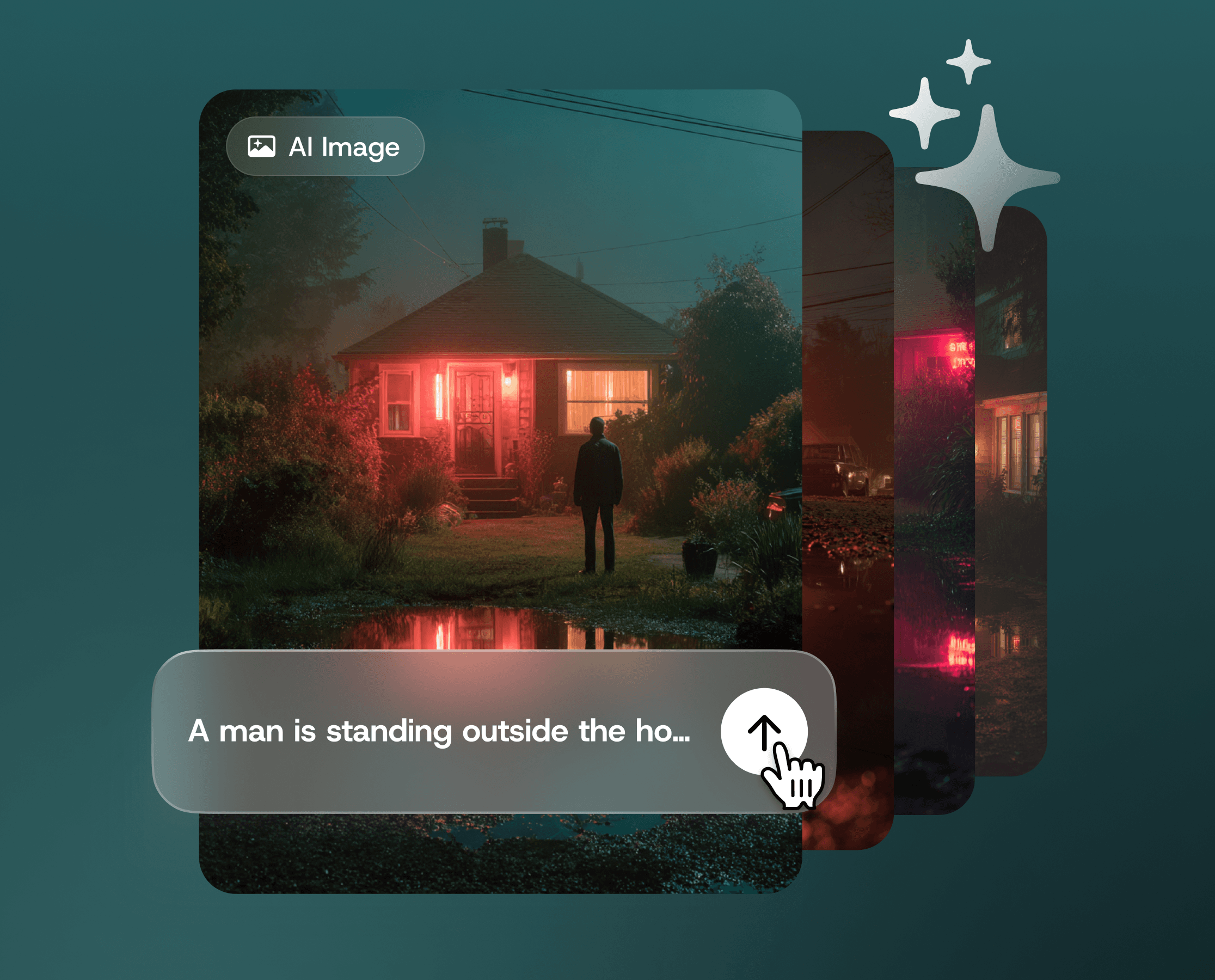
AI image generator preview with a text prompt and a man outside a red-lit house.

#7

Discord Server Globally

70+

AI Video Models

5,000,000+

Active Users

Civitai
Discord
TV Asahi
Andressen
Voicy
ESTEBANDIBA
ESTEBANDIBA

2693K

EMDOTTECH
EMDOTTECH

1768K

SEB.DRAWS.THINGS
SEB.DRAWS.THINGS

1559K

DENY KING
DENY KING

1340K

PLANET AI
PLANET AI

377K

MIKIMIKIWEB
MIKIMIKIWEB

288K

SHEDOESAI
SHEDOESAI

484K

ATEF ATAYA
ATEF ATAYA

288K

SUBOSE S
SUBOSE S

914K

MR REIS
MR REIS

669K

Turn Your Ideas into Images

Start with a prompt, explore a new direction, and find the look that fits your idea.

Speed and Efficiency

Turn a text prompt into an image without drawing from scratch. Spend less time creating a first draft and more time refining the details that matter.
Creative Inspiration

Explore fresh ideas for characters, scenes, and visual concepts. Generate different versions of your idea to find a direction for your next creative project.

Explore More Image Styles

Find a look that fits your vision, from anime and illustration to realistic images. Experiment with models, colors, and lighting to shape your own visual style.

Text to Image, Free!

Start with an Idea. Learn How to Generate It.

Start with an idea—and free credits when you sign up. Describe your character’s appearance, outfit, and setting, then explore DomoAI’s anime styles to give them a first look. No drawing skills needed. Refine your favorite result in the image editor, or watch the tutorial below to learn how to generate your first image.

How to Generate AI Images from Text

STEP 1

Describe Your Image

Write what you want to see: the subject, setting, style, and lighting. For example: “An anime girl with short white hair in a misty neon city, soft blue lighting, waist-up portrait.” Use clear phrases or natural sentences.

STEP 2

Choose a Model and Aspect Ratio

Pick a model or style that fits your idea, then choose an aspect ratio for your layout. Start with an anime style for character art, or explore other looks for scenes and illustrations.

STEP 3

Generate, Refine, and Download

Generate your image and review the result. Adjust the prompt to explore another direction, or open the image in DomoAI’s image editor to request specific changes. Download the version you want to use.

Make the Image You Need—and Keep Building

Give Your Original Character a First Look

Turn a character idea into a visual you can develop. Describe their hairstyle, outfit, expression, and setting to explore an original character, profile picture, or brand mascot. Start with DomoAI’s anime styles, then refine the details in the image editor.
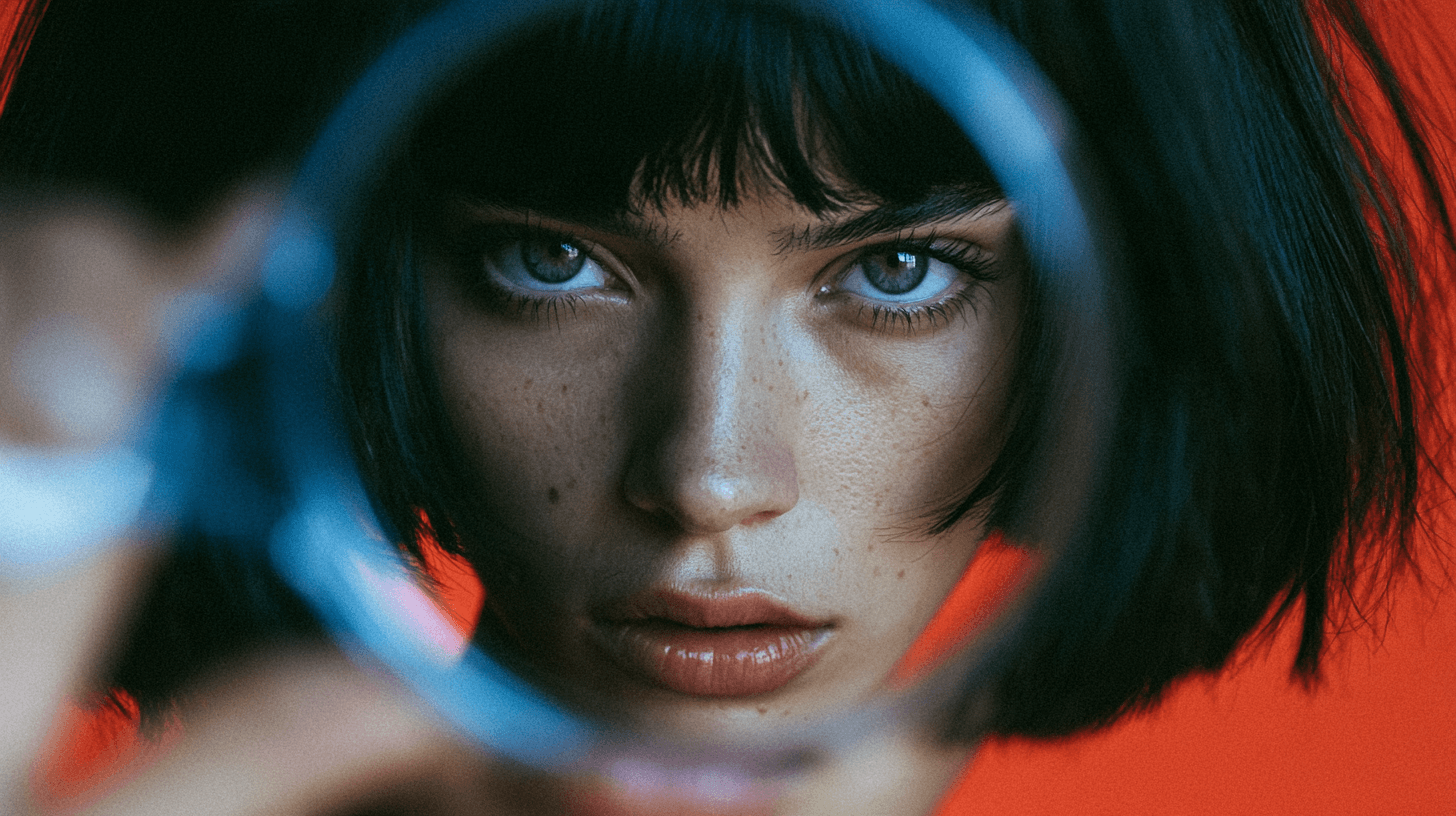
Close-up portrait of a woman with a black bob and blue eyes, framed by a blurred blue ring against a red background.

Create Visuals Around Your Story

Make a scene for a storyboard, a background for a post, or artwork for a thumbnail. Describe the composition and leave space where a headline will go. Try a new setting, color palette, or camera angle to explore a different direction.
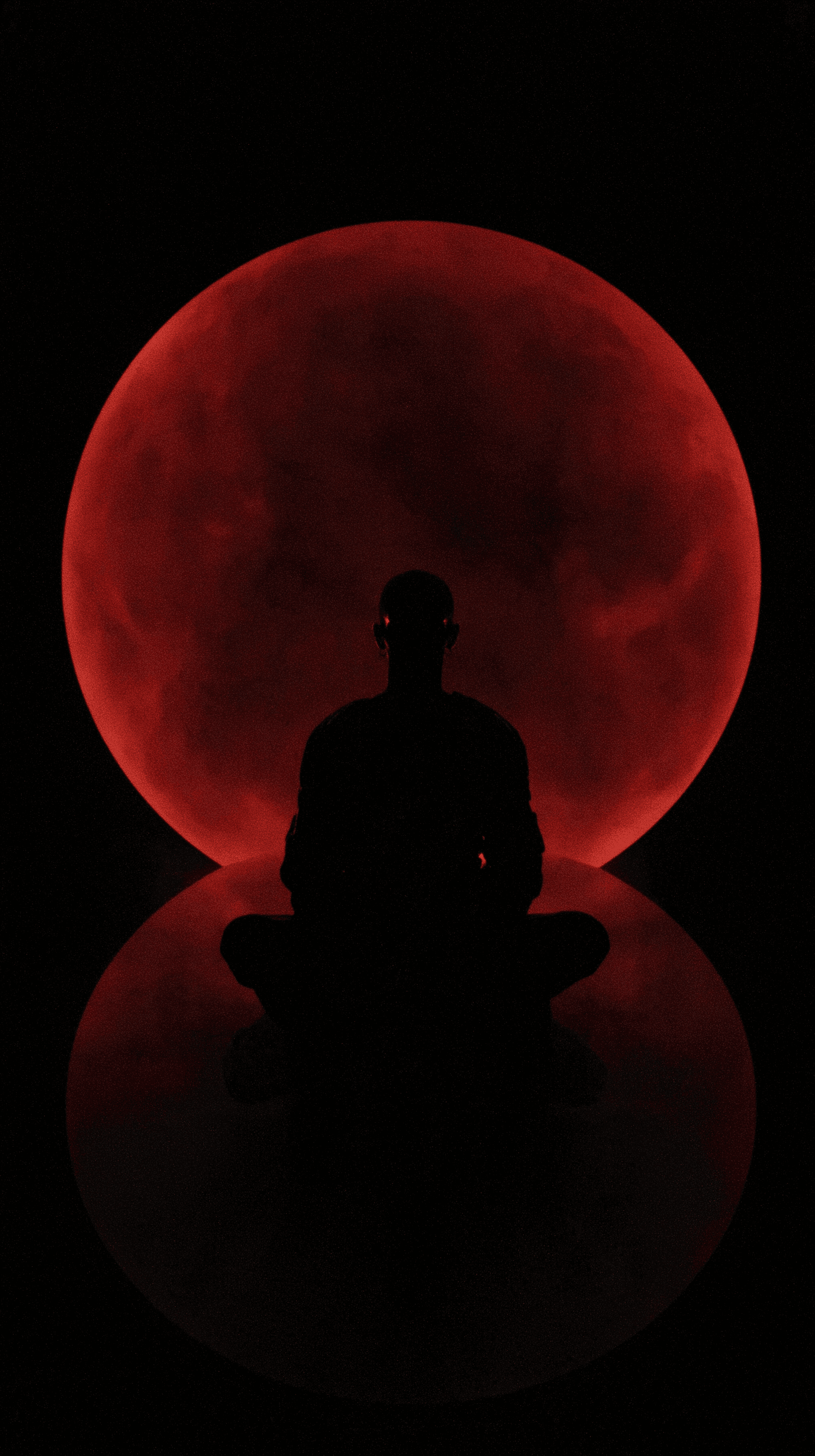
Silhouette of a person sitting cross-legged before a large red moon reflected on a dark surface.

Take Your Image into Motion

Use your finished artwork as the starting image in DomoAI’s Image to Video tool. For a character performance, pair a character image with a motion reference in Character to Video. Build the image first, then choose the animation workflow that fits your idea.
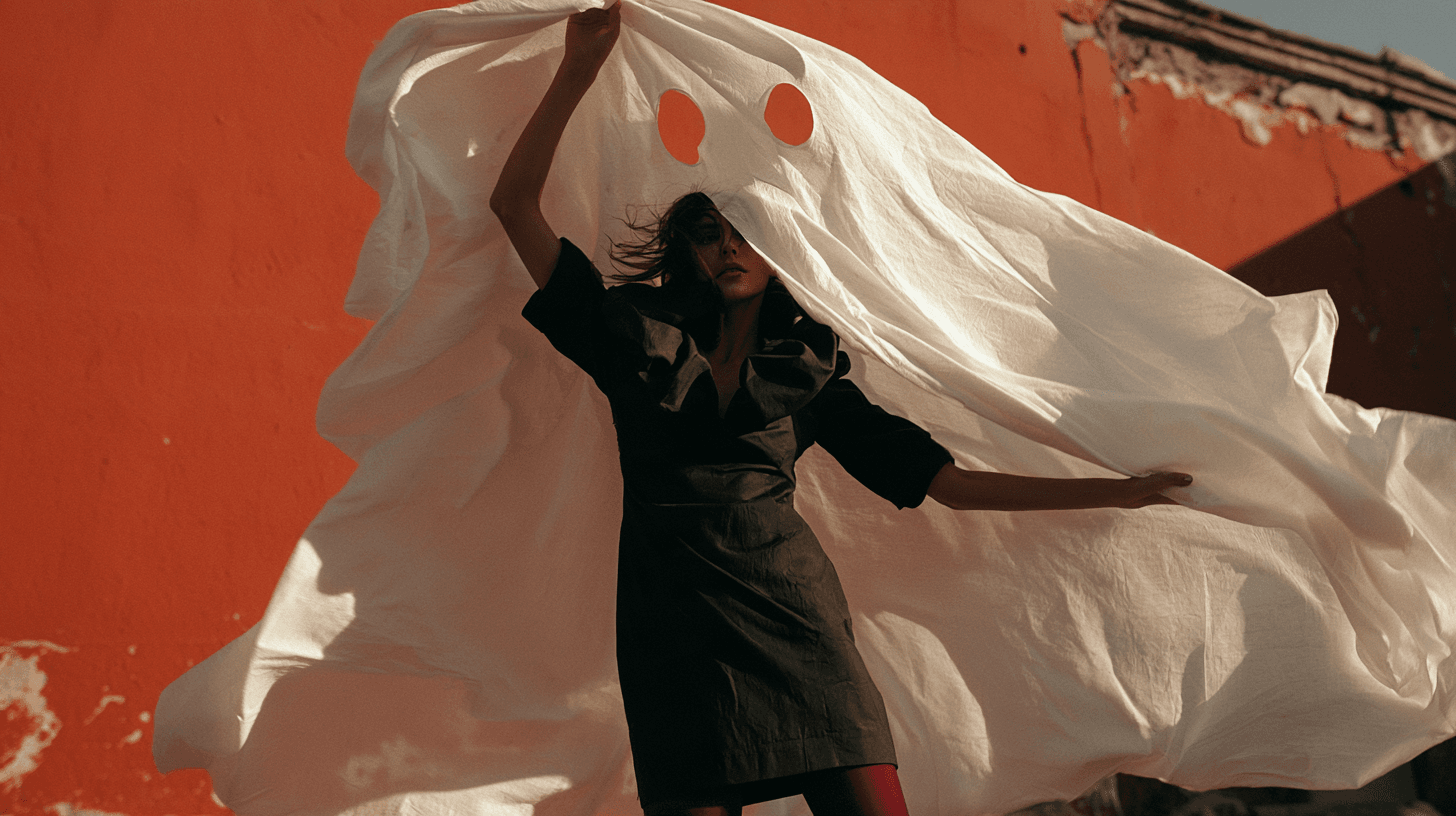
Woman in a black dress lifting a billowing white sheet with two eye holes against an orange wall.

AI Image Prompt Ideas to Get You Started

Try a character, a realistic scene, or a story setting. Copy a prompt, then change the subject, style, or lighting to make it your own.

Try This Anime Character Prompt

An original anime character with short white hair and a red jacket, standing on a rooftop above a misty neon city at night. Waist-up portrait, soft blue rim lighting, clean linework, expressive eyes, simple composition.

A Realistic Product Scene

A matte sage-green ceramic mug on a light oak table beside a window, with a linen napkin and a small leafy plant in the background. Photorealistic product photography, soft morning light, natural shadows, shallow depth of field, no text or logos.

A Storybook Scene

A tiny bookshop inside an enormous ancient tree, with glowing windows, a curved wooden door, and a stone path through a lush forest. Whimsical storybook illustration, warm evening light, rich greens and golds, wide composition with open space on the left for a headline, no text.

An Original Character Portrait

An original adventurer with curly dark hair, a teal travel cloak, and a small brass compass, standing in a sunlit mountain village. Stylized digital illustration, expressive face, warm earthy colors, soft directional lighting, waist-up portrait, uncluttered background.
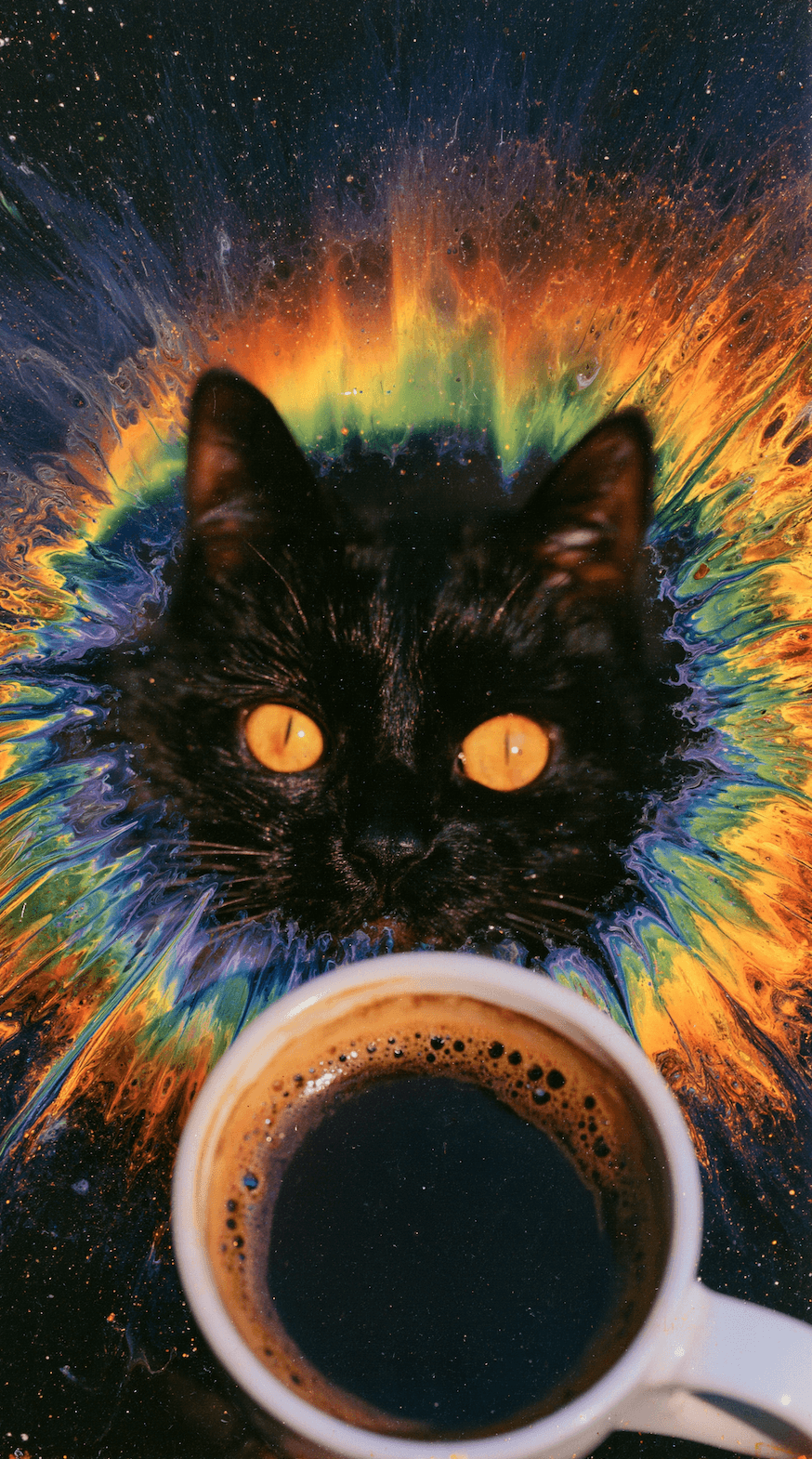
Black cat with golden eyes behind a cup of coffee, surrounded by a vivid rainbow splash.

Frequently Asked Questions

What is an AI image generator?
An AI image generator creates a new image from a written description. Describe a subject, scene, or style, and DomoAI turns your prompt into a visual you can review, download, or develop further with its editing and video tools.
How do I turn text into a picture?
Open DomoAI’s Text to Image tool, enter a prompt, choose a model and aspect ratio, and generate. Include details such as the subject, setting, lighting, and style. If the result is close but not quite right, revise the prompt or use the image editor for specific changes.
Can I create high-resolution AI images?
Yes. Selected models in DomoAI’s Multi-Model Image Generator & Editor support 4K output. You can also use Image Upscaler to enlarge an existing image. Available resolution and credit use depend on the model and settings you choose.
What types of images can I create with DomoAI?
Create anime characters, illustrations, realistic scenes, concept art, backgrounds, and social media visuals. DomoAI’s Text to Image styles are a starting point for anime and illustration; its multi-model image editor also supports generating new images from text.
Is DomoAI’s AI image generator free?
Yes. New users receive free credits when they sign up for DomoAI, so you can try generating images before choosing a paid plan. Credit use varies by model and settings. Visit the pricing page for current plans and model access.
Can I use my own image as a starting point?
Yes. Open DomoAI’s Multi-Model Image Generator & Editor, upload your image, and describe what you want to change. You can also use reference images with supported models. Reference limits vary by model.
How can I get better results from my prompt?
Describe the subject, setting, style, lighting, and composition. If a result misses the mark, change one or two details at a time so you can see what helps. For edits, state both what should change and what you want to keep. Review small details and any text before using the final image.
Can I turn my AI-generated image into a video?
Yes. Use your image in DomoAI’s Image to Video tool to add motion. If you want a character to follow a performance, use Character to Video with a character image and a motion reference. Video generation is a separate step with its own settings and credit requirements.

5M+ Creators Millions of Viral Videos

Generate, Stylize, and Upscale in One Place

Start with an idea. Create an image, refine the details, and take it into your next DomoAI project.